Free All-in-One Business Management Software Download Guide
Learn how to find and safely adopt a free all-in-one business management software download in 2026 — vetting, install steps, security and upgrade signals.
In this article
- Where to Find Free All-in-One Business Management Software Download
- How to Evaluate a Free All-in-One Business Management Software Download Safely
- Must-Have Features for Small Businesses
- Install, Migrate and Setup Checklist
- Security, Compliance and Reducing Risk
- Maintenance, Best Practices and When to Upgrade
free all-in-one business management software download is the phrase we type when we need a complete toolkit without a hefty price tag. In this guide we walk through safe sources, evaluation criteria, step-by-step setup, security checks, and long-term maintenance so that adopting a free suite actually helps our business grow. We share practical examples and checklists tailored to startups, small businesses and freelancers in the United States, and we mention My Business Suite when it helps illustrate how a unified solution can simplify the whole process.
Where to Find Free All-in-One Business Management Software Download
Finding a legitimate free all-in-one business management software download starts with a reliable origin. We prioritize official vendor websites, respected open-source repositories, and verified distribution platforms. That reduces the chance of malware, modified installers or deprecated builds.

Here are the most trustworthy places to look. Each entry includes what to expect and a short vetting tip.
- Official vendor pages , The developer’s website often hosts the latest stable installer and release notes. Check SSL, recent changelogs, and contact information.
- Open-source repositories , Platforms like GitHub and GitLab host source code and releases; they provide transparency via commits and issue trackers.
- Verified app stores , For desktop or mobile editions, official app stores (Microsoft Store, Apple App Store) reduce risk, though they may not host every all-in-one suite.
- Trusted third-party aggregators , Use them only when they link back to the official vendor and sign installers; avoid shady download mirrors.
We recommend bookmarking the original vendor page and following release notes. When possible, choose downloads signed with a valid code signing certificate; that gives us measurable assurance the installer wasn't tampered with.
Beyond source location, we also check licensing and distribution terms. Free does not always mean permissive: some projects use copyleft licenses (like the GPL) that carry obligations for redistribution, while others use permissive licenses (MIT, Apache) that are friendlier to commercial use. Skimming the LICENSE file or the vendor’s terms helps us avoid surprises during integration or when we later scale.
For software supply chain safety and broader guidance, we consult government resources such as CISA and practical cybersecurity recommendations from NIST.
External resources we rely on for vendor verification and small business guidance include the U.S. Small Business Administration for adoption guidance and the Federal Trade Commission for consumer protection advice.
How to Evaluate a Free All-in-One Business Management Software Download Safely
Downloading a free suite without evaluation is tempting, but the point is to avoid costly mistakes. We follow a compact vetting process before executing any installer. This reduces downtime, protects client data and preserves our reputation.

Quick vetting checklist
- Confirm the download URL belongs to the vendor domain or a verified repository.
- Inspect digital signatures or checksums when provided.
- Read recent release notes and user feedback on official issue trackers.
- Verify minimum system requirements and compatibility with our tech stack.
When checksums are available, we calculate the hash locally and compare. That straightforward step stops tampered packages in their tracks. If the vendor provides PGP signatures, we validate them against the developer’s published key.
Interpreting user reviews and community signals
We treat reviews as signals, not gospel. A spike in negative comments tied to a single release suggests a bug; long-standing complaints about security or data loss are red flags. For open-source projects, active maintainers, a high issue-resolution rate and regular commits speak volumes.
For further reading on security best practices and software verification, consult the Reuters technology section for trends in software distribution and the U.S. Census Bureau for business technology adoption context.
Sandbox testing and environment isolation
We always test installers in an isolated environment first. That means a virtual machine or separate test server that mirrors our production environment as closely as possible. In the sandbox we validate installation scripts, confirm the software does not attempt outbound connections to suspicious domains, and run basic functional checks: user creation, data import, and a simulated invoice cycle.
Running automated smoke tests in the sandbox helps us spot regressions early. We also monitor resource usage during the trial: CPU, memory and disk I/O patterns can hint at hidden costs when we scale to multiple users.
Must-Have Features for Small Businesses
We often see three personas, startup founders, small business owners and freelancers, share the same wishlist: consolidation, affordability, and clarity. A free all-in-one suite is only useful when it solves real pain points.
The list below translates those pain points into concrete features we insist on evaluating before we commit:
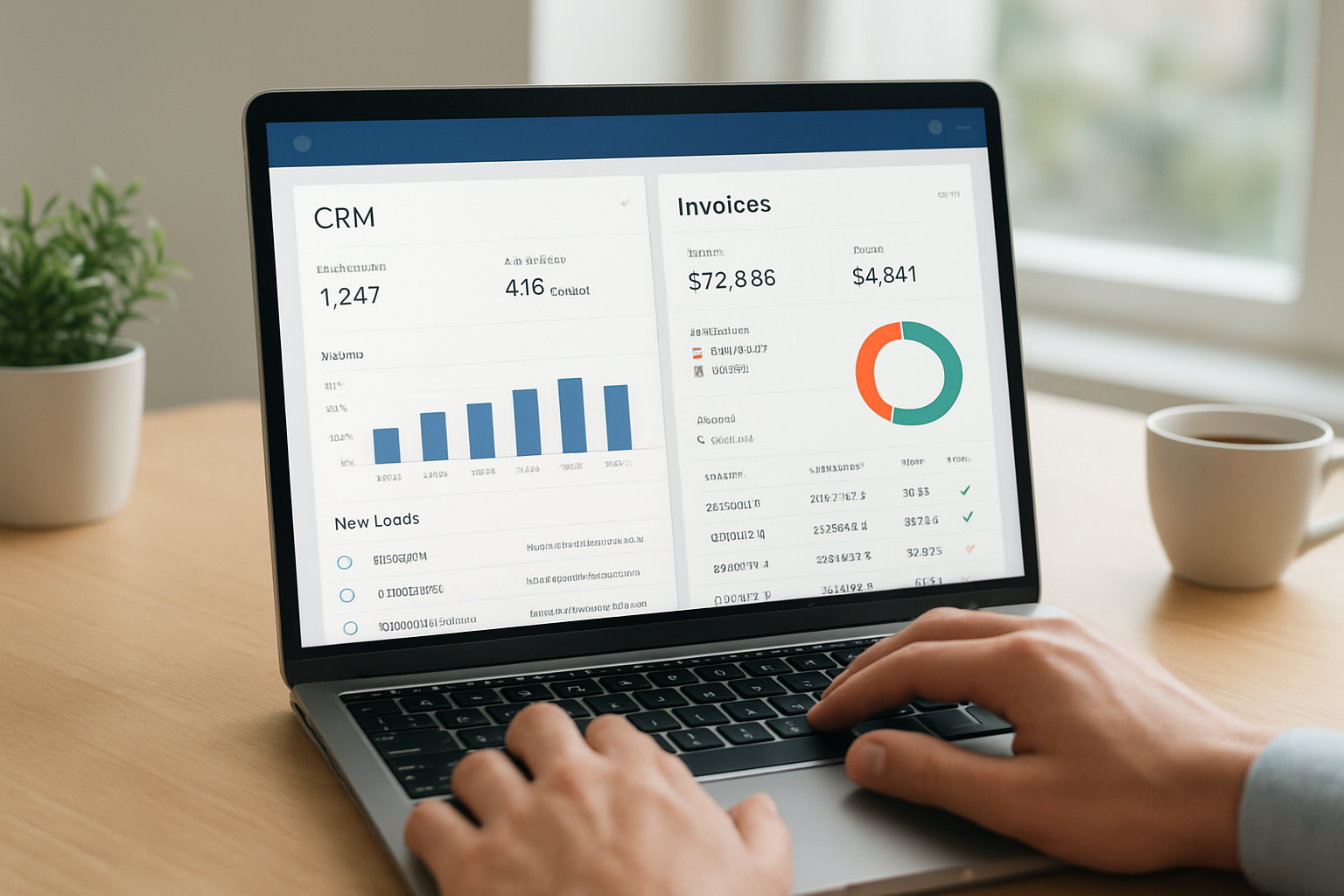
- Customer relationship management (CRM) , Contact history, tags, and follow-up reminders so no lead slips away.
- Invoicing and payments , Custom invoices, payment integrations and automated reminders to keep cash flow predictable.
- Project and task management , Boards, timelines and client-specific views to keep work organized.
- Integrated communication — Centralized messaging or email templates for consistent client interactions.
- Financial dashboards — Expense tracking and simple reports that make tax time less painful.
- Role-based access control — Ability to limit data exposure across staff and contractors.
As an analogy, imagine our business as a small restaurant: we need a single place to manage reservations, orders, payments and staff shifts. If these systems live in disconnected apps, coordination breaks down. A unified hub prevents that fragmentation and gives us a clear view from task to cash flow.
Integration priorities and APIs
APIs and integrations are the quiet engines of a growing business. We prioritize suites that offer REST APIs, webhooks and pre-built connectors for payment processors, accounting tools and email platforms. That way we automate repetitive steps and avoid manual CSV gymnastics.
For each persona we map priorities: Maria (startup founder) needs scalable APIs and branding controls; Sarah (small business owner) values built-in invoicing and simple accounting exports; David (freelancer) wants quick client views, time tracking and one-click invoices. When the suite supports these integration patterns, it becomes an operational multiplier rather than another silo.
Examples and use-case scenarios
Consider a freelancer juggling five clients. With an integrated suite we can create client-specific project views, automated invoices and a client history that doubles as an audit trail. For a small retailer, integrated invoicing and inventory sync prevents stockouts and ensures revenue tracking stays accurate.
These practical examples mirror the value proposition behind solutions like My Business Suite: a unified platform that simplifies workflows while centering the client experience.
Install, Migrate and Setup Checklist
Installing a free all-in-one suite is one thing; migrating existing data takes planning. We follow a phased approach to minimize disruption and protect our client relationships.
- Inventory current systems and exports. Identify CRM, invoices, projects and files that need migration.
- Back up everything. Local backups and secure cloud copies give us rollback options.
- Test import on a staging account. Validate data integrity before going live.
- Configure users and roles. Start with a small pilot group and expand once workflows stabilize.
- Set up automated notifications and payment gateways last, after testing workflows.
Each step deserves attention. For example, when mapping customer fields across systems, we confirm that custom fields are preserved and that date formats match. A mismatched date format can scramble reports and create billing errors.
Data hygiene checklist
We clean data before migration. That means merging duplicate contacts, normalizing address formats, and removing obsolete records. Cleaning reduces friction during import and improves search and segmentation after go-live. We document transformation rules so future imports remain consistent.
Training and internal documentation are part of the rollout. We build a short operations manual with screenshots, role responsibilities and escalation paths. That documentation saves time when new team members join or when we troubleshoot unexpected behavior.
Migration example: freelancer to unified suite
Imagine a consultant with spreadsheets for time tracking and a separate invoicing app. We export time logs as CSV, align columns with the suite’s timesheet import template, and test upload for five recent projects. We confirm invoice numbers and client contacts match, then run parallel invoicing for one billing cycle to verify parity.
- Backup spreadsheets to cloud storage and local disk.
- Import into a sandbox account and reconcile results with original invoices.
- Go live and monitor the next billing run.
This staged approach gives us confidence while keeping clients unaware of any behind-the-scenes work.
Security, Compliance and Reducing Risk
Security must be practical. We want tools that protect client data and keep compliance costs predictable. The reality is that even free software can be secure if we follow the right checks and administrative discipline.
Practical security checklist
- Enable multi-factor authentication for all admin accounts.
- Verify encryption in transit (TLS) and at rest when available.
- Review data retention and export policies so we control our records.
- Implement role-based access control to restrict sensitive financial or client records.
- Keep software updated and monitor vendor security advisories.
Regulatory obligations vary by activity. For tax compliance and reporting obligations, we direct readers to the Internal Revenue Service. For general consumer protection and data handling guidance, consult the Federal Trade Commission.
Minimizing risk during downloads and updates
When we download a free suite, we avoid installers that request excessive permissions or include bundled software. We also prefer solutions that offer transparent privacy policies and documented security practices.
Operationally, we keep a centralized inventory of installed business software and maintain a simple patch schedule. That way we know when a critical security update is available and which teams must act.
Backups and incident readiness
We follow a conservative backup strategy: multiple copies, different locations, and periodic restoration drills. The 3-2-1 approach (three copies, two media types, one offsite) is a practical rule we adopt. We also draft a brief incident response playbook that outlines communication steps, containment actions and regulators or partners to notify. For templates and federal guidance on incident response, we consult resources at CISA and NIST.
Maintenance, Best Practices and When to Upgrade
Adopting a free solution is the start, not the finish. Ongoing maintenance shapes whether the solution becomes a growth catalyst or a long-term burden. We treat maintenance as part of our operational clarity.
Daily and weekly habits
- Daily: Confirm backups completed and check that scheduled exports ran as expected.
- Weekly: Review outstanding client messages, failed payments and overdue tasks.
- Monthly: Reconcile financial reports and check for software updates or security advisories.
These habits keep us proactive. Instead of reacting when a client raises an issue, we see it beforehand and fix it. The momentum from consistent operations turns the software into an engine for growth.
When free no longer fits
Free tiers often have limits: user seats, storage, API calls or integrations. We watch usage metrics and set thresholds so we know when to upgrade. Common triggers include persistent automation needs, payment volume growth, or regulatory requirements that demand advanced controls.
To decide, we compare the marginal cost of paid plans against time saved, revenue protected, and reductions in administrative overhead. For many businesses, the right upgrade accelerates growth because it replaces manual work with automated, auditable processes.
Practical rule-of-thumb for upgrading
We consider an upgrade when one of these is true:
- We lose more than 10 hours per week to manual reconciliation or duplicate data entry.
- Payment failures or invoicing delays start to impact cash flow.
- Regulatory needs require advanced access logs, encryption or audit trails.
When in doubt, run a month-long cost-benefit pilot on the paid tier to measure actual gains rather than assumptions.
Measuring ROI and KPIs to track
We prefer simple, measurable KPIs: reduction in time spent on invoicing, average days sales outstanding, number of manual reconciliations per month, and uptime for customer-facing tools. Tracking these over a pilot period shows whether a paid plan pays for itself in saved time, reduced errors and faster cash flow.
Conclusion
Searching for a free all-in-one business management software download is worthwhile when we approach the choice methodically. By sourcing installers from official pages, validating signatures, prioritizing essential features and maintaining sound security practices, we ensure the suite becomes a unified hub that drives client-centric efficiency.
For teams and solo entrepreneurs who want a predictable path from task to cash flow, the step-by-step checks in this guide reduce friction and risk. My Business Suite exemplifies the unified approach we recommend: a consolidated toolkit built to scale with our business while keeping operations clear and focused.
FAQ
Is it safe to use free business management software for client data?We can use free software safely if we follow verification steps: download from official sources, validate checksums or signatures, enable multi-factor authentication, and limit user access via roles. For legal questions about data retention and specific regulatory obligations, consult the FTC or legal counsel.
How can we avoid hidden costs with free software?We avoid surprises by reading the vendor’s pricing and usage limits, understanding integration costs, and tracking API or storage usage. Running a one-month pilot and mapping staff hours saved against potential subscription costs helps us decide objectively.
What is the safest way to migrate data into a free suite?We back up all data, import into a sandbox account first, reconcile results, and run parallel invoicing or operations for one billing cycle before switching fully. This staged approach gives us rollback options and reduces client-facing errors.
When should we upgrade from a free plan?We upgrade when manual overhead exceeds the cost of a paid plan, when payment or compliance risks appear, or when automation and integrations materially accelerate revenue. A short financial analysis comparing time saved to subscription cost clarifies the decision.
Where can we find more small business resources for adopting software?We recommend checking the U.S. Small Business Administration for guides and the IRS for tax guidance. For news about software distribution and cloud trends, reputable outlets such as Reuters provide timely coverage. For resources aimed at Brazilian small businesses and statistical context, see SEBRAE, the national government portal gov.br, and the IBGE. For business news and analysis in Portuguese, consider Exame.