Free Online Invoicing for Small Businesses 2026
Practical guide to free online invoicing for small businesses in 2026—setup, automation, templates and tracking to speed payments and streamline cash flow.
Neste artigo
- Why invoicing matters for small businesses
- How to choose free online invoicing for small businesses
- Set up invoices, templates and branding
- Automate payments, reminders and approvals
- Track cash flow, reports and taxes
- FAQ and next steps
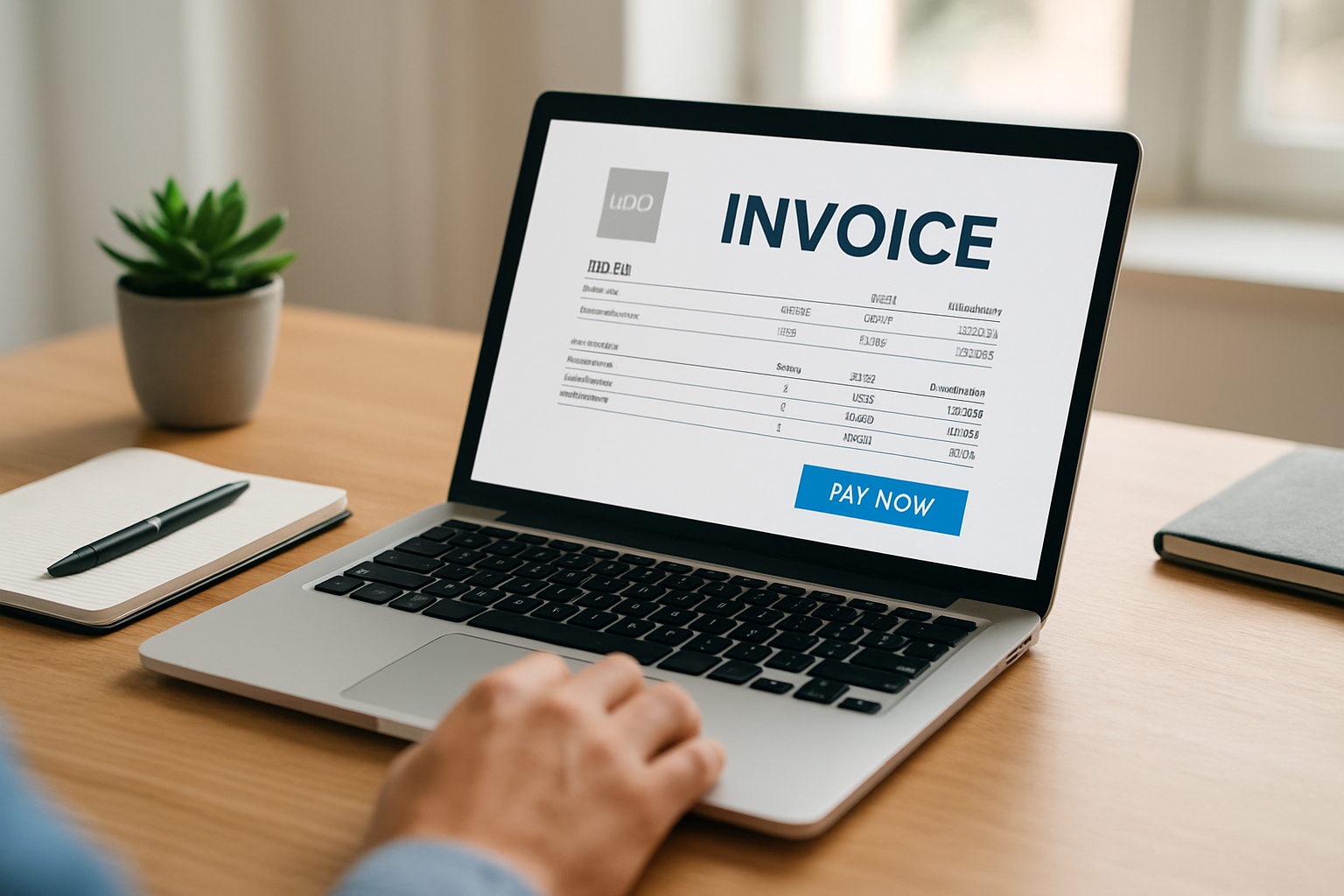
Free online invoicing for small businesses is not just about saving a few minutes on paperwork; it changes how we manage cash flow, client relationships and the time we dedicate to growth. Right away, we want to show practical choices, step-by-step setup tips and real workflows that help a one-person consultancy or a five-person storefront get paid faster without adding software chaos.
Beyond those immediate wins, invoicing is the heartbeat of predictable revenue. We often underestimate how a small change,like adding a payment link or clarifying a line item,reduces friction and shortens payment cycles. In practice, that means fewer surprise shortfalls and steadier runways for hiring or buying inventory.
We also find that the process we choose signals something larger to clients: how we handle money mirrors how we handle work. When invoices are clear and reliable, clients treat the relationship as professional and repeat business follows more naturally.
Good invoicing also forces us to think through operational dependencies. When an invoice includes purchase-order numbers, project codes and expected delivery milestones, other teams can align: inventory planning, payroll and customer success all run on the same signals. Clear labels on invoices make downstream reconciliations and forecasting far more reliable.
Beyond internal benefits, invoicing choices affect client onboarding and retention. A simple first invoice that includes payment instructions, contact details for billing questions and a short FAQ reduces the number of back-and-forth emails. That lowers friction for first-time payers and reduces the cost-to-collect per client.
Why invoicing matters for small businesses
The moment an offer is accepted, invoicing becomes the central plank between work completed and revenue collected. We know that late or inconsistent invoices hurt cash flow and morale. Simple as that.

- Invoices are legal and tax records , they document what was sold, when and for how much.
- Well-structured invoices speed up payments by reducing questions and disputes.
- Automated invoices free up time we can use to sell, build or serve clients better.
On the practical side, invoices are also how we present our brand. A clean invoice can feel like a business card that says: we are professional, organized and easy to work with. That credibility often shortens the payment cycle.
For regulatory and tax guidance about invoicing, recordkeeping and deductions, we recommend checking Receita Federal (gov.br) and practical business reporting and guidance from G1’s business section and Sebrae. For businesses in Brazil, the Receita Federal page remains a primary source for national tax rules and forms.
To make this concrete, consider a local bakery that switched from paper invoices to emailed invoices with payment links. They moved several weekly wholesale accounts from net-30 to due-on-receipt by simply making payment easy. The result: fewer missed payroll headaches and smoother ordering of ingredients. That kind of operational clarity translates directly into fewer late nights reconciling accounts.
We should also remember that invoices feed downstream processes. Accurate invoice metadata,client contact, project code, tax status,powers reporting, taxes and forecasts. When that metadata is messy, forecasts are guesses; when it’s clean, forecasts become decisions we can trust.
How to choose free online invoicing for small businesses
Choosing a free online invoicing tool feels overwhelming because there are many options and subtle trade-offs. We approach the decision with three questions: does it cover our must-haves, will it scale with us, and how easy is adoption for our team and clients?

Free online invoicing for small businesses should meet these baseline criteria:
- Customizable invoice templates (logo, payment terms, itemized lines).
- Automated delivery and reminders by email or link.
- Payment integration with card processors or ACH.
- Basic reporting for outstanding invoices and cash flow.
- Exportable records for accounting and taxes.
Let’s unpack why each item matters in practice.
Must-have features explained
Custom templates keep our brand consistent. When a client recognizes our logo and formatting, it reduces friction. Payment links make it effortless for clients to act immediately. Reporting gives us foresight: we can see upcoming cash, overdue accounts and where to follow up.
- Security and compliance: make sure the provider encrypts data and follows payment-card industry norms.
- Limits on transactions: verify any monthly limits or fees for bank transfers so the free plan doesn’t surprise us later.
- Integration: if we already use accounting software or a CRM, picking a tool that exports or links smoothly saves hours.
When we evaluate vendors, we test three scenarios: issuing a first invoice, sending a recurring invoice, and handling a partial payment or refund. If those flows are frictionless, adoption is likely to succeed.
We also recommend looking at how the vendor logs activity. An audit trail that timestamps invoice creation, modifications and sent reminders prevents later disputes and gives us a clean narrative for client conversations or any required audits.
It helps to run a quick cost-benefit check before standardizing on a provider. Estimate the time saved per invoice, any processing fees passed to clients, and the potential reduction in days sales outstanding (DSO). Even a modest reduction in DSO can improve monthly cash coverage and reduce reliance on short-term credit.
For broader context about small business operations and planning, the IBGE and local industry coverage in major news outlets like Folha de S.Paulo provide useful benchmarks and studies on company composition and economic impact. Those datasets help us understand where our business sits relative to peers and which operational metrics to prioritize.
Testing vendor flows
Our hands-on checklist for vetting tools includes these quick tests:
- Create and send an invoice to yourself,verify formatting across desktop and mobile email clients.
- Simulate a partial payment and check how the tool displays balances and receipts.
- Export a month of invoices and verify the CSV maps cleanly to your accounting fields.
Doing those three tests in the first hour saves headaches later. If a tool hides transaction fees in confusing language or makes reconciliation difficult, we pivot early.
Set up invoices, templates and branding
Setup is where we translate bookkeeping into customer-facing clarity. A few intentional minutes here saves days of back-and-forth later.
- Decide on payment terms (net 15, net 30, due on receipt) and apply consistently.
- Create two templates: a standard invoice and a late-notice template.
- Include required legal elements: business name, tax ID if applicable, invoice number, issue date and due date.
Here’s a practical checklist we follow when creating our first invoice template.
- Add branding: logo, business name, and consistent font or color.
- Itemize services or products with clear descriptions and unit prices.
- Include subtotal, taxes (if applicable), discounts and the final total.
- Provide multiple payment options and explicit instructions for each.
- Add terms about late fees or interest only if we intend to enforce them.
Imagine a freelance designer who charges hourly. Instead of a vague “design work” line, we specify: 12 hours @ $75 , logo concept and two revisions. That one sentence reduces ambiguity and speeds approval.
On taxes and recordkeeping, the Receita Federal recordkeeping guidance outlines what counts as sufficient documentation for deductions and audits. We keep invoices exportable as PDFs and CSVs so accountants can run reports without rekeying data.
For businesses that bill clients in different states or to international customers, we add a short currency and tax note on the template. That can be as simple as: “Prices shown in USD. Client responsible for local VAT/GST where applicable.” Clear language here reduces disputes and keeps expectations honest.
We also build a short FAQ into our template footer for common client questions: payment deadlines, accepted methods, and contact info for billing inquiries. That snippet prevents the same question from triggering a phone call every week.
When onboarding a client to a new invoicing flow, send a short welcome email that explains the new process and includes a one-line guide: what to expect, where to find invoices, how to pay and a contact for questions. That single communication halves the number of billing-related support requests during the first month.
Automate payments, reminders and approvals
Automation is where free online invoicing for small businesses often delivers the largest return. A well-timed reminder reduces excuses. A payment link embedded in an invoice closes the loop within minutes.
- Enable automated reminders for upcoming and past-due invoices.
- Offer multiple payment methods and make sure fees are transparent.
- Use recurring invoices for subscription or retainer clients.
We set reminders conservatively: a reminder a week before due date, on the due date, and a final polite notice a week after due date. The tone matters — friendly, clear and actionable.
Practical reminder copy works best when it includes the invoice number, the amount due and a single-click payment link. Example subject lines we use: “Invoice 2026-045 – Due in 7 days” and “Friendly reminder: Invoice 2026-032 – Past due.” Those subject lines reduce inbox triage time for clients and increase the chance of immediate payment.
Handling partial payments and deposits
For projects that require deposits, build milestones into invoices. That keeps expectations aligned and simplifies applying payments against the correct invoice.
- Create an initial invoice for the deposit with a clear due date.
- Send milestone invoices as work completes, referencing the project number.
- Always mark invoices as partially paid when a deposit is applied to preserve history.
We also recommend enabling automatic reconciliation where available. If a payment processor syncs to your invoicing tool, it reduces manual entry and saves hours in month-end closing.
Dealing with failed payments and chargebacks
Failed card payments and ACH returns happen. Our first move is to automate a polite, informative notification that tells the client what failed, why (if available) and how to retry payment. A clear retry link beats a phone call in speed and professionalism.
- Automate retry attempts where safe and permitted by your payment provider.
- Combine an automated email with a personal follow-up for high-value clients.
- Keep a log of chargebacks and disputes; if patterns emerge, address root causes like billing descriptor confusion or unclear scope.
When chargebacks occur, we collect supporting documents: signed contracts, delivery confirmation and communication logs. Those artifacts materially raise the odds of a successful dispute on behalf of our business.
Another useful automation: tag clients who have recurring late payments and route invoices to an account manager for a brief personal outreach after the first late notice. That extra touch often resolves payment friction faster than escalation to collections and preserves the client relationship.
Track cash flow, reports and taxes
Invoicing does not end when a payment is sent. We need timely reports to know whether we have runway, when to hire and when to invest.
- Run an accounts-receivable aging report weekly to prioritize collections.
- Export revenue data monthly to reconcile with bank statements.
- Keep a simple forecast for expected inflows based on issued invoices and known recurring revenue.
Practical reporting examples we use:
- Open invoices by client, sorted by oldest due date.
- Monthly revenue vs. previous month to spot trends.
- Payment method breakdown to understand processing costs.
For tax season, we prepare by exporting invoice totals and sales-tax collected monthly. If we collect sales tax, check relevant tax authorities for reporting and remittance schedules; maintain a separate report showing taxable sales to make filing painless.
Track a short roster of KPIs each week so collections stay predictable. The core metrics we watch are:
- Days Sales Outstanding (DSO): average days between invoice issue and payment.
- AR aging buckets: percent of receivables in 0–30, 31–60, 61–90, 90+ day ranges.
- Collection rate: percent of invoiced dollars received in the period.
- Invoice processing time: average minutes to create and send an invoice.
Small improvements in these metrics compound. For example, reducing average invoice processing time by half saves labor and allows more frequent, cleaner reporting. Reducing DSO by 5–10 days can materially ease short-term cash needs and lower financing costs.
When we need deeper financial advice, local business support and mentorship pages can point to accountants and mentors who specialize in small-business bookkeeping and cash-flow planning. In Brazil, G1's business section and local industry coverage in outlets like Folha de S.Paulo and Exame often profile resources and programs available to entrepreneurs.
We also measure the operational ROI of invoicing automation. Consider this hypothetical scenario: imagine a consultant who sends 50 invoices a month and spends 10 minutes manually creating each one. That’s roughly eight hours per month on invoicing alone. Automating the process can cut that time by 70–80%—time we can redirect into client work or growth initiatives. While this is an illustrative example, tracking time-saved and faster payment days gives us a tangible metric to justify upgrading tools or subscribing to a paid tier.
If we want a single system that connects client records, invoices and dashboards, My Business Suite is designed to serve as that unified hub. Consolidating those records shortens reconciliation cycles and gives us one place to see client lifetime value, outstanding invoices and project status at a glance.
FAQ and next steps
We wrap with actionable next steps and an FAQ so teams can move from reading to doing in one session.
- Start with one client: create, send and reconcile the first invoice as a test.
- Standardize templates and due dates across clients for consistency.
- Review your free plan limits every quarter to avoid surprises.
Suggested 30‑day rollout
- Week 1: Choose a free tool, set up templates and test with internal invoices.
- Week 2: Migrate outstanding invoices and inform clients of the new payment flow.
- Week 3: Turn on automated reminders and integrate payment processing.
- Week 4: Export initial reports and fine-tune reminder cadence and copy.
Frequently asked questions
How secure are free online invoicing tools?Security varies. We check whether the provider uses encryption, stores data in reputable cloud services and offers two‑factor authentication. For payments, we confirm the provider relies on PCI-compliant processors. If security is a top concern, ask the vendor about their SOC or PCI attestations before storing sensitive client data.
Can I use free invoicing for tax reporting?Yes. Most free invoicing tools let us export invoices and payments as CSV or PDF, which accountants use for tax filings. For specifics on which records to keep, consult the main tax authority guidance for your country, such as Receita Federal for companies based in Brazil.
What if a client refuses to pay an invoice sent through a free tool?First, document all communications and payment attempts. Then, use the dispute or notes features in your invoicing tool. If needed, escalate to formal collections or small-claims court. We recommend consulting local legal guidance before escalating. For practical steps and small-business legal resources, local business support sections in major outlets and mentorship programs can point to advisors.
How should I handle VAT/GST when billing international clients?Start by clarifying who is responsible for taxes in the contract and on the invoice. Display the currency and indicate whether prices include local VAT/GST. When required, capture client VAT IDs and document the transaction in your accounting system. If you regularly bill internationally, consult a tax advisor to determine registration thresholds and reporting obligations in each jurisdiction.
Next steps? We suggest piloting a free online invoicing workflow this week. Create one branded template, issue three invoices and turn on auto reminders. Track how much time we save and whether payments arrive faster. If we need a single platform that unifies client records, invoices, and basic finance dashboards, My Business Suite provides a unified hub designed for small teams — it helps us move from task to cash without patching multiple apps together.
Finally, keep learning. For broader benchmarks on small business operations and economic context, explore IBGE and business coverage in major outlets like Folha de S.Paulo and G1.
We hope this guide helps you pick and implement the right free online invoicing solution for your business in 2026. When invoices are clear, branded and automated, we get paid faster and focus on what grows the business: serving clients, not chasing payments.