QuickBooks vs Wave vs Zoho Books: Costs & Features 2026
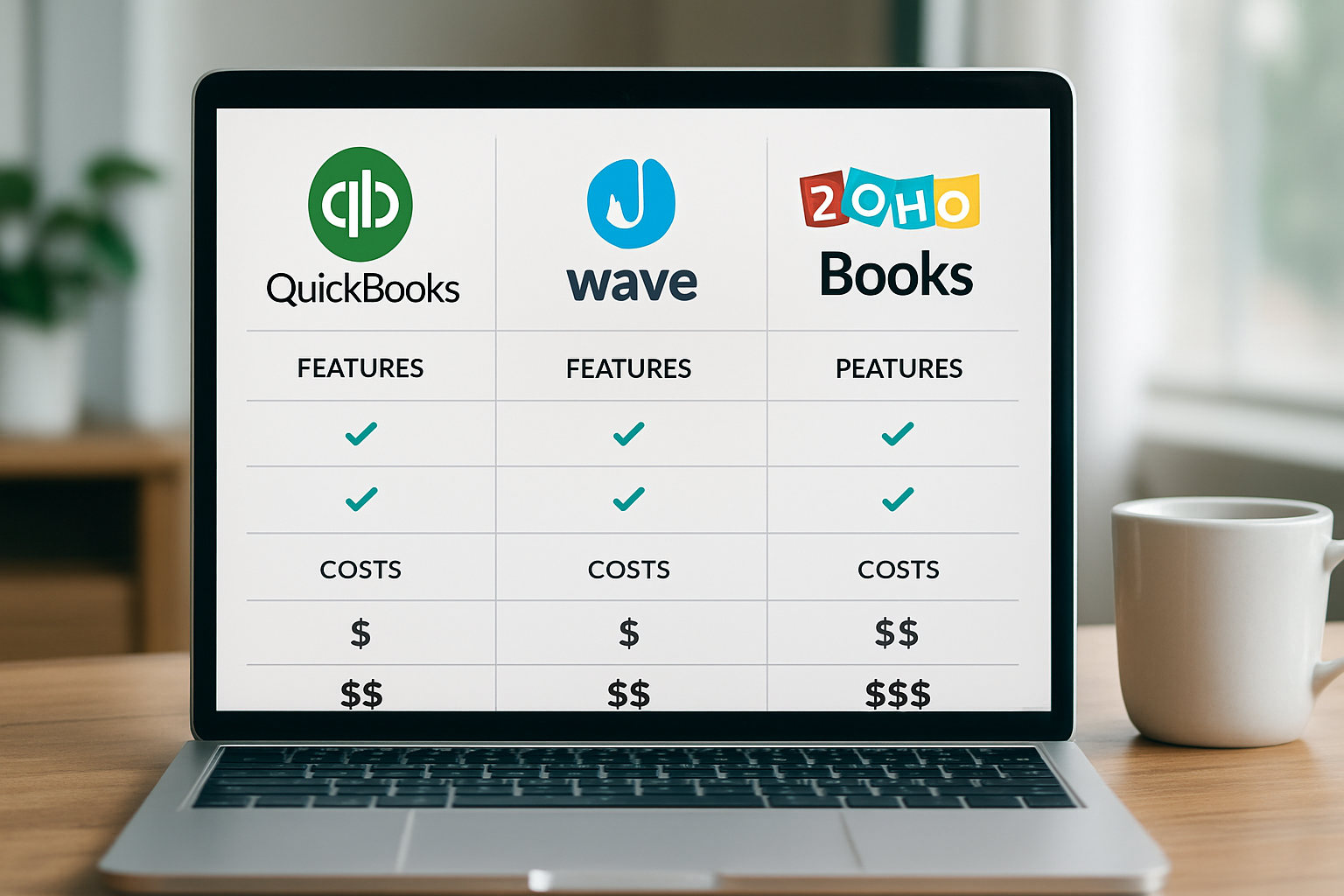
In 2026 we compare QuickBooks, Wave and Zoho Books on price, features and integrations to help small teams choose the right accounting tool.
Neste artigo
- Overview: Why this comparison matters in 2026
- QuickBooks vs Wave vs Zoho Books: Costs compared
- QuickBooks vs Wave vs Zoho Books: Features and limits
- Integrations, automations and real workflows
- How to choose: practical decision guide for small businesses
- Frequently asked questions
quickbooks vs wave vs zoho books is the comparison we see most often when advising small teams about accounting stacks. We know the choice feels like picking the right tool for a long trip: price, user experience, and the ability to scale matter. In this article we walk through costs, core features, integrations, and the real trade-offs so you can decide with clarity.
Overview: Why this comparison matters in 2026
Cloud accounting has matured substantially by 2026. We no longer evaluate just basic invoicing; we weigh automation, tax workflows, bank connectivity, and ecosystem fit.

Small business owners and freelancers now expect accounting tools to do more than store transactions. They expect the software to reduce busywork, surface cash flow risks, and play nicely with sales, payments and payroll tools.
Who benefits most from this guide
- Founders with limited budgets who need to prioritize growth investments.
- Small businesses juggling multiple apps and aiming to unify operations.
- Freelancers and consultants who want faster invoicing and fewer administrative headaches.
We will also reference practical guidance resources for U.S. small businesses, including federal tax and financing basics from the U.S. Small Business Administration and federal tax considerations on the IRS small business hub. Brazilian small-business owners can find localized support from Sebrae and economic statistics from the IBGE.
To expand a bit: security and data portability are now top purchase criteria. We often see teams switch vendors because bank feeds broke after a platform update or because exporting attachments proved messy. That friction costs time and confidence. So while brand names matter, the reliability of daily operations matters more to teams that bill hourly or run thin margins.
Beyond raw feature lists, teams now ask about vendor support levels, documented uptime for bank connectors, and whether the platform publishes how frequently their API changes. Those operational details determine how many hours your team will spend on exceptions each month. In practice, a product with slightly fewer features but predictable integrations can be easier to run for a bootstrap operation than a more feature-rich product that requires constant attention.
As a quick analogy, choosing accounting software is like picking the right pair of shoes for a long trip. Comfortable, durable, and with room for the essentials. We might prefer style at first, but if our feet hurt after a few miles, we swap them fast.
QuickBooks vs Wave vs Zoho Books: Costs compared
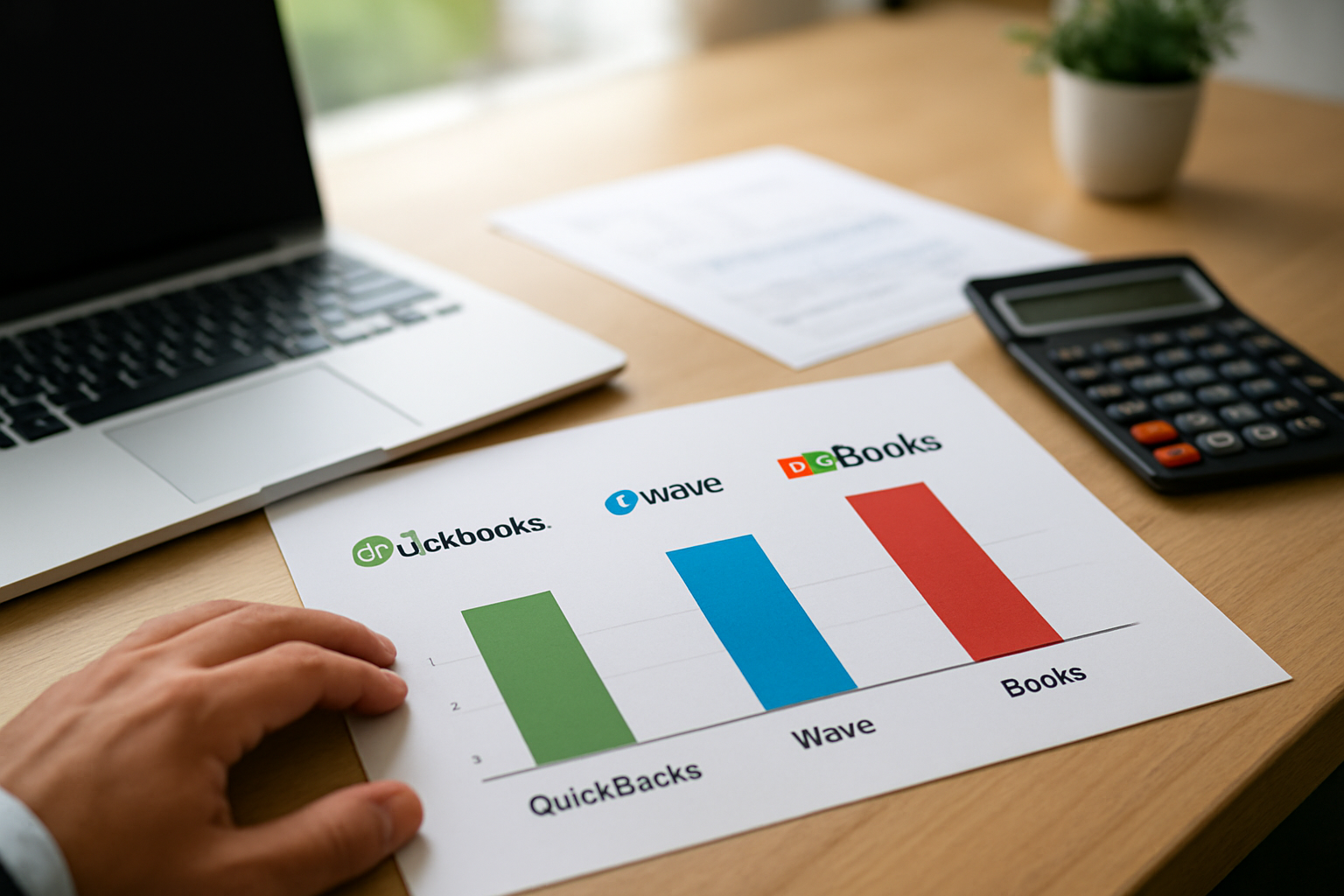
Cost is often the first filter for small teams. We break down the typical cost structure and practical monthly budget ranges you can expect in 2026.
Cost models to expect
- Subscription tiers: most vendors offer multiple monthly plans based on user seats and advanced features.
- Transaction fees: payment processing and payroll usually carry additional percentage or per-transaction fees.
- Onboarding and add-ons: bookkeeping services, tax filing, or premium integrations can add to the annual spend.
Rather than listing exact prices that may change, we recommend checking each provider for current pricing. For context on how budgeting affects business decisions, the Reuters technology coverage often highlights market trends that influence vendor pricing strategies.
Practical budgeting buckets
- Lean freelancers: expect $0 to $20 per month if you prioritize free tiers or single-user plans.
- Bootstrapped startups: plan $20 to $60 per month to unlock invoicing automation and better reporting.
- Scaling SMBs: budget $60 to $250+ per month for multi-user access, payroll, and deeper integrations.
These buckets are illustrative. The point is simple: we should align the plan with the workload and revenue. A tool that saves two hours a week in admin can pay for itself quickly when those hours turn into billable work or sales outreach.
To give a practical hypothetical example: imagine a freelance designer billing $75 per hour. If better automation saves three hours a month, that's $225 retained time, enough to cover a mid-tier subscription. This is hypothetical and depends on our rates, but running this back-of-the-envelope math during a trial helps justify a paid plan.
We also want to call out hidden costs. Payment processors typically take a percentage and a per-transaction fee. Payroll services can charge per-employee fees or an extra monthly charge for tax filings. Those add-ons can push a neat $50 per month plan into the $150 to $200 range once payroll and card processing are active. We advise teams to model total cost of ownership for 12 months, not just the headline subscription rate.
Negotiation and timing
We recommend timing purchases around tax season or fiscal-year planning. Vendors occasionally run promotions, and annual billing discounts can be meaningful if we commit. For teams with predictable growth, annual plans reduce complexity. For uncertain or very small teams, monthly plans keep flexibility.
Another tactic is to negotiate bundled discounts when you adopt multiple modules from the same vendor, such as accounting plus payroll. Vendors prefer larger, longer commitments and may offer implementation support or a reduced rate for the first year. Document the negotiated terms so renewal conversations start from a clear baseline.
QuickBooks vs Wave vs Zoho Books: Features and limits
When we evaluate features, we look beyond checklists. We ask: will this capability actually change day-to-day operations? We also consider how features map to the three personas we serve, startup founders, small business owners, and freelancers.
Core features to compare
- Invoicing and estimates
- Bank reconciliation and transaction import
- Expense capture and receipt management
- Payroll and tax filing support
- Reporting and dashboards
- Multi-currency and inventory (if relevant)
We recommend testing the exact workflow you use: creating an invoice, reconciling a bank feed, and running a profit-and-loss report. That test reveals where friction lives.
Real-world feature trade-offs
For example, consider automated reconciliation. One platform might auto-match the majority of transactions but offer limited customization. Another might allow granular rules but require setup time. The choice depends on whether we prioritize speed or control.
Another trade-off is payroll. If payroll is core to your operation, a platform that integrates payroll natively, or via a trusted partner, can reduce manual entries and improve compliance. We always cross-check payroll flows against the IRS guidance on employment taxes to avoid surprises (IRS).
Feature checklist for each persona
- Startup Founder (Maria): scalability, multi-user access, project reporting, and clean client billing templates.
- Small Business Owner (Sarah): bank syncing, expense automation, payroll add-on, and consolidated financial reporting.
- Freelancer & Consultant (David): fast invoicing, automated payment reminders, client-specific project views, and integrated receipt capture.
We often advise teams to prioritize the two features they will use every day and accept reasonable compromises elsewhere. For teams looking to centralize operations, platforms that integrate with CRM, payments, and project tools reduce context switching and improve operational clarity, something we emphasize at My Business Suite when helping clients streamline tools.
Deeper examples of feature impact
Consider receipt capture. If we receive 30 receipts a month, manual entry costs time and invites errors. A mobile capture feature that auto-extracts dates, vendors, and amounts reduces rekeying and speeds month-end close. Alternatively, if we handle inventory, the depth of SKU management matters. For a retail shop with 200 SKUs, shallow inventory features become a barrier fast; for a service business, they might be unnecessary complexity.
We also pay attention to reporting. Transaction data is only valuable when it becomes insight. Customized dashboards that show cash runway, unbilled work, and outstanding invoices give us the power to act, send a collection email, delay hiring, or push a promotional campaign.
Finally, check the vendor's roadmap and community feedback. Some features that look trivial—custom approval workflows or user permissions—become crucial as the team grows. Look for demos that let you try those edge cases rather than assuming a checkbox means complete functionality.
Integrations, automations and real workflows
Integrations make or break the user experience. We value platforms that connect cleanly with payment processors, payroll providers, and platforms we already use for CRM and projects.
Integration categories to inspect
- Bank and payment processor connectivity
- Expense and receipt scanning apps
- Payroll and contractor payments
- CRMs and invoicing pipelines
- Reporting and BI tools
For small businesses, a two-way bank feed that minimizes manual reconciliation is non-negotiable. Another must-have is reliable data export in CSV or standard formats so we can move data if the business grows or consolidates systems.
Automation examples that save time
- Automated payment reminders that reduce unpaid invoices.
- Rule-based transaction categorization to speed reconciliation.
- Recurring invoices with autopay to smooth cash flow.
We also recommend checking API access and third-party marketplace integrations if we plan to build custom workflows. For broader business and technology trends that affect integration strategies, trusted outlets such as BBC Business provide high-level context on platform expansion and partnerships.
Operational reliability matters as much as breadth. Ask vendors about their connector error rates, how they notify administrators of broken feeds, and whether they offer webhooks for immediate updates. Small automations that surface exceptions, like a failed deposit or a pending payroll tax payment, prevent issues from becoming month-end crises.
Example workflow: from estimate to cash
Imagine a design agency that issues an estimate, converts it to an invoice when approved, collects payment online, and records the payment automatically.
That single automated flow eliminates duplicate data entry, shortens the cash conversion cycle, and gives us better visibility into outstanding revenue. In practice, that saves hours every month and reduces billing disputes.
To expand the example: if the agency uses a CRM to track proposals, a clean integration pushes won deals into the accounting system as invoices. We avoid exporting CSVs. We avoid manual matching. We also can set up a rule: when a payment posts from the processor, mark the invoice paid and notify the project manager. Small automations like that prevent friction and keep teams focused on delivery rather than bookkeeping.
How to choose: practical decision guide for small businesses
Choosing is less about picking the “best” vendor and more about selecting the tool that minimizes friction for our current operations while leaving a clear path to scale.
Step-by-step decision checklist
- Map your daily accounting tasks for one week.
- Identify the two biggest pain points (e.g., late payments, time spent reconciling).
- Choose three must-have features that address those pains.
- Run a 14 to 30 day trial and perform the three daily tasks in the platform.
- Test bank connections and run one payroll cycle (if applicable).
- Document exit points: how easy is it to export data if you migrate later?
We stress the trial period. Theoretical lists look good, but we want to observe actual time saved.
Decision scenarios by persona
For Maria the startup founder: prioritize scalability and integrations. We recommend a plan that supports multi-user access and connects to fundraising or SaaS billing tools.
For Sarah the small business owner: prioritize automation that reduces missed payments and simplifies tax time. We suggest testing payroll workflows early.
For David the freelancer: prioritize speed. A clean invoicing flow, automatic payment reminders, and straightforward expense capture often beat deep enterprise features.
Migration and data strategy
Exportability matters. We always check that chart of accounts, transaction history, and attachments export cleanly. If we plan to use a unified hub later, such as consolidating operations into a platform like My Business Suite, we ensure that data transfer is manageable.
Also, document your integrations and credentials. That reduces downtime when onboarding new team members or working with an outsourced bookkeeper.
Migration timeline and checklist
In our experience, a small-to-medium migration can take anywhere from a long weekend to several weeks depending on volume and complexity. We recommend the following phased approach:
- Phase 1: Export and snapshot current data; validate chart of accounts and open invoices.
- Phase 2: Run parallel bookkeeping for two billing cycles to catch mismatches.
- Phase 3: Import historical data and attachments; reconcile beginning balances.
- Phase 4: Turn off the old system once reconciliations align and stakeholders sign off.
This phased plan keeps operations running while we validate data integrity. We also suggest scheduling the final cutover outside peak billing days; nobody likes surprises on payday.
To make migrations smoother, assign a single project owner and a short escalation path for unexpected issues. Maintain a migration log with the source record identifiers and a short note on how each item was transformed. That log becomes invaluable if an accountant or auditor asks for proof of migration mapping months later.
Frequently asked questions
Below we answer the most common questions we hear. Each answer aims to be actionable and concise.
1. Which platform is cheapest for freelancers in 2026?Pricing can vary by promotion and region. We recommend trying free tiers or single-user plans first and validating the daily workflow. For federal tax obligations and guidance on deductions, consult the IRS small business hub.
2. How do I evaluate payroll support and tax compliance?Test payroll in a sandbox or trial. Verify tax filings, employer tax calculations, and payroll tax deposit schedules. For broader compliance context, resources from the U.S. Small Business Administration explain employer responsibilities.
3. Can I switch platforms later without losing data?Yes, but it depends on export formats and attachments. Export your chart of accounts, transaction history, and client invoices regularly. We recommend planning an off-cycle migration test to validate the output.
4. Should I use an all-in-one suite or specialized apps connected by integrations?Both approaches work. An all-in-one product reduces integrations and often simplifies workflows. Specialized apps can be best when a specific function, like payroll or advanced inventory, requires depth. We often favor a unified hub for clarity, but integration-first stacks can be cost-effective for niche needs.
We hope this comparison gives you a clear lens for choosing the right accounting tool in 2026. If you want to centralize operations further, we sometimes advise teams to test a unified business management platform that connects CRM, invoicing, projects and finance. My Business Suite is built around that idea of turning tasks into cash flow and reducing tool fragmentation.
For strategic context on cloud adoption and business software trends that influence vendor roadmaps, we regularly review industry coverage from major outlets like Reuters and BBC Business, and Brazilian outlets like Valor Econômico and Exame. These sources help us anticipate changes in integrations, pricing and platform capabilities.
If you want a checklist we can share with your team, tell us which daily tasks waste the most time and we will help map a trial plan tailored to your operations. And to reiterate one last time: when you test, bring the actual work you do every day. A great demo can look impressive, but real value shows up when an invoice is issued, a payment is reconciled, and a report answers a question without extra emails.