Zoho vs QuickBooks comparison 2026: Complete Guide
Compare Zoho and QuickBooks in 2026: features, pricing, payroll and migration tips to help small businesses choose the right accounting platform.
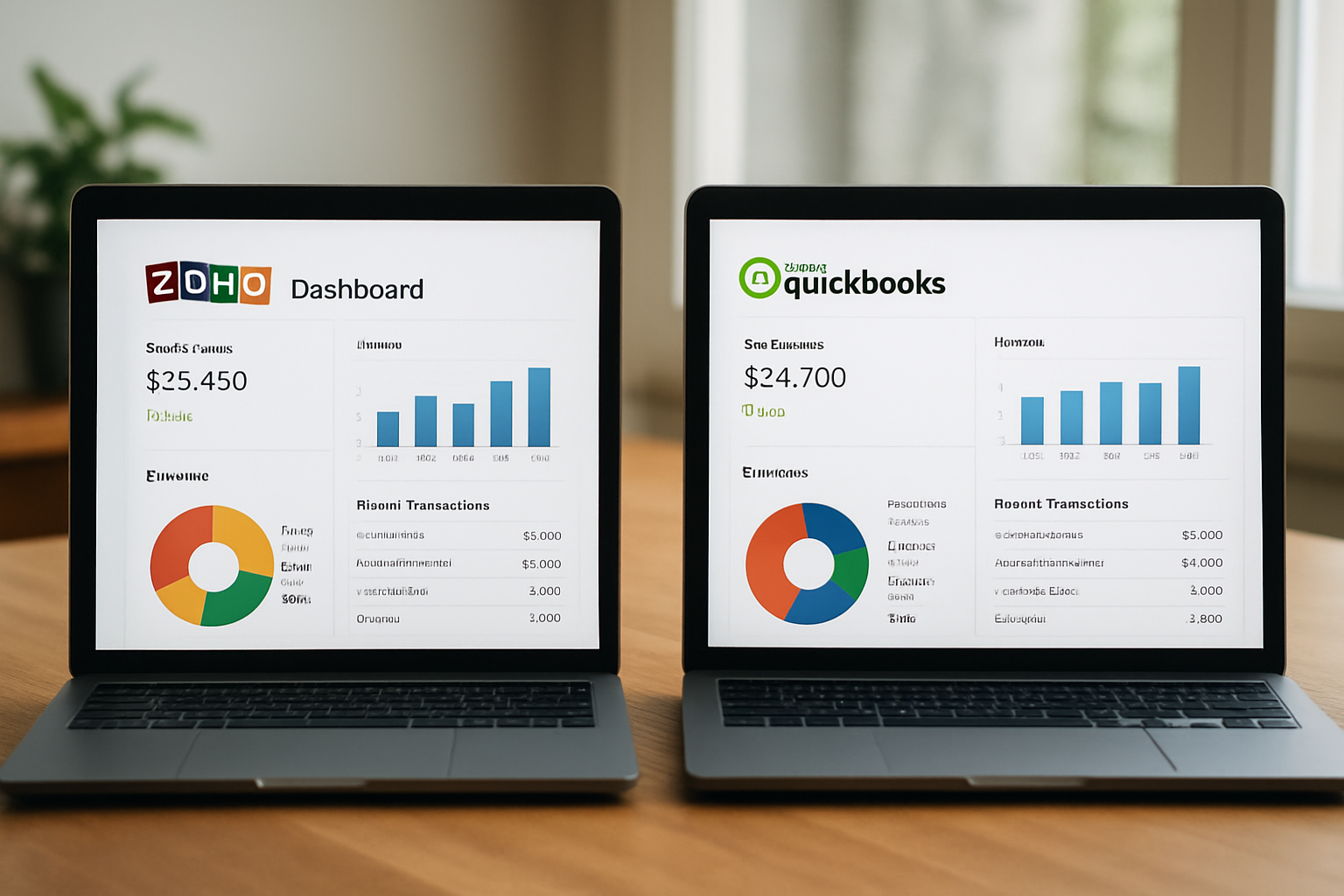
Neste artigo
- Zoho vs QuickBooks comparison 2026: Why this matters
- Zoho vs QuickBooks comparison 2026: Feature-by-feature
- Pricing, scalability and security
- Workflow fit: Which suits your business
- Migration, integrations and implementation
- Conclusion and recommendation
Zoho vs QuickBooks comparison 2026 is the starting point for hundreds of small business owners deciding which accounting and bookkeeping backbone will actually free time and improve cash flow. We know the choice feels consequential: one platform can streamline invoicing, the other can simplify payroll, and both promise to reduce that nagging admin overhead. Here we map features, costs, real-world trade-offs and migration paths so we can make a confident recommendation for different profiles,founders, small business owners and independent consultants alike.
Zoho vs QuickBooks comparison 2026: Why this matters
We begin by setting the frame: choosing between Zoho and QuickBooks is not just a software decision, it's an operations decision. The tool we pick becomes the hub for client billing, tax-ready reports, and team workflows. For many of our clients at My Business Suite, the right selection moves tasks from “back office chaos” to predictable task-to-cash flow.
- We look at how each platform handles customer records, invoicing and recurring billing.
- We compare reporting depth for tax time and financial planning.
- We evaluate integrations that keep marketing, CRM and operations in sync.
The point is practical: the selection affects daily routines, cash flow timing and the clarity we have over business performance. To ground our recommendations, we reference authoritative guidance for small businesses, including the Small Business Administration (SBA) guidance on bookkeeping best practices and the IRS guidelines for small business recordkeeping.
Beyond compliance, we also consider human factors. Switching platforms touches people: accountants, ops managers, and the founder who still writes checks at midnight. We prefer to measure impact not only in dollars but also in predictable time reclaimed each week. That perspective changes the conversation from "which tool is better" to "which tool reduces the most friction for our people and processes." In other words, the right pick should improve operational clarity and make client-facing tasks smoother,fewer dropped follow-ups, cleaner invoices, quicker payments.
Who benefits most from this comparison
We wrote this guide for three core personas:
- Founders running a lean startup who need scalable, affordable systems.
- Small business owners juggling multiple tools and craving a unified hub.
- Freelancers and consultants who want fast invoicing and reliable payment tracking.
In the following sections we’ll keep those needs front and center and illustrate with concrete examples so you can map features to your workflow.
Zoho vs QuickBooks comparison 2026: Feature-by-feature analysis
We now walk through the most relevant features side by side. When we test platforms, we pay attention to the tasks you do daily,creating invoices, reconciling bank transactions, running profit-and-loss reports and managing clients.
Core accounting and bookkeeping
- Chart of accounts flexibility: QuickBooks tends to provide a familiar bookkeeping structure for U.S. accountants, while Zoho Books offers a modular chart that adapts well when we combine operations with CRM records.
- Bank reconciliation: both platforms support bank feeds and reconciliation; QuickBooks has a long-standing reputation for a streamlined reconciliation flow, and Zoho often shines when we pair its automation with custom bank rules.
- Reporting: QuickBooks delivers accountant-friendly reports out of the box; Zoho gives us customizable dashboards that integrate customer metrics more tightly.
We also pay attention to audit trails and granular permissions. For example, when we set up a bookkeeper and a sales ops user, we want to make sure sensitive payroll entries aren't accidentally edited. Both platforms let us tune access, but the administration model differs,QuickBooks focuses on role templates familiar to accountants, while Zoho allows more custom roles across modules.
Invoicing, payments and cash flow
- Invoicing templates and automation: Zoho provides highly customizable templates and workflows for subscription billing; QuickBooks offers fast templates optimized for speed and tax-ready formatting.
- Payment processing: QuickBooks Payments is deeply integrated into its invoicing for U.S. merchants; Zoho integrates with multiple payment gateways and can be better for businesses needing alternate processors.
- Cash flow forecasting: both platforms include projections; Zoho’s dashboards often allow us to overlay CRM pipeline data for a fuller view.
On the practical side, we recommend that teams test invoicing cadence and late-payment workflows during a pilot. For instance, configuring automated payment reminders and giving them a 30-day test will show whether customers respond better to softer, earlier nudges or firmer, later reminders. We’ve seen teams cut overdue invoices by changing the timing and tone of reminders rather than changing the payment gateway itself.
Payroll and compliance
- Payroll readiness: QuickBooks Payroll for U.S. companies is a turnkey option with tax filing and direct deposit features. We recommend checking state-specific capabilities on the vendor pages.
- Zoho’s payroll integrations cover many regions via partners and add-ons; for some U.S. states, we prefer QuickBooks for payroll-first compliance simplicity.
- Tax-ready reporting: QuickBooks tends to align closely with common accountant workflows; Zoho can require a bit more setup to match those exact formats.
We always advise validating payroll needs early. If your business will hire W-2 employees within 6–12 months, include payroll configuration in your pilot. That prevents last-minute scrambling and gives your accountant time to verify tax settings.
For official comparisons and up-to-date feature lists, see the vendor product pages: QuickBooks product overview and Zoho Books features.
Pricing, scalability and security
Pricing and security shape long-term fit. We always run scenarios: where will the business be in 12 to 36 months, and what will we pay to scale?
Pricing structures and total cost of ownership
- Subscription tiers: QuickBooks offers tiered plans that bundle accounting and payroll differently; Zoho uses modular add-ons so we can pay only for what we need.
- Hidden costs to watch: integrations, payroll fees, payment processing rates and user seats. We recommend mapping a 12-month cost projection before deciding.
- Return on investment: consider time saved on invoicing and reconciliation. Even modest time recovery,an hour a week,translates to measurable cash over a year.
To make the cost discussion concrete, we propose a simple 12-month TCO template we use with clients:
- Base subscription fees (monthly x 12).
- Payment processing fees estimate (average invoice amount x estimated transaction rate x 12).
- Payroll service fees (if applicable).
- Integration or one-time migration costs (amortized over 12 months).
- Estimated labor savings (hours saved per week x hourly rate x 52 weeks).
Running those numbers quickly reveals whether a cheaper monthly price truly saves money once processing fees and lost hours are included. When we show this to small business owners, the lightbulb moment is often the labor-savings line: automated reconciliation and consistent invoice templates remove repetitive work that adds up fast.
Scalability and ecosystem
- QuickBooks fits companies that expect to grow user seats within accounting teams and require strong accountant collaboration tools.
- Zoho scales horizontally if we want CRM, helpdesk and project management connected under one vendor umbrella.
- For businesses prioritizing a unified business hub across sales-to-cash workflows, Zoho’s suite approach can lower long-term integration costs.
We also evaluate marketplace depth. If a third-party tool we rely on has a vetted connector, implementation is usually faster. For example, payment processors, payroll portals and ecommerce platforms often have native or well-supported connectors for both QuickBooks and Zoho; we check marketplace listings and read recent reviews before committing.
Security and compliance
- Both vendors maintain standard cloud security measures; for specific compliance needs we consult vendor security documentation and, when required, legal counsel.
- We also recommend following SBA and IRS recordkeeping practices to remain audit-ready; see IRS recordkeeping details for guidance.
Practical security steps we take with clients include enforcing multi-factor authentication for all users, rotating API keys on a schedule, and keeping a read-only backup export each quarter. Those small practices buy us a lot of mitigation power without large costs.
Workflow fit: Which platform suits which business profile
Feature lists are one thing; workflow fit is another. We prefer to match platform strengths to business realities. Let’s break it down into profiles with concrete examples.
Startup founder (Maria profile)
Maria runs a growing digital service startup with limited budget. She needs a system that scales without forcing immediate migration later.
- Why Zoho often fits: modular pricing and a unified suite for CRM and finance reduce app sprawl; we can centralize client records, projects and invoices.
- Why QuickBooks might still win: if Maria anticipates complex U.S. payroll and wants accountant-friendly reports immediately, QuickBooks removes configuration friction.
- Example scenario: imagine Maria projects 3x revenue growth and hiring two contractors next year,Zoho reduces integration work if she plans to add CRM-driven client success workflows.
We recommend Maria run a 30-day pilot focused on three metrics: invoice cycle time (days from invoice to payment), number of manual reconciliation adjustments per month, and time spent preparing monthly P&L. Those metrics reveal where the bottlenecks are and which vendor shortens the critical paths.
Small business owner (Sarah profile)
Sarah juggles multiple tools today and spends hours reconciling payments.
- Why QuickBooks often fits: it offers fast onboarding for bookkeeping and strong payment reconciliation suited to U.S. small businesses, which can reduce bookkeeping time right away.
- Why Zoho can fit: if Sarah also needs tighter alignment between marketing and billing, Zoho enables that under one vendor.
- Concrete step we recommend: map Sarah’s current tools, then test a 30-day pilot focusing on invoicing-to-deposit time and reconciliation accuracy.
We worked through a hypothetical: if Sarah currently spends ten hours per week on invoicing and reconciliation, shaving that to three hours creates meaningful capacity for marketing or service delivery. Framed as opportunity cost, the platform choice becomes a growth lever, not just an admin decision.
Freelancer & consultant (David profile)
David needs fast invoicing, professional payment reminders and a clean client history.
- Why QuickBooks often fits: quick invoice creation and strong U.S. payment routing are practical for consultants focused on billable hours.
- Why Zoho can fit: offers deeper client-communication templates and project-level billing if David is delivering packaged services over time.
For David, we also recommend a lightweight CRM or contact tagging strategy inside the accounting system so proposals, invoices and client notes stay connected. That small habit reduces disputes and speeds up collections.
Our rule of thumb: choose the platform that reduces the most friction where you lose time today. For many of our clients, that decision adds up to hours reclaimed each week.
Migration, integrations and implementation
Switching bookkeeping systems can feel risky. We outline a migration checklist and integration map that we use when helping clients move systems, including those who want to combine My Business Suite with either platform.
Migration checklist
- Export chart of accounts, customer list, vendor list and open invoices.
- Reconcile last closed period before migration to avoid duplicating transactions.
- Test imports with a small dataset and validate reports match historical results.
- Plan a cutover date tied to your billing cycle to minimize disruption.
To add clarity, here’s a sample 60-day migration timeline we follow with clients:
- Days 1–7: Discovery,inventory integrations, list custom fields, decide scope of migration.
- Days 8–21: Exports and mapping,extract data, build field mappings, run test imports of small batches.
- Days 22–35: Reconciliation and gap fixes,reconcile historical periods and adjust mapping rules.
- Days 36–45: Integration setup,connect payment gateways, payroll, and CRM as needed; configure automations.
- Days 46–60: Cutover and stabilization,complete final import, run parallel reporting for one cycle, and provide end-user training.
Integration considerations
- Confirm native integrations and marketplace apps; some connectors reduce custom development.
- APIs: both platforms provide APIs,if we need custom syncs, validate available endpoints and rate limits.
- Data mapping: align custom fields (for example, project codes or client IDs) before import to preserve reporting continuity.
When we implement integrations with My Business Suite, we prioritize preserving the single source of truth for customer records. That reduces duplicated data and ensures that client communications triggered in the CRM reflect the latest invoice status from the accounting system. The effort here is mostly mapping: match IDs, confirm tax treatments, and test a full billing cycle before flipping to live.
For practical guidance on change management and timelines, we recommend reviewing vendor integration docs and, when needed, working with an accountant experienced in migrations. A neutral source on software adoption can help form timelines; see this industry coverage on software trends in 2026 for context: Reuters technology reporting.
Conclusion and recommendation
We return to the opener: this is as much an operations decision as an accounting one. In a tidy summary:
- If we want an accounting-first platform with deeply integrated U.S. payroll and an accountant-friendly interface, QuickBooks is often the efficient choice.
- If we prefer a unified business hub that brings CRM, projects and finance closer together—reducing the need for separate apps—Zoho is a strong contender.
- For businesses that already use an integrated suite such as My Business Suite, our recommendation is to evaluate how a chosen accounting system will connect to existing client workflows; sometimes a slightly less feature-rich accounting product paired with full integration yields better operational clarity.
To simplify decision-making, here’s a quick decision matrix we use in workshops:
- If payroll complexity is high and accountant involvement is frequent → prioritize QuickBooks.
- If cross-functional integration (CRM, projects, helpdesk) is a top priority → prioritize Zoho.
- If immediate cashflow improvement is the goal and you want minimal disruption → pilot the tool that reduces your top two time sinks first.
Next steps we recommend when choosing between these platforms:
- List your three biggest pain points today and rank them by time and dollar impact.
- Run a short pilot focusing only on those pain points for 30 days.
- Calculate projected time savings and net cost over 12 months before committing.
We hope this Zoho vs QuickBooks comparison 2026 helped clarify trade-offs and offered practical steps to decide. If we can help map a pilot to your business and integrate chosen tools with a single operational hub, we’re ready to collaborate—bringing that task-to-cash flow clarity that frees you to grow.
Frequently Asked Questions
Is QuickBooks better for U.S. payroll than Zoho?QuickBooks generally offers a turnkey payroll service tailored to U.S. employers, including tax filings and direct deposit options. Zoho relies more on partner integrations for payroll in many U.S. states. We recommend checking each platform’s current payroll offerings directly on their sites before deciding.
Can I migrate my data from QuickBooks to Zoho or vice versa?Yes. Both platforms support data export and import of core records (customers, vendors, chart of accounts, invoices). We recommend reconciling your last closed period, testing imports with a small dataset and validating reports post-migration.
Which platform integrates better with CRM and project tools?Zoho’s suite model makes integration with CRM and project modules seamless when we want a single vendor solution. QuickBooks integrates widely through third-party apps and is strong where bookkeeping is the priority.
How should we evaluate total cost of ownership?Include subscription fees, payment processing costs, payroll fees, integration or add-on expenses and the estimated value of time reclaimed by automation. Create a 12-month projection to compare net costs and benefits.