All-in-One Platform Comparison for 2026
See how to compare all-in-one platforms in 2026 and choose software that simplifies operations, client work, and cash flow.

Neste artigo
- Why All-in-One Platform Comparison Matters
- What to Compare Before You Decide
- How One Platform Changes Daily Workflows
- Hidden Costs That Skew the Comparison
- How to Choose the Right Fit
- FAQ
When we start an all-in-one platform comparison, we are usually trying to solve a very practical headache: too many tools, too much switching, and too little visibility. For a small business, that mess can slow down sales, invoicing, client communication, and team coordination at the exact moment when momentum matters most. The good news is that a smart comparison does not need to feel like shopping for an aircraft cockpit. It can be clear, fast, and grounded in what actually moves the business forward.
At My Business Suite, we think the best software decision is the one that creates operational clarity without adding new friction. That means we compare platforms not by shiny promises, but by how well they connect customers, money, tasks, and communication inside one reliable workspace. And in 2026, that kind of unified business hub matters more than ever, because owners want less admin noise and more time for growth.
Good software does not just store information. It helps us turn task-to-cash flow into something visible, manageable, and repeatable.
Why All-in-One Platform Comparison Matters
Choosing software is never just a technical decision. It shapes how we answer leads, track projects, send invoices, and follow up with clients. If one tool handles CRM, another handles accounting, and a third handles team chat, we spend more time stitching the day together than actually running the business.
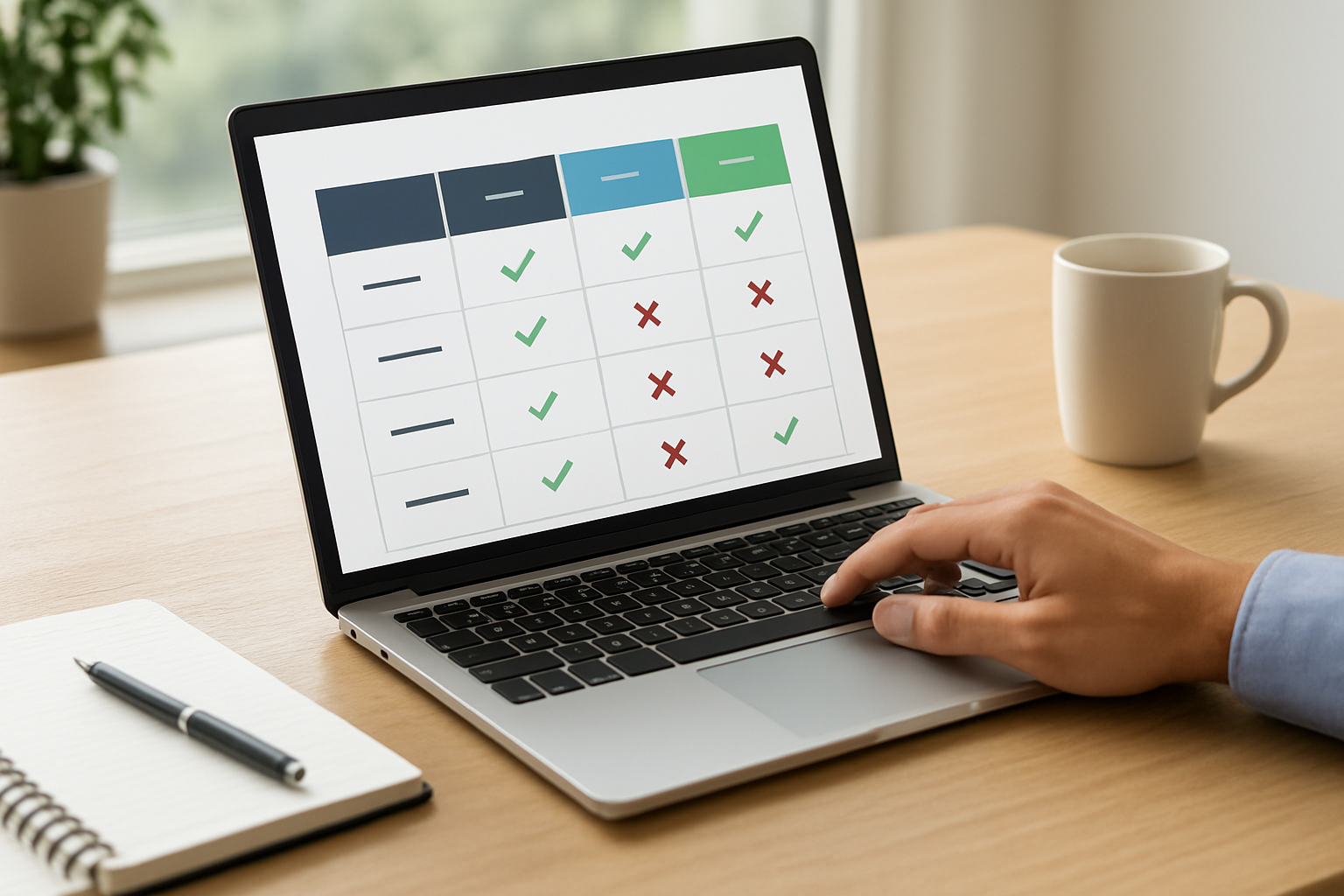
That is why an all-in-one platform comparison should begin with the business outcome, not the feature list. We are not comparing buttons. We are comparing whether a platform can reduce friction across the full customer journey, from first contact to payment and repeat business.
What a unified business hub really changes
A unified platform works like a well-run front desk in a busy office. Everyone knows where the files live, who owns the next step, and what still needs attention. In practice, that means fewer missed follow-ups, cleaner handoffs, and less guessing.
For a startup founder, this can mean one dashboard showing leads, open tasks, and financial visibility without jumping between apps. For a freelancer, it can mean one client record that keeps proposals, project notes, invoices, and reminders in the same place.
- Less time lost switching between tools
- More consistent client communication
- Better visibility into revenue and workload
- Cleaner collaboration across small teams
There is also a trust angle here. The gov.br portal centralizes public services and information in Brazil, which reflects the value of organized access and clear processes. We may not need enterprise-level complexity to run well, but we do need structure that scales gracefully.
One more detail deserves attention: when every customer touchpoint lives in the same place, we stop relying on memory. That alone saves real money. A missed follow-up can feel tiny in the moment, but it often means a lost sale, a delayed payment, or a confused client who simply moves on.
What to Compare Before You Decide
A solid comparison starts with the core workflows we use every day. If a platform looks elegant but makes invoicing clunky, that shine fades quickly. If it handles leads beautifully but hides project progress, we end up with blind spots.

So we compare categories that actually matter to owners and small teams, especially those trying to stay lean. The best systems create one place for customer data, financial tracking, collaboration, and communication. That is how a platform becomes a growth catalyst instead of another subscription line item.
all-in-one platform comparison: Core features that deserve real attention
We like to compare platforms through the lens of daily use. The question is simple: can this system support the next ten actions we take, or does it only solve one isolated problem?
- Customer management, including contact history, notes, and follow-up reminders
- Financial tracking, with invoicing, payment status, and reporting
- Task management, so teams know what is due and who owns it
- Communication tools, to keep messages organized and contextual
- Reporting, so we can see what is working without pulling manual spreadsheets
In 2026, remote and hybrid coordination is still normal for many small teams, and that keeps pressure on internal communication. The g1 and other major news outlets regularly cover trends in work, business, and labor that help keep these shifts in perspective. When we want a reliable public reference point, it helps to look at widely recognized sources.
We also recommend checking how a platform treats permissions and data access. A founder may need a full view of finances, while a contractor may only need project-specific access. That difference sounds small. It is not. It is the line between operational clarity and a mess of accidental overexposure.
Pricing is only half the story
Sticker price can be misleading. A lower monthly fee may look attractive, but if we need three add-ons, custom integrations, or hours of manual work to keep things synced, the real cost rises fast. That is why a comparison should include setup time, training burden, and the amount of human effort required to keep the system alive.
Business coverage from outlets like Estadão can help contextualize market changes, competition, and the pressures on small companies. That context matters because small teams rarely have the luxury of complex software administration. We need tools that fit the pace of a real business, not the fantasy of a perfectly staffed back office.
- Setup and migration effort
- Training time for the team
- Automation depth
- Support responsiveness
- Cost of integrations and extras
And there is a subtle trap here: software that feels cheap at the start can become expensive when we add headcount. If every new person needs separate onboarding across multiple tools, the hidden labor cost grows like interest on a bad loan. It is not dramatic, but it is relentless.
How One Platform Changes Daily Workflows
Now let us get practical. The biggest payoff from an all-in-one system is not abstract efficiency. It is the way everyday work gets cleaner, calmer, and easier to hand off. That changes everything from sales follow-up to month-end close.
Imagine Sarah, a small business owner, using one dashboard to see a new lead, assign a follow-up, send a quote, and issue an invoice after the job is done. There is no tab chaos, no duplicate typing, and no wondering whether the client got the update. That is client-centric efficiency in action.
all-in-one platform comparison: From lead to invoice without the scramble
For Maria, the startup founder, one connected system means her team can track prospects, assign tasks, and see what still needs attention before revenue slips away. For David, the freelancer, it means each client has a clean history, each project has a clear status, and each invoice follows a consistent rhythm. The result is less admin drag and more billable work.
This is where My Business Suite fits naturally. It is built to centralize the work that usually gets scattered across disconnected tools, helping small businesses connect customer management, finances, tasks, and communication in one place. When those pieces live together, the business starts to feel less like juggling and more like steering.
- Lead captured, without manual copying
- Follow-up scheduled, before the moment slips
- Quote shared, with consistent branding
- Task assigned, with clear ownership
- Invoice sent, with payment tracking attached
That flow is not glamorous, but it is powerful. A lot of software looks impressive in a demo and then falls apart when the business gets busy. We prefer systems that still feel calm when the week gets messy.
For small businesses managing payments, invoicing accuracy also matters from a compliance and bookkeeping standpoint. The UOL economics and business coverage often highlights how organization and recordkeeping support healthier operations, which is useful when we think about keeping transaction data organized from the start.
Team coordination without the noise
Communication tends to become chaotic when updates live in chat threads, email inboxes, and sticky notes nobody trusts. A good platform reduces that noise by tying messages to clients, jobs, or invoices. Then the whole team sees context, not just fragments.
That matters because misunderstandings do not only cost time. They cost confidence. And when confidence drops, follow-through gets sloppy. We have all seen that movie, and it is never a box office hit.
- Fewer missed deadlines
- Clearer ownership of tasks
- Better visibility for managers
- Less rework caused by unclear instructions
There is also a morale effect that gets overlooked. When people can find what they need in seconds, they stop feeling like they are fighting their tools. That small emotional shift can improve how the whole team shows up during the week.
Hidden Costs That Skew the Comparison
The cheapest platform is rarely the cheapest choice. We need to watch for hidden costs that do not show up on the pricing page but show up immediately in the workday. Sometimes the software itself is affordable, yet the surrounding friction becomes expensive.
Integration fees, onboarding time, weak reporting, and scattered support can all turn a bargain into a burden. That is why a thoughtful all-in-one platform comparison has to look beyond monthly subscription numbers.
all-in-one platform comparison: The friction tax no one puts on the invoice
We like to call it the friction tax. It is the cost of switching tabs, re-entering data, correcting mistakes, and chasing updates that should have been visible in the first place. It is not billed directly, but it absolutely hits the bottom line.
For example, imagine a business with five people spending just 15 minutes per day hunting for client updates. Over a month, that becomes a meaningful chunk of labor. The exact amount depends on the team, but the pattern is familiar. Tiny inefficiencies compound faster than most owners expect.
- Manual data entry across disconnected tools
- Repeated follow-ups because messages are not centralized
- Reporting that requires spreadsheet cleanup
- Training new hires on too many separate systems
There is a broader lesson here, too. Operational clarity is not only about convenience. It shapes cash flow, response speed, and morale. When the system is clean, the work feels lighter. When it is fragmented, even simple tasks start to feel like carrying groceries up three flights of stairs.
If we want a public framework for thinking about digital risk and recordkeeping, the UOL coverage of cybersecurity and business technology can help keep those issues visible. Even for small teams, disciplined access and reliable records are part of staying resilient.
How to Choose the Right Fit
We usually recommend a simple decision framework. Start with the business pain point, test the core workflow, and then check whether the platform can grow without forcing a migration six months later. That approach keeps us grounded and prevents impulse buying.
For startups, flexibility matters because the team structure may change quickly. For small businesses, reliability matters because routines are already in motion. For freelancers and consultants, simplicity matters because time spent administrating is time not spent billing.
- List the top three problems we need to solve
- Test those workflows end to end, not in isolation
- Measure setup effort and daily ease of use
- Check whether reporting gives real visibility
- Confirm that support and training feel human, not robotic
all-in-one platform comparison: What a good final test looks like
If we are still unsure after comparing features, we run a practical test. Can one person create a client record, assign a task, send an invoice, and track the result without needing a manual? Can a second person see the same information without asking three questions? If the answer is yes, we are close.
That is the kind of platform that earns its keep. It supports empowered entrepreneurship because it removes operational drag. It also protects the emotional energy of the team, which we sometimes forget is a real business asset.
We should also be honest about fit. No system is magic for every company. Some teams need deep customization, while others need speed and simplicity. The right choice is the one that strengthens the business model we already have, not the one that looks most impressive in a sales deck.
One useful habit is to involve the people who will actually use the platform every day. A founder may care about reporting, but the person sending invoices or updating projects will notice the real friction first. That frontline perspective often reveals the difference between a polished demo and a tool that truly fits.
FAQ
What should we prioritize in an all-in-one platform comparison?We should prioritize the workflows that affect revenue and daily execution first: customer management, invoicing, task coordination, and communication. If a platform handles those smoothly, the rest usually becomes easier to evaluate.
Is an all-in-one platform always better than separate tools?Not always, but often for small businesses it is the cleaner choice. Separate tools can work well when the team is large enough to manage integrations and handoffs. For lean teams, one system usually reduces friction and improves oversight.
How do we know if a platform will scale with us in 2026?We look at user roles, reporting depth, automation options, and whether the platform can support more clients, more tasks, and more collaboration without making the workflow feel heavier. Scalability is not just about bigger plans. It is about staying usable as the business grows.
Why does My Business Suite fit small businesses well?Because it is designed to bring the key pieces of business management into one place. That helps small teams keep operational clarity, connect client work to cash flow, and spend less time managing tools and more time growing the business.
What is the best way to compare software before buying?We recommend testing a real workflow with real data, even if it is a small sample. That tells us far more than a feature checklist. If the platform feels easy under pressure, that is a strong sign it will help in daily use.
In the end, a strong all-in-one platform comparison is not about chasing the longest feature list. It is about building a better operating system for the business we are already trying to grow. When the platform helps us move from task to cash flow with less friction, the decision becomes clearer than any demo slide ever could.
And if we want a final litmus test, we can ask a very plain question: does this tool help us serve clients faster, keep money visible, and reduce the mental clutter that slows down the team? If the answer is yes, we are not just buying software. We are buying time, focus, and a steadier path to growth.