best cloud-based platforms for small businesses USA
Explore how to choose the best cloud-based platforms for small businesses USA in 2026, with practical pilots, ROI steps and security checks.
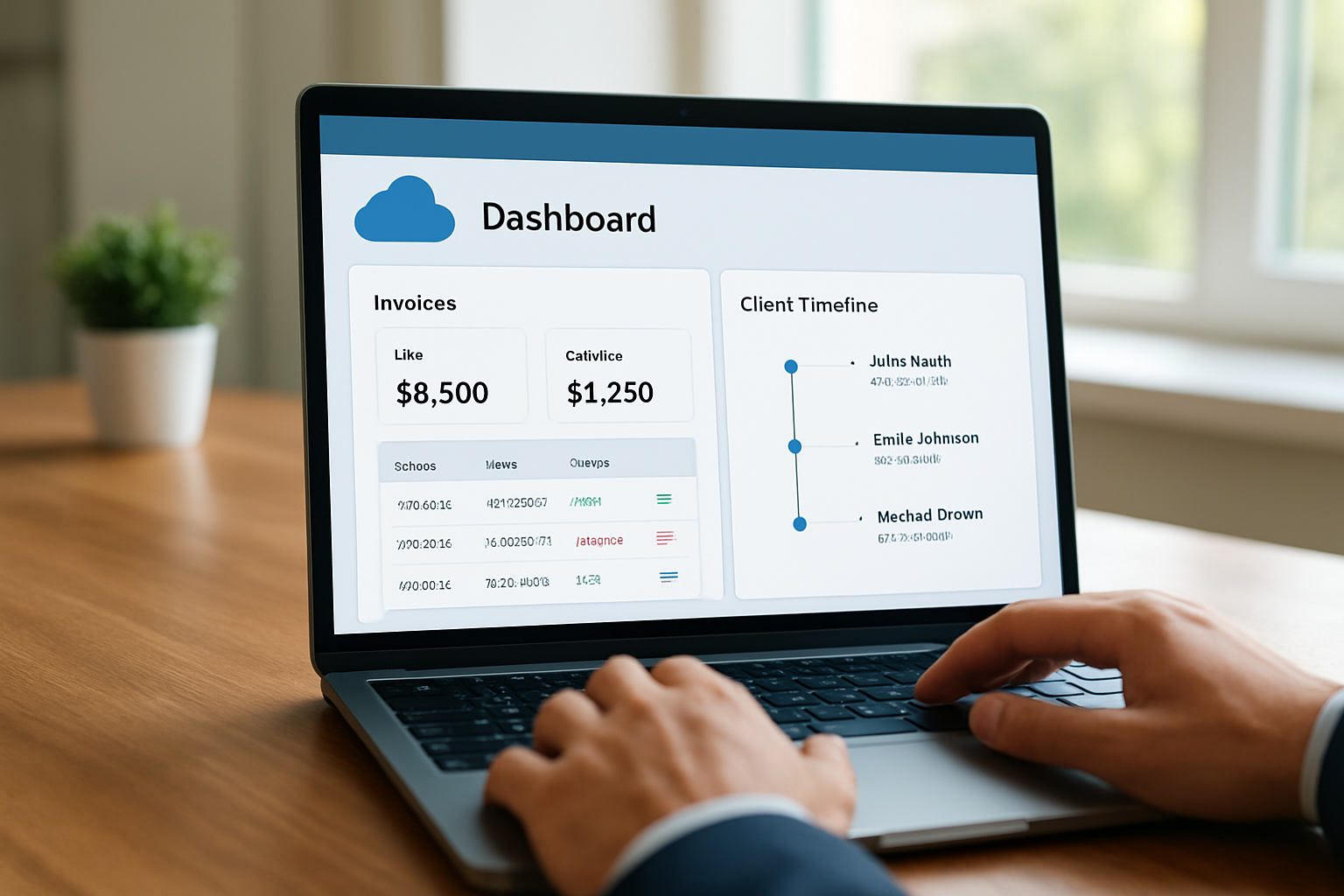
Table of Contents
- Why cloud matters for U.S. small businesses
- How to choose the best cloud-based platforms for small businesses USA
- Top features in the best cloud-based platforms for small businesses USA in 2026
- Implementation roadmap: from evaluation to launch
- Cost, ROI and measurable gains
- Security, compliance and long-term maintenance
best cloud-based platforms for small businesses USA are no longer a nice-to-have; they shape how we run operations, invoice clients and scale without breaking the bank. In this guide we walk through selection criteria, must-have features and a practical rollout plan tuned for 2026.
Why cloud matters for U.S. small businesses
We start with the obvious: cloud platforms compress complexity. They let us centralize sales, invoicing, team collaboration and financial tracking in a single place. For founders and small-business owners juggling dozens of tasks, that consolidation translates into time reclaimed for revenue-generating work.

The point is simple and practical: a unified cloud solution reduces tool sprawl and improves visibility. When we have a single pane of glass for customer interactions and cash flow, decisions stop being guesswork.
- Centralized customer data improves follow-ups and sales conversion.
- Automated invoicing and payment reminders shorten days sales outstanding.
- Cloud-hosted collaboration reduces email back-and-forth and missed deadlines.
For small teams the cloud is a lever; when used correctly it multiplies productivity. We also note that federal resources and guidance about small-business operations and digital transformation are available from the U.S. Small Business Administration for those who want to dig deeper: U.S. Small Business Administration. For Brazilian small-business owners seeking local support, Sebrae offers guidance and training tailored to micro and small enterprises.
Beyond productivity, the cloud helps standardize client-facing touchpoints. When invoices, proposals and support history share the same template and tone, we present a professional and consistent brand to customers. That consistency matters when a small business competes with larger firms on perceived reliability.
Who benefits most,and how
We see three archetypes that profit quickly from cloud adoption:
- Founders scaling products: they need predictable infrastructure that grows without forcing a data migration.
- Brick-and-mortar owners moving online: they gain immediate access to payment links, inventory syncs and mobile POS integrations.
- Freelancers and consultants: they reclaim hours by automating time tracking, invoicing, and client follow-ups.
In practice, one small design studio we worked with used a unified platform to combine project boards and billing. The result was better client visibility and fewer missed invoices,an outcome that felt like adding an extra staff member, without the payroll. If you want additional programs and local support for digitization, the SBA maintains counseling and training resources tailored to small businesses at SBA resources.
How to choose the best cloud-based platforms for small businesses USA
Picking the right cloud platform feels like choosing a new engine for a car we still want to drive during the swap. We need reliability, predictable cost and minimal downtime. With that in mind, here is a pragmatic checklist we use when evaluating options.

- Scope fit: Does the platform cover CRM, invoicing, project/task management and financial dashboards we actually need?
- Scalability: Can the service grow with us without forcing a full migration?
- Integrations: Does it connect to banks, payment processors and popular productivity apps?
- User experience: Do team members adopt it quickly or resist it?
- Support and onboarding: What level of help is included, and is there an implementation partner available?
We recommend running a short pilot before committing. Use a 30–60 day window with a small team and a narrow set of processes,customer intake, one recurring invoice flow, and task tracking for current projects. That trial will expose the daily friction points and measurable wins.
To make data-driven decisions about adoption and business impact, we often consult third-party reporting and coverage about cloud adoption trends. For context on enterprise and SMB cloud trends, reputable news coverage can be helpful: Reuters frequently covers cloud market shifts and vendor movements. Other reputable outlets include Exame and Valor Econômico, and national statistical agencies can provide market context (for Brazil, IBGE).
Practical evaluation steps
- Map current workflows and pain points with examples (e.g., “lost invoice X in email thread” or “client onboarding takes five manual steps”).
- Create a short list of candidate platforms and assign weighted criteria (cost, features, integrations, security).
- Run the 30–60 day pilot and collect quantitative metrics: time saved, invoices processed, overdue accounts reduced.
- Decide with a simple ROI model and a 6–12 month adoption roadmap.
To make the choice more tangible, we build a sample weighted scorecard. Below is a hypothetical example of how we score candidates during a pilot (this is illustrative):
- Feature fit: weight 30% , score 1–5
- Cost: weight 25% , score 1–5
- Integrations: weight 20% , score 1–5
- Security & compliance: weight 15% , score 1–5
- Support/onboarding: weight 10% , score 1–5
We multiply scores by weights and compare totals. This method keeps discussions objective and aligned to business needs. In our experience, a disciplined scorecard prevents decisions swayed by flashy demos and helps us focus on daily impact.
Top features in the best cloud-based platforms for small businesses USA in 2026
By 2026, small-business platforms are expected to do more than store data: they must automate repeatable work, present clear dashboards and support mobile-first teams. We prioritize features that reduce administrative burden and improve client experience.
- Unified CRM and client timeline: A complete history of interactions, files and invoices per client.
- Automated invoicing with payment links: Templates, recurring billing, and automatic reminders linked to payment gateways.
- Financial dashboards: Real-time cash-flow, aging receivables, and profitability by project or client.
- Task-to-cash workflow: Ability to convert a completed task or delivered milestone into an invoice without manual copying.
- Native mobile apps: Support for on-the-go quoting, time tracking and client communication.
- Open integrations and API access: Connect to banks, POS systems, or tax software.
We should also pay attention to features that improve client perception. Branded invoices, client portals and consistent messaging improve trust and shorten payment cycles. For small businesses that need a unified system from lead to payment, products that bundle CRM, invoicing and project management reduce switching costs. That is the reasoning behind solutions like My Business Suite, which aim to provide a unified hub so teams spend less time piecing tools together and more time growing revenue.
Examples of workflows enabled by these features
Imagine we finish a consulting deliverable. The consultant marks the milestone complete in the project board, the system automatically logs the time, generates an invoice with the right line items and sends a branded email with a payment link. That sequence can shave days off billing cycles and avoid human error.
For freelancers, the mobile-first flow is especially powerful. We track time on our phone during client calls, tag work to projects, and the platform compiles a weekly invoice with line-item detail. Instead of spending an afternoon on invoicing, we send accurate billing in minutes. The time reclaimed can be reinvested in client work or business development.
Another feature to watch is AI-assisted automation,rule builders that trigger actions when conditions are met. For example, when an invoice passes its due date, the platform can escalate reminders, log a collection task for a team member, and flag the client’s account for review. Those automations reduce manual follow-ups and keep cash flow moving.
Implementation roadmap: from evaluation to launch
Moving to a cloud platform should not be a leap of faith. We prefer an iterative implementation that protects ongoing operations and keeps teams confident.
- Preparation (Weeks 0–2): Document current processes and identify quick wins.
- Pilot (Weeks 3–10): Run the pilot with a subset of users and collect feedback.
- Configuration (Weeks 11–14): Customize templates, set up integrations, and migrate key client records.
- Training (Weeks 15–18): Deliver role-based training: sales, operations, finance. Keep sessions short and focused.
- Go-live and stabilization (Weeks 19–24): Launch more broadly and monitor KPIs. Address friction immediately.
During each phase we track a handful of KPIs: time spent on administrative tasks, days sales outstanding, percentage of automated invoices, and user adoption rates. Those metrics show whether the platform is truly a growth catalyst for our business.
- Assign a project owner responsible for adoption and measurable goals.
- Keep communication tight: use weekly check-ins and a shared dashboard.
- Plan for a rollback window in case critical integrations fail.
For guidance on digital transformation planning and small-business resources, the U.S. Small Business Administration offers starting points and counseling programs that can be useful: SBA resources.
Change management and training tips
We ask a simple question before any training session: what must people be able to do on Day 1? That keeps sessions practical. Role-based micro-training works well: 20–30 minute sessions for each team role, followed by a hands-on clinic where users complete their common tasks under supervision.
- Build cheat-sheets for frequent tasks (create invoice, record payment, close task).
- Use shadowing: pair a power user with a new user for the first two weeks.
- Collect feedback through short weekly surveys and iterate on configuration.
Adoption is as much social as technical. We celebrate early wins publicly,faster invoicing or fewer missed deadlines—to keep momentum and show that the change brings concrete benefits.
Cost, ROI and measurable gains
We rarely buy software on faith. We build a simple ROI forecast that compares subscription costs to measurable savings and revenue impact. The math does not need to be fancy—just focused on a few clear levers.
Key levers we track:
- Administrative time saved: Hours per week reclaimed from invoicing and manual data entry.
- Faster payments: Reduction in days sales outstanding after automating invoices and reminders.
- Higher conversion: Better lead tracking and follow-up improving close rates.
- Lower tool costs: Consolidating three or four point solutions into one unified subscription.
To make decisions transparent we create a 12-month projection showing total cost, expected time savings and net benefit. If a platform includes onboarding or dedicated support, we factor that into the first-year cost but treat it as an investment in faster adoption.
When we talk numbers with stakeholders, we reference government guidance for small businesses on tax treatment and record-keeping where needed. For authoritative tax guidance related to business expenses and record keeping, we consult the Internal Revenue Service (IRS).
Hypothetical ROI example (illustrative)
To make the idea concrete, here is a hypothetical scenario we often model during pilots:
- Monthly subscription: $150
- Time saved per month: 20 hours (administrative tasks automated)
- Value of time saved: 20 hours × $50/hour = $1,000
- Net monthly benefit: $1,000 − $150 = $850
On an annual basis, that translates to $10,200 in net benefit versus $1,800 in subscription cost. This example is illustrative and depends on our hourly valuations, client billing cadence, and actual time savings. The point is that modest improvements in invoicing speed and administrative efficiency compound quickly.
Security, compliance and long-term maintenance
Security should be built into selection criteria, not an afterthought. We demand transparency about encryption, access controls and incident response. For U.S. small businesses, basic compliance and cyber hygiene are critical—losing client data or payment details can cripple reputation and lead to regulatory headaches.
Steps we take to vet security:
- Ask vendors for SOC 2 or comparable third-party attestations where available.
- Confirm encryption at rest and in transit.
- Validate access controls, two-factor authentication and role-based permissions.
- Review vendor data retention and export policies.
When in doubt, rely on public guidance for improving cyber posture. The Cybersecurity and Infrastructure Security Agency provides practical steps for small organizations to harden systems: CISA guidance. We follow those recommendations and require vendors to document how they support safe operations.
Finally, maintenance matters: patching, backups and sensible data retention policies. We schedule quarterly vendor reviews and an annual security audit to keep confidence high.
Ongoing governance checklist
- Quarterly access review: remove former employees and contractors.
- Monthly backup verification and restoration drills.
- Annual review of integrations and API keys.
- Regular user training focused on phishing and safe credential habits.
Contracts and incident planning
We also stress the contract stage. A few clauses we insist on: data export and portability, notification timelines for incidents, and clearly defined uptime/SLA commitments. If the vendor offers cyber insurance or breach assistance, we document how that support integrates with our incident response plan.
For small businesses that handle payment data, card networks and payment processors have specific rules; we verify how the platform supports compliant payment flows and what portion of responsibility remains with our team. If we need step-by-step hardening advice, we refer to CISA’s small business materials at CISA guidance.
Frequently Asked Questions
What criteria should small businesses use to pick a cloud platform in 2026?We recommend a short checklist: fit to core workflows, integration availability, security posture, predictable pricing and vendor support. Run a 30–60 day pilot to validate the choice with real workflows before committing.
How quickly can we expect ROI after switching to a unified cloud platform?It depends on the business, but we typically see measurable gains within three to six months when the switch automates invoicing and reduces administrative hours. To verify, track hours saved, invoice aging and conversion rates during the pilot.
Are cloud platforms safe for handling client financial data?Yes, when vendors demonstrate robust encryption, access controls and third-party audits. We require evidence of security certifications and follow public guidance such as that from CISA to harden our practices.
What is the simplest way to migrate data into a new platform?Start with essentials: client list, active projects and open invoices. Use CSV imports or vendor migration tools, validate records in a staging environment, then go live with a chosen cutover date and a short rollback window.