E-invoicing Benefits for Small Businesses in 2026
Explore how e-invoicing benefits small businesses in 2026 with practical steps to automate invoices, improve cash flow, and streamline operations.
Neste article
- Introduction: why e-invoicing matters in 2026
- How e-invoicing benefits for small businesses , how it works
- Top operational and financial benefits
- Implementation roadmap: practical steps for small teams
- Common hurdles and how we solve them
- Measuring ROI and long-term gains
e-invoicing benefits for small businesses appear everywhere in conversations about efficiency in 2026, and we can attest that the payoff goes beyond faster billing. We will explain what electronic invoicing really does, why small teams should care, and how to convert invoicing from a bottleneck into a growth lever.
Introduction: why e-invoicing matters in 2026
In 2026, digital-first operations are no longer optional for small businesses that want predictable cash flow. We see e-invoicing as a foundational step: it standardizes billing, reduces manual errors, and speeds collections.

Our perspective comes from working with entrepreneurs and small teams who juggle multiple tools and fragmented workflows. When invoices flow cleanly from task completion to accounting, the entire business breathes easier.
- Faster billing cycles and fewer disputes
- Clearer audit trails for compliance
- Better visibility into accounts receivable
Beyond the immediate operational wins, there is a policy and market momentum that nudges adoption. Major news outlets and industry analysts have covered how companies accelerate digital processes to remain competitive; for context on broader digitization trends that influence invoicing policy and adoption, we recommend reporting by outlets such as Reuters and the BBC. Those pieces help explain why vendors and regulators are investing in interoperable systems.
To be practical: small businesses that move to structured invoices often unlock downstream automation they did not expect. Tasks that once required copying data between three apps become a single, auditable event in a unified hub.
How e-invoicing benefits for small businesses , how it works
Let us demystify the process in plain terms. E-invoicing replaces paper or PDF invoices with structured electronic documents that travel between systems or through certified networks.

There are several flavors in 2026: peer-to-peer e-invoices exchanged between trading partners; platform-hosted invoices generated by accounting software; and government-mandated formats used in jurisdictions that require standardized tax reporting.
- Creation: An invoice is generated in a business management system and encoded into a structured format.
- Transmission: The invoice is sent electronically to the buyer or to a clearing/peering platform.
- Validation: Systems automatically check data against rules (tax IDs, totals, line items).
- Reconciliation: Payments link back to invoices, closing the loop from task to cash.
For small businesses, two operational principles matter. First, automation reduces repetitive work. Second, standardized data enables integrations across finance, CRM, and reporting tools.
When we map the workflow into a unified hub, the benefits compound: fewer manual entries, fewer mismatches, and a faster route from delivery to payment.
Formats and standards we encounter
In practice, we meet a handful of common formats: XML-based standards such as UBL, and EDI variants like ANSI X12 in environments where legacy supply chains still rely on EDI. The important point for small teams is compatibility , choose a system that can export and import the formats your customers expect, or that translates them automatically.
We advise confirming format expectations with your top five clients before you roll anything out. A short checklist prevents rework and ensures your automated invoice is accepted by a buyer's accounts payable system on the first pass.
Practical example: sequence of events
Here is a simple, concrete sequence we use when implementing e-invoicing for a client:
- Task completion triggers a project status update in the CRM.
- Invoice draft is populated with time logs, expenses, and client terms.
- Invoice is validated against tax rules and client data.
- System sends the invoice electronically and creates a follow-up schedule.
- Payment clears, and reconciliation occurs automatically.
Because each step is tied to the same data source, disputes drop and the bookkeeping closes faster.
Top operational and financial benefits
We can group the advantages into measurable domains: cash flow, efficiency, compliance, and customer experience. Each domain feeds the others, creating a multiplier effect for small teams.
- Improved cash flow: Structured invoices accelerate processing and reduce days sales outstanding.
- Lower operational costs: Automation cuts manual data entry, printing, and postage expenses.
- Fewer errors and disputes: Standardized line items and automatic validations reduce back-and-forth with clients.
- Better visibility: Real-time dashboards let us prioritize collections and forecast revenue.
- Simplified compliance: Digital audit trails make tax filing and audits less painful.
We prefer to show rather than tell. For example, when an invoice is created inside a unified business hub, the system can tag the project, update time records, and trigger an automated follow-up if payment is late.
That single data point , the invoice , becomes the connective tissue among teams. We call this a task-to-cash flow, where work completed triggers downstream actions automatically.
Governments and industry analysts have emphasized the move to electronic invoicing as a trend that reshapes business operations. For broader context on global digitization trends that influence invoicing policy, see reporting on digital transformation in reputable outlets such as Reuters and general coverage on adoption dynamics by BBC.
Breakdown: finance and accounting
From the accounting perspective, e-invoicing streamlines reconciliation and reduces manual corrections.
- Automated matching of payments to invoices
- Faster month-end closes
- Clearer cash forecasts for planning
In practice, this means our finance people spend less time fixing entries and more time analyzing profitability and pricing strategies.
Breakdown: operations and customer interactions
Operationally, electronic invoices let us enforce consistent branding and professional presentation without extra effort.
- Branded, accurate invoices generated automatically
- Automated reminders that preserve relationships
- Embedded payment links that reduce friction
When teams stop chasing missing invoices, they focus on delivering value and growing relationships , which is ultimately why we started these businesses.
Case study (hypothetical): small marketing agency
To make the benefits tangible, consider a hypothetical small marketing agency we work with. Before automation, the agency spent roughly 10 hours per week on invoicing tasks and experienced a DSO of about 45 days. After moving to structured e-invoices inside a unified hub, the administrative time dropped to 4 hours per week and DSO fell to approximately 30 days.
Those changes freed capacity for additional client work. If the agency converted just 5 extra billable hours per week at an average hourly rate, revenue climbed meaningfully without adding headcount. This example is hypothetical, but it mirrors the improvements we often observe when task-to-cash flows are implemented carefully.
Implementation roadmap: practical steps for small teams
We will outline a step-by-step path that small businesses can follow without a big IT budget. The goal: start simple, expand capability, measure impact.
- Audit current billing: List how invoices are created, approved, sent, and paid.
- Choose a single source of truth: Consolidate invoicing in one system that integrates with finance and CRM.
- Automate template and tax logic: Standardize line items, taxes, and payment terms.
- Enable electronic transmission: Use email with structured attachments, API integrations, or network peering as required.
- Monitor KPIs: Track DSO, invoice error rates, and days to reconcile.
We recommend incremental adoption. Start with recurring invoices and top clients, then expand to all billing once processes are validated.
- Phase 1: recurring and subscription invoices
- Phase 2: project-based invoices and client portals
- Phase 3: full integration with accounting and tax systems
To implement without reinventing the wheel, we integrate e-invoicing inside a unified business hub. Platforms that combine CRM, invoicing, and finance remove silos so invoices carry client context and project data automatically.
For small businesses in the United States, official guidance and resources about electronic records and tax reporting can be found at the U.S. Small Business Administration. For technical guidance on electronic documentation and recordkeeping, we consult the IRS resources to ensure compliance with federal requirements.
Operational playbook: who does what
Clear responsibilities speed adoption. We assign simple roles so nothing falls through the cracks:
- Finance lead: owns invoice templates, review rules, and KPI measurement.
- Operations lead: maps workflows and ensures project data flows into invoices.
- Client success: communicates changes to customers and handles onboarding.
- IT or vendor contact: manages integrations and troubleshooting.
When responsibilities are clear, pilots move faster and stakeholders feel confident about risk and impact.
Common hurdles and how we solve them
No adoption path is frictionless. We face integration issues, client acceptance, and regulatory questions. The good news: each obstacle has pragmatic responses.
- Integration complexity: Use middleware or an all-in-one suite to avoid custom builds.
- Client readiness: Offer optional PDF copies and clear explanations of benefits.
- Data accuracy: Implement validation rules and mandatory fields before sending.
We often hear concerns about upfront costs. Our approach is staged: show savings early, then reinvest them into broader automation.
Here are common problems with recommended fixes:
- Problem: Manual corrections create delays. Fix: Add automated validations and a quick edit workflow.
- Problem: Multiple tools mean duplicated data. Fix: Consolidate in a platform that syncs CRM, projects, and finance.
- Problem: Clients resist change. Fix: Provide a transition window and keep communication consistent.
We also suggest a pilot program to reduce risk. Select a small subset of customers, measure results, and iterate. Piloting lets us identify edge cases and refine templates before full rollout.
Security, retention, and compliance
Security and storage are practical concerns. We make sure invoices and related documents are stored with role-based access, encrypted backups, and retention schedules aligned with tax guidance. For U.S. businesses, recordkeeping rules and acceptable formats can be referenced at the IRS.
We also document our retention policy in plain language for audit readiness. That transparency reduces anxiety for teams and demonstrates good governance when regulators or clients ask for records.
Measuring ROI and long-term gains
We track three core metrics to prove value: days sales outstanding (DSO), invoice error rate, and billing-to-cash cycle time. Each metric ties directly to cash and labor savings.
To measure impact reliably, establish baseline values before switching to e-invoicing. Then run comparisons at 30, 90, and 180 days.
- DSO: Lower DSO means faster cash inflow.
- Invoice error rate: Fewer errors reduce labor in AR.
- Billing-to-cash cycle: Shorter cycles improve working capital.
Example scenario (hypothetical): imagine a consultancy that reduces manual invoicing time by 60% after automation. That freed time can be applied to client work, increasing billable hours and raising revenue without proportional headcount growth.
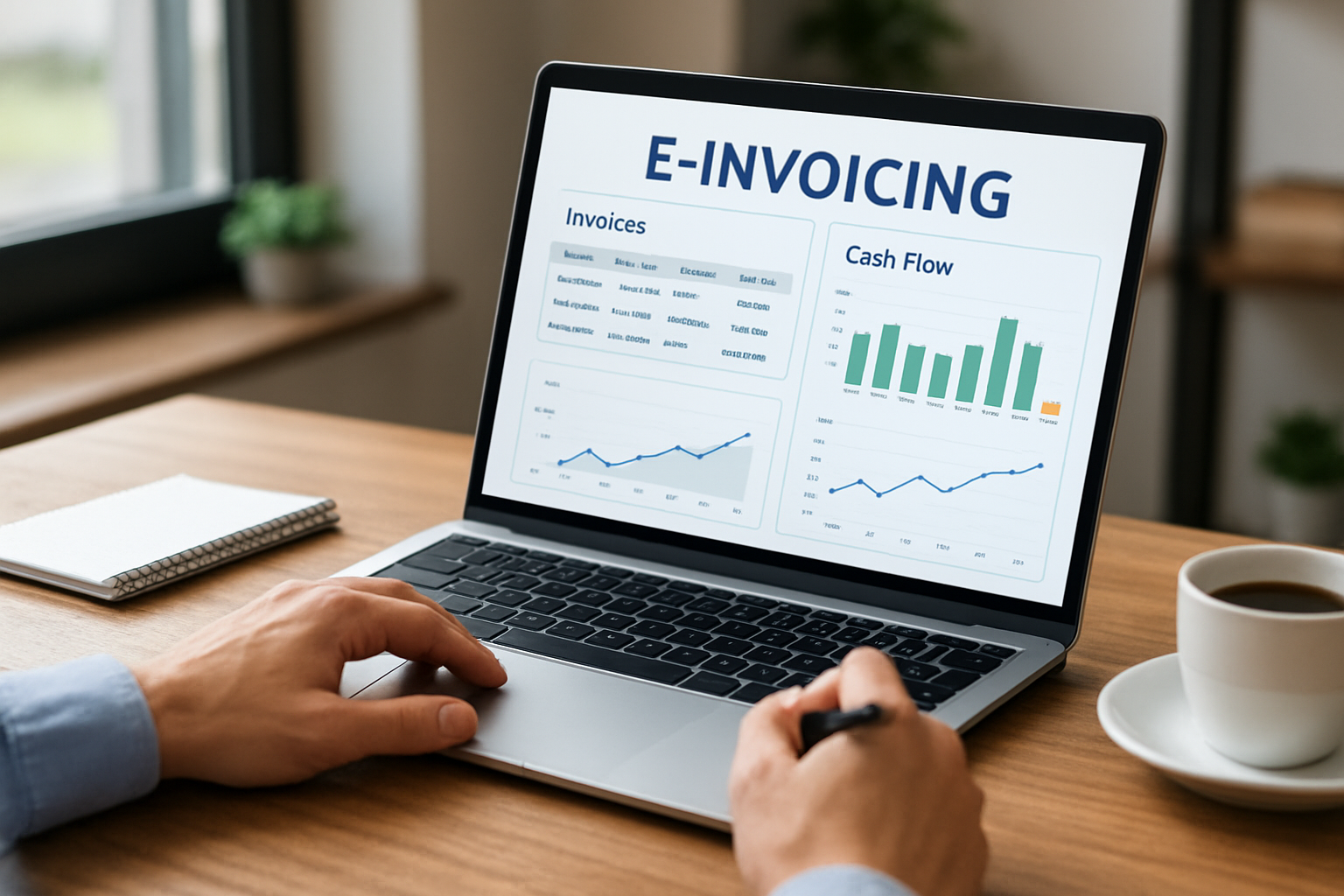
We prefer concrete dashboards. A well-designed dashboard shows outstanding invoices by age, projected cash in 30 days, and invoices flagged for review. This visibility transforms collections from reactive fire-fighting into planned activity.
Finally, the intangible benefits matter. When teams stop wrestling with invoices, we see morale improve. Our customers report a better focus on growth and client service once administrative noise drops.
How to build a simple ROI model
We recommend a lean ROI model that any small team can run in a spreadsheet. Track three inputs: hours spent on invoicing per week, average hourly cost of staff involved, and current average DSO. Then model the impact of reducing administrative hours and shaving days off DSO. The result gives a conservative estimate of cash and labor savings you can present to stakeholders.
If teams want examples or templates, we provide starter spreadsheets in our implementation toolkit so the math is reproducible and transparent.
Why choose an integrated platform
Choosing an integrated system avoids brittle point-to-point connections. We want our invoicing to carry client history, projects, and payment status without manual copying between systems.
- Unified data reduces reconciliation work.
- Automated workflows trigger follow-ups and reminders.
- Single sign-on and role controls improve security.
Platforms that position themselves as a Unified Business Hub , combining CRM, invoicing, and reporting , align perfectly with this approach. For small businesses that want a growth catalyst, this alignment delivers operational clarity and client-centric efficiency.
Next steps for our teams
We recommend this checklist to start a pragmatic e-invoicing initiative:
- Map current invoicing touchpoints.
- Select an integrated platform or vendor that supports necessary formats.
- Run a 30-day pilot with top customers.
- Measure DSO and error rates, then expand.
When we lead with a measurable pilot, stakeholders see immediate wins and are more likely to commit to broader change.
Conclusion: turning invoices into growth drivers
Adopting e-invoicing is not just a technical upgrade. For small businesses, it is an operational transformation that reduces friction across finance, operations, and client communication.
We recommend starting small, measuring impact, and scaling once the benefits are clear. When invoices become reliable data points inside a unified system, the entire organization acts with more clarity and confidence.
Our experience helping small teams implement these changes shows consistent improvements in cash flow and efficiency. When integrated into a solution like My Business Suite, invoicing stops being a headache and becomes a reliable engine for growth.
FAQ , What is e-invoicing and how do we start?We define e-invoicing as the exchange of structured invoice data between systems. We start by auditing current processes and running a pilot with recurring invoices.
FAQ , Will switching to e-invoicing disrupt client relations?We manage the transition by offering dual delivery (electronic plus PDF) during the pilot. Clear communication and short transition windows keep clients comfortable.
FAQ — What KPIs should we track first?We prioritize days sales outstanding (DSO), invoice error rate, and billing-to-cash cycle time. These KPIs show direct financial impact and operational efficiency.
FAQ — Are there compliance risks when we go electronic?We validate formats and storage policies against relevant tax and recordkeeping rules. For U.S. guidance on electronic records consult the IRS and for small business assistance see the SBA.
We invite teams to treat invoicing as a strategic asset. With the right approach in 2026, electronic invoicing unlocks time, clarity, and predictable cash — everything a small business needs to scale with confidence.