How Does an Expense Tracker Work: 2026 Guide
Discover how an expense tracker works in 2026: capture receipts, automate categorization, integrate with accounting, and boost cash flow clarity.
Neste artigo
- How Does an Expense Tracker Work: Quick Overview
- Core Components and Data Flow
- Automation, Rules, and Integrations
- Best Practices for Small Businesses
- Step-by-Step Implementation Plan
- Measuring ROI and Security Considerations
- FAQ
how does an expense tracker work is the question we hear most from founders, freelancers, and small business owners who want clearer cash flow and less administrative friction. In this guide we break down the mechanics, the benefits, and the practical steps to adopt a modern expense tracking system in 2026. Our aim is to leave you with a practical plan, not just theory.
How Does an Expense Tracker Work: Quick Overview
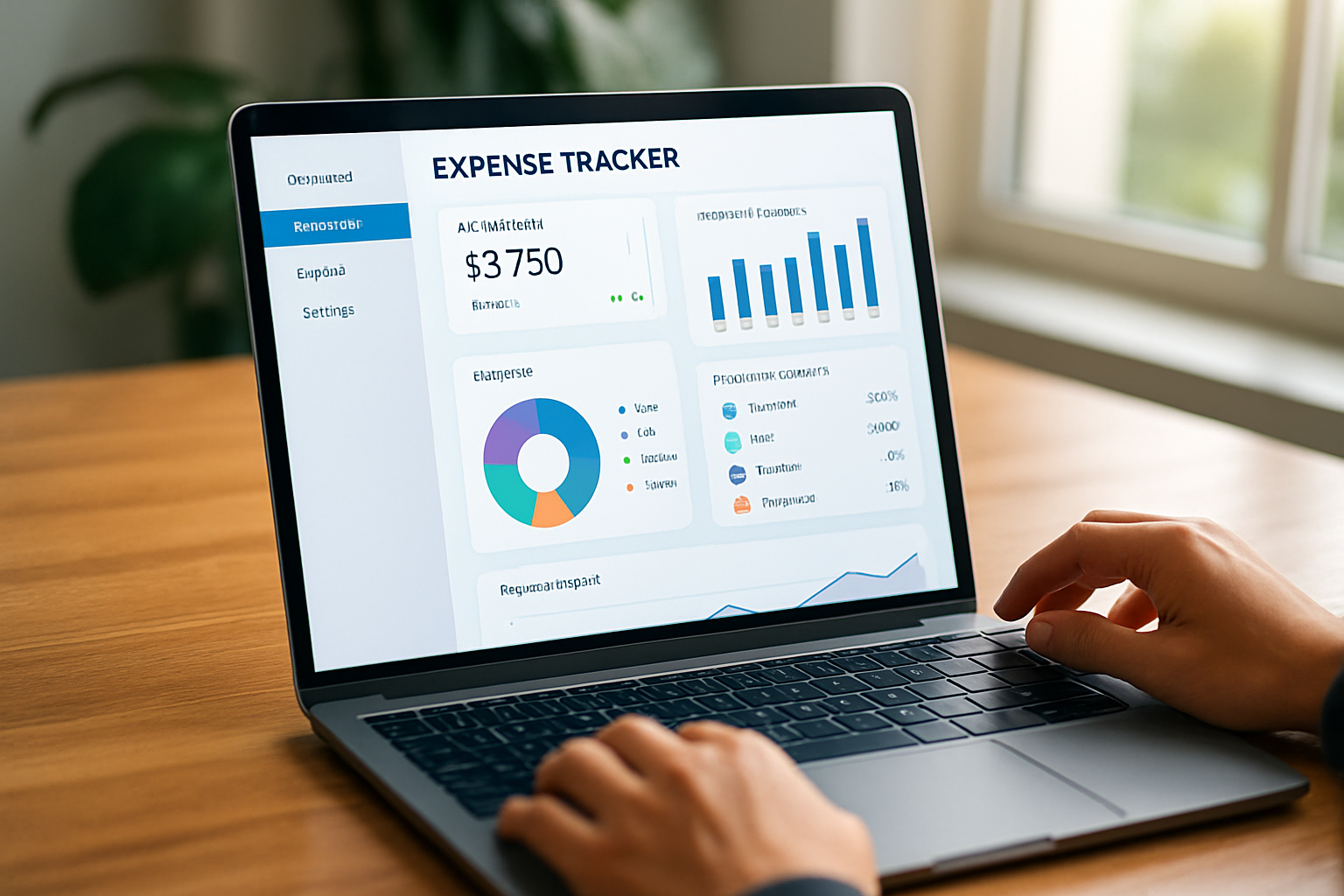
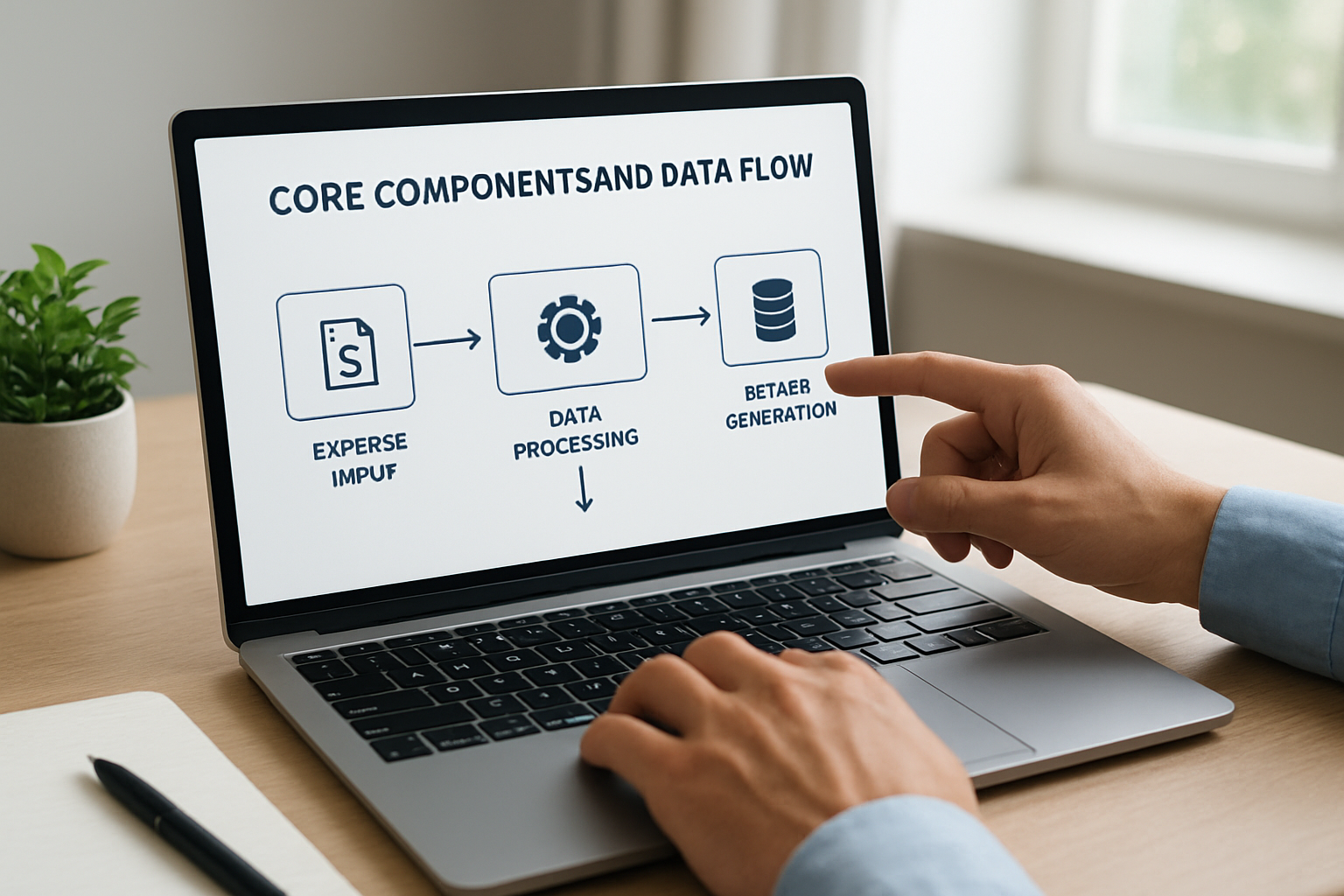
At its simplest, an expense tracker captures spending events, categorizes them, and makes that data useful for decisions. We think of it as a pipeline: capture, classify, reconcile, and report. Each stage has choices that affect accuracy, time saved, and the insights you get.

Small businesses and freelancers often start with spreadsheets. That works for a while. But as transaction volume grows, spreadsheets become error-prone and slow. A purpose-built tracker turns scattered receipts and bank entries into an organized, searchable ledger that feeds invoicing, tax prep, and management dashboards.
- Capture: receipt photos, bank imports, manual entries.
- Classify: rules, AI suggestions, or manual categorization.
- Reconcile: match expenses with bank transactions and receipts.
- Report: profit snapshots, expense trends, tax-ready exports.
Our experience with small teams shows that the real value is not the ledger but the time reclaimed and the clarity it brings to decisions. When we centralize expense data, we reduce surprises at month end and improve forecasting.
To make that tangible: imagine a freelance graphic designer who spends two hours per week chasing receipts and reconciling payments. After adopting a tracker with bank feeds and receipt capture, that time often drops to 20–30 minutes weekly. The recovered hours become billable time or breathing room to plan the next client pitch. This kind of conversion from admin to revenue-generating work is why we prioritize automation early in any rollout.
Core Components and Data Flow
To understand how does an expense tracker work in practice, we need to inspect the components that make the process reliable. Below we list the building blocks and explain the typical data flow.
Input Methods
Expense trackers accept data from multiple channels. The variety matters because it determines how much manual work remains.
- Mobile receipt capture: photograph a receipt and upload it instantly.
- Bank and card feeds: automatic import of transactions via secure API or CSV.
- Manual entry forms: quick fields for ad-hoc expenses or cash purchases.
Each input method reduces different friction points. For freelancers, mobile capture reduces lost receipts. For small teams, bank feeds cut down reconciliation time.
Classification and Rules Engine
After capture, the tracker classifies expenses. Classification can be manual, rule-based, or assisted by machine learning. We prefer systems that offer all three, so teams can start simple and add automation later.
- Rule-based tagging: map vendors or keywords to categories automatically.
- ML-assisted suggestions: the system proposes a category based on historical patterns.
- Project/client tagging: associate expenses with client work or internal projects.
In practice, a rules engine removes repetitive work. For example, if a vendor regularly invoices a subscription, we set a rule to mark it as "Software - Subscription" automatically.
Matching and Reconciliation
Reconciliation is where bookkeeping meets reality. The tracker attempts to match captured receipts to bank transactions. Successful matches close the loop; unmatched items trigger flags for review.
- Auto-match on amount and date window.
- Fuzzy match for split transactions or currency differences.
- Flagged items for human review when confidence is low.
We recommend daily or weekly reconciliation cycles for small businesses. That frequency prevents surprises and keeps financial reports dependable.
Data Validation and Audit
Beyond matching, a reliable tracker performs validation checks and preserves audit evidence. These checks catch duplicate entries, detect missing receipts, and verify tax-relevant fields such as sales tax or expense purpose. We ensure every high-value or policy-sensitive transaction gets an audit flag so finance can review it quickly.
In our practice, validation reduces end-of-period clean-up. Instead of scrambling at month end, we run lightweight audits during weekly cycles. That habit smooths tax preparation and gives CFOs confidence when presenting monthly summaries to investors.
How Does an Expense Tracker Work: Automation Features and Integrations
Automation is central to scalability. Understanding which automations matter helps us choose the right tool for early-stage startups or established small businesses.
Automated Categorization and Learning
Modern trackers learn from user corrections. Each manual fix becomes training data. Over time, the system improves accuracy and reduces the need for human intervention.
- Training loop: manual correction updates future suggestions.
- Confidence scores: the system signals when it is certain or unsure.
- Bulk apply: apply a corrected category to similar historical entries.
We often see a dramatic drop in manual categorization after a few weeks of use because the system adapts to typical vendors and expense patterns.
Integrations That Matter
Integrations determine how well expense data flows across the business stack. The right connectors turn expense tracking from a silo into a central operational asset.
- Bank and credit card integrations for continuous feeds.
- Accounting platforms for posting journal entries and invoices.
- Payroll and reimbursements to automate employee payments.
- Project management and CRM to allocate costs to clients or jobs.
We find that a consolidated tool that connects to accounting and CRM reduces duplicate work. When expense data lands automatically in invoicing or client billing, the billing cycle shortens and cash flow improves.
Rules and Workflows
Beyond simple automations, we design workflows that fit team roles.
- Approval flows: employee submits an expense, manager approves, finance reconciles.
- Policy enforcement: block categories or set spend limits per role.
- Notifications: alerts when thresholds are exceeded or receipts are missing.
These workflows reduce friction. For example, we set up an approval that requires a receipt for expenses above a threshold; that single rule reduces missing documentation at tax time.
For reference on technology adoption trends in small business, we consult reporting from reputable outlets such as Reuters technology coverage and workplace analysis like BBC Worklife, which help us contextualize how automation changes operations.
We also emphasize API-first connectors and webhook support. Those capabilities let us trigger downstream actions in real time, for instance, creating a bill in accounting software when an expense is approved, or notifying a project manager when a client-related cost posts. In short, webhooks convert expense events into operational triggers that shorten the task-to-cash loop.
Best Practices for Small Businesses and Freelancers
We always pair tools with practices. Software alone does not guarantee tidy finances. Below are pragmatic habits that multiply the benefits of an expense tracker.
- Capture receipts in real time. Delays create lost documentation.
- Standardize categories across the team to ensure consistent reports.
- Run weekly reconciliation to fix mismatches while memories are fresh.
- Audit expense policies quarterly and update rules accordingly.
Here are three specific examples we use with clients to improve outcomes.
- Freelancer workflow: mobile receipt capture → tag to client → weekly export for invoicing.
- Startup founder workflow: corporate card feeds → rules for recurring costs → monthly dashboard for burn rate.
- Small retail business: point-of-sale transaction import → categorize by store location → reconcile with bank deposits.
We recommend linking expense categories to tax lines early. That saves time during tax season and gives clearer margins per project or service.
Training and change management deserve a paragraph of their own. We allocate short, focused sessions for users: a 30-minute walkthrough, a one-page reference for capture rules, and a follow-up clinic after two weeks. Those little investments remove friction faster than additional software features. When we onboard teams onto My Business Suite or any unified platform, these micro-sessions reduce resistance and accelerate adoption.
For guidance targeted at small businesses, resources such as Brazilian Micro and Small Business Support Service (Sebrae) provide practical frameworks we can adapt to U.S. regulations and workflows.
Step-by-Step Implementation Plan
Implementing an expense tracker should be phased. We prefer a minimum viable rollout that proves value quickly, then scales rules and integrations.
Phase 1, Pilot and Capture
Choose a small group to pilot. We pick one team and run for 30 days. The goals are simple: test capture methods and identify common vendors.
- Set up bank feeds and mobile capture for pilot users.
- Create 8–12 initial categories aligned with chart of accounts.
- Train the team on receipt capture and basic tagging.
Phase 2, Automate and Integrate
After the pilot, we expand rules and connect accounting. This is where automation starts saving time.
- Implement vendor rules for recurring transactions.
- Integrate with accounting software for auto-posting.
- Create approval workflows for expense submissions.
Phase 3, Scale and Optimize
Once integrations are stable, we scale to the whole company and optimize policies.
- Refine categories and map to tax and financial reporting lines.
- Automate reimbursements and credit card allocations.
- Schedule monthly reviews to adjust rules and replace manual steps.
We use incremental expansion to keep the team comfortable and to prevent a technical or cultural backlash. A staged approach reduces risk and proves the value of the system early.
Quick checklist we run before expanding beyond the pilot:
- Baseline metrics captured for processing time and unreconciled items.
- Documented approval matrix and expense policy accessible to all users.
- Tested integrations with accounting and payroll for at least one month.
- Security review of connected apps and revoked unused tokens.
Measuring ROI and Security Considerations
Buyers always ask: how much time and money will we save? We measure both direct and indirect returns. Direct savings come from reduced bookkeeping hours; indirect savings come from better decision making and fewer compliance errors.
Key Metrics to Track
- Time saved on expense processing per month (hours).
- Number of unreconciled transactions at month end.
- Days to invoice and days sales outstanding when expenses tie to billable work.
- Cost of errors or missed deductions during tax filing periods.
We build a simple dashboard that shows baseline metrics before implementation and tracks improvements over 3 to 6 months. That makes ROI defensible and visible to stakeholders.
Security and Compliance
Expense trackers handle sensitive data: bank accounts, card numbers, receipts with personal information. We insist on three security pillars.
- Strong encryption for data in transit and at rest.
- Role-based access controls to limit who can view or edit financial records.
- Audit trails that record who changed what and when.
We also recommend periodic reviews of connected apps and tokens. Revoking unused integrations reduces exposure. When in doubt, we consult security summaries and industry reporting such as research indexed at PubMed for studies on human factors in financial operations.
Finally, we make the link between security and trust explicit. Secure workflows mean fewer compliance issues and greater confidence when we share financial snapshots with investors or lenders.
To illustrate ROI in a clear, hypothetical scenario: imagine a small agency with three employees spending 6 hours per week on expense processing at an average loaded labor rate of $40/hour. That is 6 * 3 * 4 = 72 hours per month, or roughly $2,880 monthly. If automation and rules cut that workload by 60%, monthly savings are about $1,728. Over a year, the saving exceeds $20,000. We call this a hypothetical example because actual results vary, but this kind of arithmetic helps stakeholders see where investment dollars flow back into the business.
FAQ
How quickly can we expect to see time savings after adopting an expense tracker?We typically see measurable time savings within 4 to 8 weeks after a pilot. The speed depends on the proportion of manual processes replaced by bank feeds and rules. For many small teams, weekly reconciliation time drops by 30–60% after the first two months.
Can an expense tracker replace our accountant or bookkeeping software?An expense tracker complements accounting software; it rarely replaces it. We use the tracker to organize raw expense data, then integrate with accounting platforms so that financial statements reflect accurate, reconciled transactions. That division keeps roles clear and preserves auditability.
What data do we need to start a pilot?Start with bank or card access for one account, a handful of recurring vendors, and a core team of 3–6 users. We set up categories aligned to your chart of accounts and capture receipts for one month to train rules.
How does a tracker handle multi-currency or international expenses?Many trackers offer automatic currency conversion and tagging. We recommend enabling exchange rate reconciliation and reviewing high-value cross-border transactions manually. If international sales are material, choose a tool with robust FX reporting and audit trails.
Why should we consider My Business Suite for expense tracking?We mention My Business Suite because it combines unified business management with built-in expense workflows, linking expenses to clients, invoices, and team tasks. That connectivity reduces duplicate entry and gives clearer Task-to-Cash visibility across the business.
We hope this guide clarified how does an expense tracker work and gave a practical path to implementation in 2026. If we approach expense tracking as a process — not just a tool — we turn scattered transactions into strategic data that accelerates growth and operational clarity.
For broader reading about business technology trends and workplace shifts that influence how teams adopt tools, consult reporting from Reuters and contextual analysis at BBC Worklife. For small-business operational frameworks we adapt globally, we review practical guidance at Brazilian Micro and Small Business Support Service (Sebrae). For official economic data in Brazil, see IBGE. For business press coverage, consult Exame and Valor. For government services and official notices, visit gov.br. For academic perspectives on human factors in finance operations, see indexed studies at PubMed.