Invoice Ninja free online invoicing: 2026 Guide
Practical 2026 guide to Invoice Ninja free online invoicing: features, setup, limits, and workflow tips to improve cash flow for small businesses.
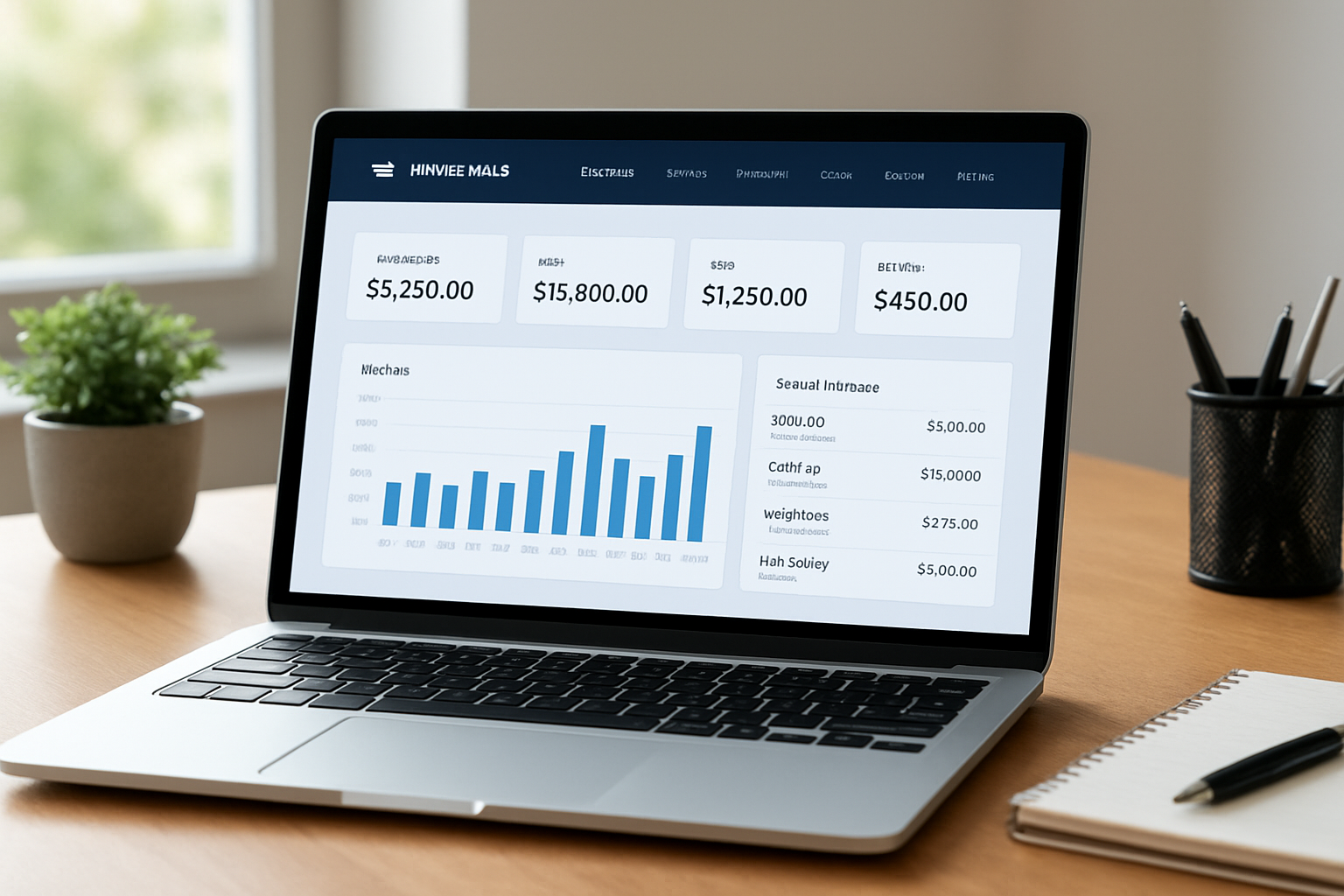
In this article
- Introduction
- What is Invoice Ninja free online invoicing?
- How to set up Invoice Ninja free online invoicing?
- Pricing and limitations for Invoice Ninja free online invoicing
- How we optimize invoicing workflows
- When to scale beyond Invoice Ninja free online invoicing
- Conclusion and FAQ
Invoice Ninja free online invoicing is a name we often hear when small businesses look for fast, no-cost ways to generate professional invoices. In this guide for 2026 we walk through what the free plan really offers, when it makes sense, and how to pair it with tools like My Business Suite to streamline operations and speed cash flow.
Introduction
We know running a small business in 2026 means juggling many hats,sales, operations, bookkeeping, and client care. Invoicing sits at the intersection of those tasks: it’s part finance, part communication, and part brand moment.

We’ll be pragmatic: free tools can be life-changing for startups, solo consultants, and local shops, but they come with trade-offs. We’ll highlight those trade-offs and give step-by-step, actionable advice to get the most from a free invoicing solution while keeping financial and legal obligations in check.
- Who this guide helps: startup founders, small business owners, freelancers.
- What we cover: features, setup, workarounds, integrations, and best practices.
- Goal: help you decide if the free plan fits your business and how to optimize it.
What is Invoice Ninja free online invoicing?
We describe the offering plainly: the free tier of Invoice Ninja provides online invoicing tools that let businesses create, send, and track invoices without an upfront subscription fee. It typically covers core invoicing functions with limitations on users, clients, or templates,details that matter when you scale.
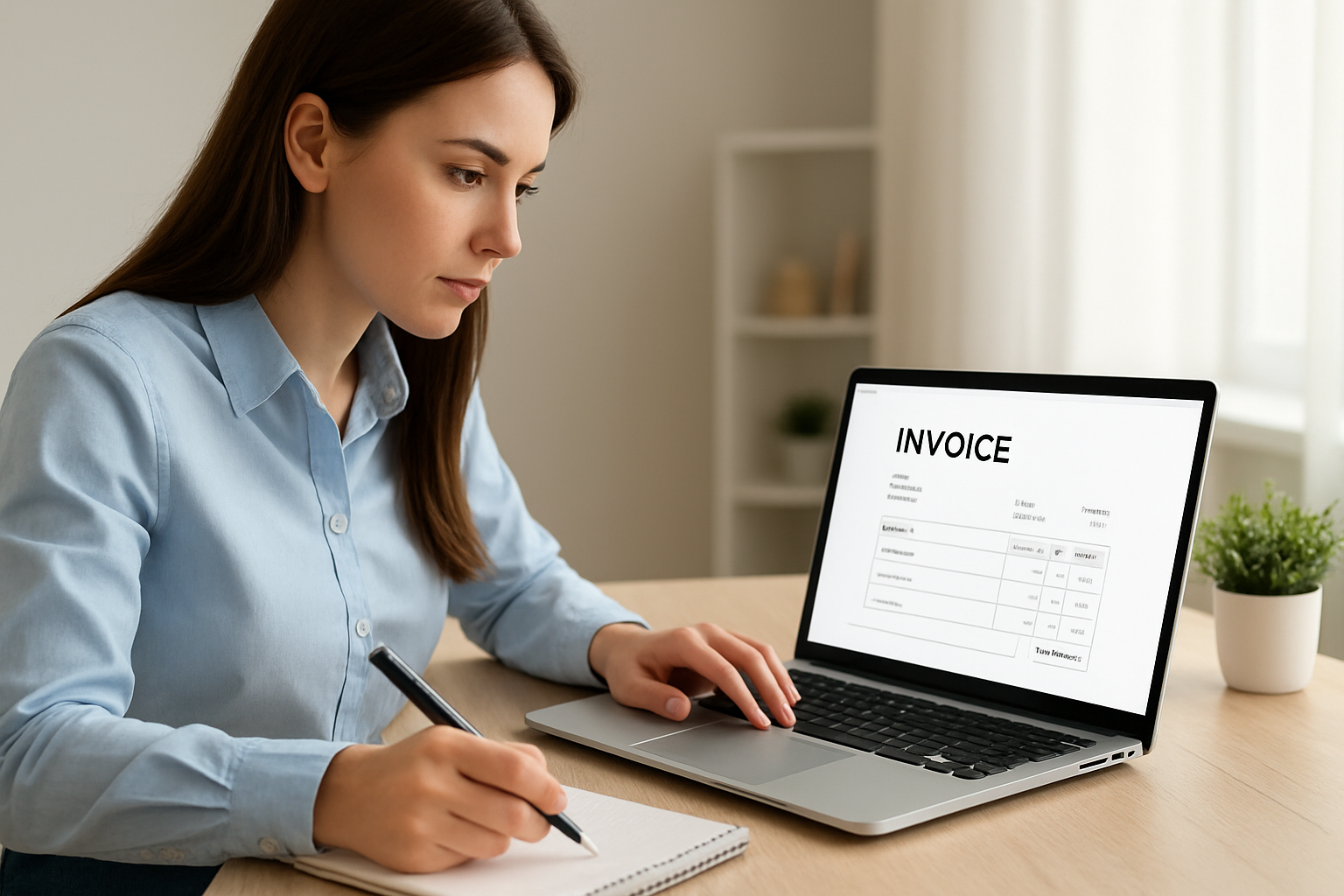
To help us visualize, imagine a minimalist accounting inbox: invoices are drafted with your logo, payment terms, and line items, then sent by email or link. The recipient pays online and the system records the payment. That sequence is the backbone of invoicing, and the free plan gives you that backbone.
Core capabilities typically included
- Invoice creation and customization with brand elements.
- Client and project records for basic tracking.
- Online payment links and basic payment processing support.
- Invoice history and simple reporting dashboards.
Practical example
Say Maria, a startup founder, needs to invoice beta customers while conserving cash. She uses the free plan to send branded invoices and collect card payments. It keeps billing professional without adding software expense during the early runway phase.
On the flip side, the free plan may impose caps that matter: number of invoices per month, limited automation, or restricted payment gateway options. We’ll unpack those details later with a decision checklist.
Security, data ownership and hosting options
We care about data practices, and we recommend checking two things up front: who holds the data and how it’s protected. Some free offerings are fully cloud-hosted while others let you self-host the code. Self-hosting shifts responsibility to us, cloud hosting centralizes maintenance but means we rely on the vendor’s security posture.
When we evaluate a free tool, we confirm basic security measures: encrypted connections during payments, role-based access for users if available, and a clear export path so our records never get trapped. If our business handles sensitive client data or regulated information, we test export capabilities immediately after setup so we know how to preserve records for audits or tax filing.
We also pay attention to backup policies and data retention. Knowing how long invoices and logs are stored by the provider prevents surprises if we later need older receipts for tax or compliance reasons.
Self-hosted vs cloud: a quick decision guide
- If we prefer zero infrastructure overhead and automatic updates, cloud is simpler.
- If we require tight control over data residency or need custom integrations at the database level, self-hosting may be worth the technical effort.
- Either way, ensure we can export invoices, client lists, and payment histories in CSV or PDF formats before committing.
How to set up Invoice Ninja free online invoicing
We’ll walk through a setup that balances speed and accuracy so that invoicing becomes a reliable path from task to cash flow. The steps below are phrased so we can follow them in sequence with minimal friction.
- Create your account and verify your email. Use a business email to keep records tidy.
- Fill company profile,legal name, address, tax ID if required. Keep this consistent with tax filings.
- Upload a simple logo and select a template style that reflects your brand.
- Set default payment terms and add accepted payment methods.
- Import or add client records and link projects where applicable.
Checklist we use before sending the first invoice
- Confirm business name and address match IRS or local tax authority records. See the IRS for guidance on business taxpayer information.
- Decide on payment terms (Net 15, Net 30, etc.) and late-fee policy.
- Test a sample invoice and payment path to ensure funds route correctly.
Integration tips
Standing alone, the free plan can work well. But we find the real impact comes when invoicing links to other systems that manage clients, projects, and cash flow.
- Sync contacts to your CRM to avoid duplicate data entry.
- Export invoice data monthly for bookkeeping or import to accounting software.
- Use a centralized dashboard like My Business Suite to view sales, invoices, and team tasks at a glance,this reduces the “open 5 apps” problem that slows small teams down.
As an extra practical tip: schedule a recurring calendar reminder to reconcile invoices with bank deposits. It’s low-tech, but effective.
Advanced setup items we recommend
After the basics, we configure a few extras that pay dividends. First, set up tax rates per jurisdiction if we sell across states. Second, create custom fields for purchase order numbers or internal project codes so invoices match client bookkeeping. Third, enable any available two-step verification and restrict user roles when team members join.
We also script a monthly export of invoices and payments to our cloud storage. That creates an independent archive beyond the vendor’s platform and simplifies audits or migrations later. If automations are limited on the free plan, simple calendar-driven routines and lightweight Zapier-like connectors often do the job.
Pricing and limitations for Invoice Ninja free online invoicing
We need to be candid about boundaries. A free tier is a trade-off between cost and control. Knowing the limits helps us plan growth without surprises.
Typical constraints include caps on the number of clients, limited templates or custom fields, reduced automation, and restrictions on advanced payment gateways. When those caps bind, administrative work tends to creep back into our days.
Decision factors we evaluate
- Volume: number of invoices per month and expected growth.
- Team size: how many users need access to billing and client records.
- Automation needs: recurring invoices, reminders, and late fees.
- Integration needs: accounting, CRM, or management platforms such as My Business Suite.
When the free plan makes sense
- Freelancers and consultants issuing a small number of invoices per month.
- Startups validating product-market fit and minimizing overhead.
- Local businesses handling a steady but low volume of clients.
When the free plan becomes a bottleneck
- We need multi-user access with roles and permissions.
- Reports must be tailored for investors, lenders, or tax preparation.
- High monthly invoice volume or complex billing models (retainers, retainers + hourly, split invoices).
We recommend tracking the moment the free plan forces manual work that costs more than the paid tier would. For many of us, a simple spreadsheet will reveal the break-even point in weeks.
Hypothetical break-even scenario (example)
To make the decision tangible, consider this hypothetical example. Imagine Sarah invoices 40 times per month and spends about 8 hours monthly on follow-ups and reconciliations. If we value that time at $25/hour, the manual cost is $200 per month. If a paid plan at $30/month plus a modest onboarding hour eliminates most of that work, upgrading quickly becomes sensible. This scenario is illustrative, not predictive; run the same math with our actual rates.
How we optimize invoicing workflows
Invoicing is less about software and more about process. The right sequence reduces errors and accelerates payment. We’ll share a workflow that fits small businesses and freelancers in 2026.
Our preferred invoicing cadence
- Draft invoice within 48 hours of completed work or milestone.
- Send with a personalized note and clear payment instructions.
- Enable automatic payment reminders where possible.
- Reconcile payments weekly and follow up on overdue items promptly.
Practical tactics that save hours
- Standardize line items and descriptions so clients instantly recognize charges.
- Use client tags and project codes for faster reporting.
- Set up automated reminders for overdue invoices to cut collection cycles.
- Offer multiple payment methods to reduce friction,cards, ACH, or payment links.
Examples by persona
Sarah, a small business owner, reduced follow-up time by using templates and automations, which freed her team to focus on fulfillment. David, a consultant, uses a branded PDF template to reinforce professionalism and reduce client confusion about line items.
We also test a quarterly audit: reconcile invoice totals with bank deposits and flag any recurring mismatches. This practice prevents surprises during tax season and supports cleaner bookkeeping.
Compliance and tax considerations
We don’t give tax advice, but we do insist on correct record-keeping. When in doubt, consult authoritative resources. For U.S. tax guidelines and record requirements, refer to the Small Business Administration and the IRS recordkeeping guidance.
Beyond compliance, we track two operational KPIs: hours spent on billing per month and days sales outstanding (DSO). Together they tell us whether invoicing is slowing cash flow. We calculate DSO using receivables, average daily sales, and invoice aging,an exercise easy to automate once data flows from invoicing into a central hub.
When to scale beyond Invoice Ninja free online invoicing
At some point growth forces a decision. We follow signals, not dates. A few consistent red flags push us toward paid tiers or a platform migration: repeated manual reconciliation, missed payments due to convoluted workflows, or new reporting requirements from investors or lenders.
Signs it’s time to upgrade or migrate
- We hit an invoice cap that requires splitting clients across accounts.
- Manual reminders and reconciliations consume key staff time weekly.
- We need multi-currency billing, advanced tax rules, or consolidated reports across teams.
Migration checklist we use
- Export all invoices, payments, client lists, and attachments in CSV and PDF formats.
- Map fields between systems,client IDs, project codes, tax rates, and payment references.
- Test a sandbox or pilot migration with a small set of clients and invoices.
- Confirm payment gateway configuration in the new environment and run a live test for a small payment amount.
- Train the team on new roles, permissions, and reconciliation steps before cutover.
- Schedule a post-migration audit at 30 and 90 days to catch mismatches early.
Integrating with My Business Suite
We find the fastest migrations are those planned around data flows. When we integrate invoicing into My Business Suite, we focus on three streams: client sync, invoice sync, and payment reconciliation. Mapping these correctly removes duplicate entry and gives us a single dashboard where sales, projects, and finance meet.
Practically, that means we export client records from the invoicing tool, import into My Business Suite, and link project codes so that every invoice automatically tags to the right project. Next, we push invoice statuses into the suite so account managers see unpaid items alongside tasks and delivery milestones. The result is operational clarity, no more looking for payment notes across five apps.
Persona-driven migration examples
Maria, still in product validation, delays upgrading until monthly invoices and customer support interactions grow above a threshold. Sarah, whose storefront grew to 60 invoiced orders monthly, found that adding a paid plan saved her two staff hours weekly. David, a consultant billing hourly across clients, migrated earlier because multi-user access and automated retainer invoices removed repetitive admin tasks.
These cases illustrate the pattern: we upgrade when the cost of manual work and the pain of siloed data exceed the subscription price. Track time, not feelings,numbers make this decision defensible.
Conclusion and FAQ
To wrap up: a free invoicing plan can be a powerful tool for new ventures and low-volume businesses when paired with disciplined processes. We recommend starting lean, instrumenting workflows, and measuring the time cost of manual work so we can scale into a paid plan at the right moment.
We also encourage combining a free invoicing tool with a unified management hub. My Business Suite, for example, can bring clients, projects, and financial data together so invoicing doesn’t live in a silo.
If you want a simple action plan today, follow these three steps:
- Create an invoice template and test a payment.
- Enable at least one automated reminder and a recurring calendar reconciliation.
- Track monthly invoice volume and staff time spent on billing to decide on upgrades.
Further reading and resources
- Small Business Administration , guidance for small business management and recordkeeping.
- IRS, federal tax and recordkeeping guidance for U.S. businesses.
- Reuters, analysis and news on business technology trends.
- PubMed, research repository useful for productivity and ergonomics studies.
- Receita Federal (gov.br) — official Brazilian federal revenue service resources.
- Sebrae, guidance and support for Brazilian small businesses.
- IBGE — Brazilian Institute of Geography and Statistics for demographic and economic data.
- Exame — business news and analysis relevant to entrepreneurship and finance.
The number of invoices allowed on the free plan varies by provider policy and may change in 2026. Check the vendor’s pricing page for exact limits. If you anticipate exceeding the free cap, monitor invoice volume monthly and compare the administrative cost of manual work versus a paid subscription.
Can I accept credit card payments on the free plan?Many free plans support online payments but may charge processing fees through the payment gateway. We recommend testing the full payment flow and reading the gateway’s fee schedule before relying on a specific method for cash flow.
Is using a free invoicing tool compliant with U.S. tax rules?Yes, as long as you retain accurate records of invoices and payments. For authoritative guidance, consult the IRS and consider professional tax advice when your revenue or deduction profile becomes more complex.
How do I know when to upgrade from a free plan?Upgrade when manual billing tasks consume staff time worth more than the subscription, when you need multi-user roles, or when reporting requirements from investors or lenders exceed the free plan’s capabilities. Track time spent on billing for three months to inform the decision.
We’ve shared concrete steps and practical checks so you can adopt a free invoicing tool without sacrificing control. If you want a single metric to watch: track the hours you and your team spend on billing per month and the average days sales outstanding. Those two numbers tell a clear story about whether the free route remains efficient.