Invoicing and Accounting for Small Businesses: No Mistakes
Learn how to streamline invoicing and accounting for small businesses in 2026 with practical setup, automation tips and compliance guidance for U.S. companies.
Neste artigo
- Introduction
- Why invoicing and accounting for small businesses matters
- Getting started: simple setup and best practices
- Tools and automation for invoicing and accounting for small businesses
- Taxes, compliance, and recordkeeping in the U.S.
- FAQ
invoicing and accounting for small businesses are the twin engines that keep cash flowing and decisions clear. From our experience advising founders, freelancers and small teams, the right invoicing process plus sensible accounting practices convert chaos into clarity, and that is exactly what helps businesses grow sustainably in 2026.
Introduction
We know how it feels when billing and bookkeeping compete for the same mental space as product development or client work. The truth is straightforward: consistent invoicing plus reliable accounting eliminates surprises, speeds payments and gives us a real-time read on business health. In this guide we share practical steps, concrete examples and the tools that make implementation fast and repeatable.

Our goal here is pragmatic. We want to arm you with a system that reduces administrative drag, improves client relationships and gives you the confidence to make decisions based on numbers, not guesses.
Many small teams underestimate the compounding effect of small inefficiencies: a missed line item, an unclear invoice description, or an inconsistent payment term. Those frictions cost time, and time converted to revenue is the simplest way to improve results. We’ll show how modest, repeatable habits create measurable improvements in cash flow and operational bandwidth.
Why invoicing and accounting for small businesses matters
When we talk to founders and freelancers, three problems repeat: late payments, unclear cash flow, and time lost to manual tasks. Those are symptoms, not causes. The root cause is usually a fractured process that mixes tools and spreadsheets without a coherent flow from task to cash.

Good invoicing fixes revenue timing. Good accounting transforms those invoices into actionable intelligence: profit margins, break-even points, and forecasts. Together, they turn bookkeeping from a chore into a competitive advantage.
Practical benefits we see in the field
- Faster collections: clear invoices and automated reminders shorten payment cycles.
- Better pricing decisions: accurate cost and margin visibility prevents underpricing.
- Stress reduction: predictable monthly routines replace emergency scrambling come tax season.
To make this concrete, imagine a freelance consultant who switches from sending informal PayPal requests to a standardized invoice with payment terms and automatic reminders. The client pays faster. The consultant stops chasing payments and reclaims several billable hours per month, hours that can be converted directly into revenue or investment in growth.
Beyond time reclaimed, consistent invoicing reduces the number of disputes. Clear line descriptions, attached deliverable acceptance screenshots, and a simple reference to the contract remove ambiguity. Over a year, reducing disputes by even a few percent translates to fewer paused payments and a steadier forecast.
Getting started: simple setup and best practices
We advise starting small but implementing standards from day one. A lightweight, consistent setup beats a complex system that nobody follows.
Step 1, Define your billing rules
Decide your payment terms (net 15, net 30, milestone-based), accepted payment methods, late fees and invoice numbering format. Keep rules written and easy to find, so the whole team uses the same process.
- Choose standard payment terms and state them on every invoice.
- Set unique invoice numbers in a predictable sequence for auditability.
- Include clear descriptions of goods or services to avoid disputes.
Also decide who on the team approves exceptions and how those are documented. Exceptions are inevitable. A long-term client may request different terms, but inconsistent approvals erode the process. Use a simple approval log: reason, approver, date, and note on how the invoice will be handled.
Step 2, Chart of accounts basics
We keep the chart of accounts simple: revenue, cost of goods sold, operating expenses (subcategorized), and owner draw or distributions. For service businesses and freelancers, a flatter chart speeds reporting without losing necessary detail.
Examples:
- Revenue, Consulting, Retainer, Product Sales
- COGS, Subcontractor Fees, Materials
- Expenses, Advertising, Software, Office Supplies
Where useful, add project or client tags to revenue and expense lines so you can run profitability at the client or project level. Tagging gives immediate insight into which clients are profitable after accounting for direct labor and expenses, and which require pricing or scope adjustments.
Step 3, Reconcile regularly
Reconciling bank accounts weekly or biweekly prevents small discrepancies from becoming large headaches. It also surfaces missing invoices or double entries quickly.
We recommend a simple cadence: daily quick checks, weekly reconciliations, and monthly close with profit & loss and balance sheet reviews.
To make reconciliation actionable, we maintain a short checklist that each bookkeeper follows: verify cleared deposits, match payments to invoices, flag unexpected vendor charges, and reconcile credit card statements. If a mismatch appears, we add a brief note explaining the discrepancy and the corrective step taken. That tiny habit saves time during month-end and creates an audit trail that reduces stress.
Handle common reconciliation items with set rules: uncleared checks are listed as outstanding, bank fees are coded to a bank charges account, and unapplied credits are investigated within three business days. A standing item in the monthly close should be “unapplied cash” to ensure nothing sits unresolved for months.
Step 4, Use consistent customer records
Store the same customer information in one place: legal name, billing address, tax ID if applicable, payment terms and contact person. Consistent records reduce invoice errors and speed collections.
- Record every interaction related to billing (emails, disputes, partial payments).
- Create templates for common invoice types so we don’t reinvent wording each time.
Protect customer data: limit access to those who need it, use encrypted storage for sensitive documents, and keep a minimum necessary data policy. That reduces risk if there’s a breach and keeps us compliant with basic privacy expectations.
Step 5, Templates and sample invoice wording
Templates save time and reduce mistakes. We use one template for fixed-price work, another for hourly billing, and a third for retainers. Each template includes the essentials, due date, payment options, late fee terms and a short, polite payment reminder paragraph.
Short sample phrasing we use: “Payment due within 30 days of invoice date. Please reference invoice number when submitting payment. Late payments may incur a 1.5% monthly fee.” That line sets expectations without sounding punitive.
Practical tip: keep a folder called “Invoice Snippets” with pre-approved descriptions for the most common services. When we invoice, we paste the exact snippet and avoid a dispute about scope later on.
Also include a brief dispute process on the invoice: who to contact, expected response time, and how disputes affect payment timelines. That clarity reduces back-and-forth emails and shortens resolution time.
Tools and automation for invoicing and accounting for small businesses
We believe in automation that simplifies, not complicates. The right set of tools connects proposals, project time, invoicing and bank feeds so the administrative flow is nearly hands-free.
Core tool categories
- Invoicing and payments, send branded invoices, accept ACH and card payments, and automate reminders.
- Accounting platform, double-entry ledger, bank reconciliation, and reporting.
- CRM or client hub, centralize contact data, contract terms, and communications.
- Time tracking (for billable hours), link hours to invoices and projects.
We often recommend choosing an integrated solution that covers multiple categories to reduce sync errors and manual reconciliation. When integration isn’t possible, pick tools with reliable export formats (CSV, QBO).
Automation workflows we implement
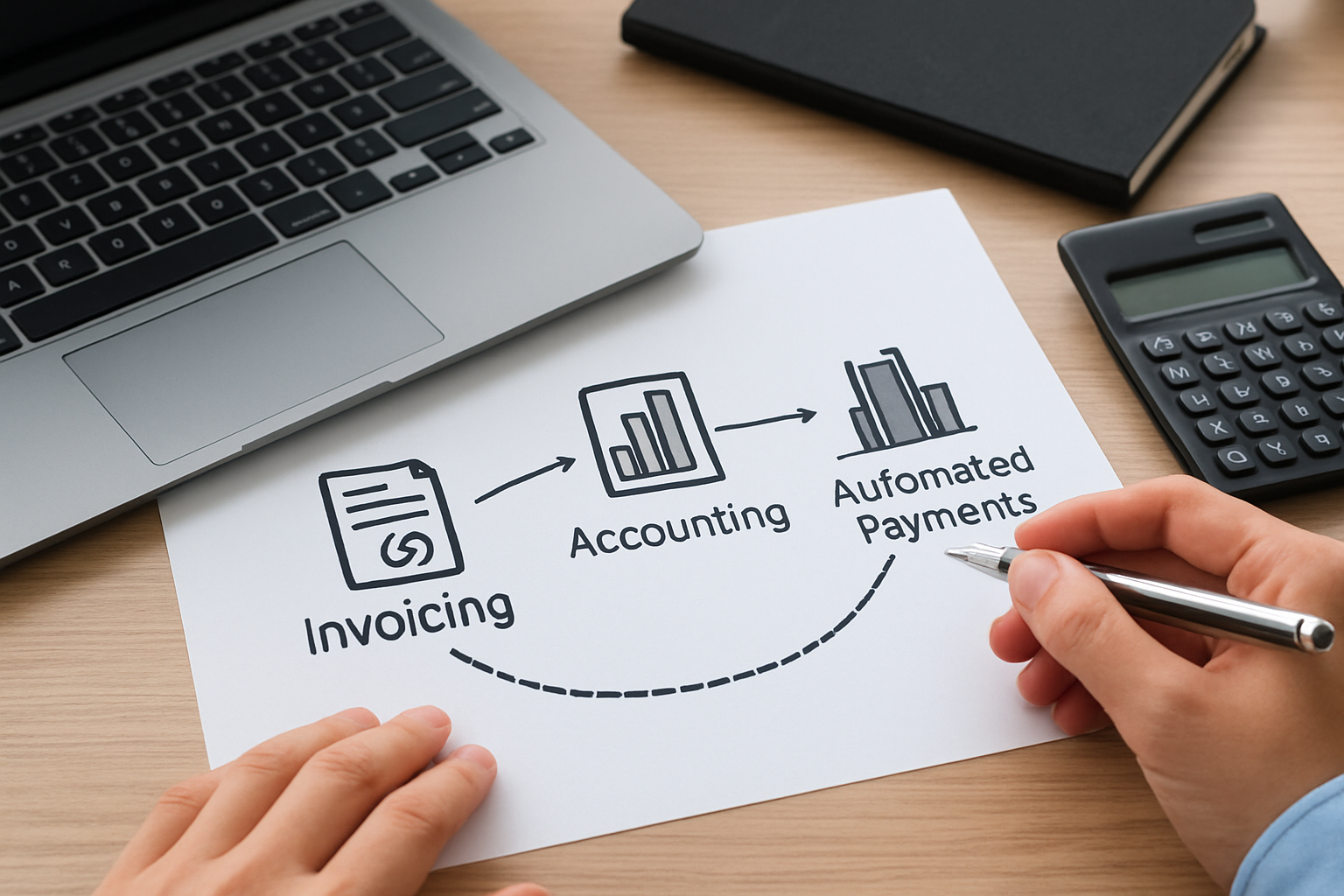
- When a project is marked complete, time entries and expenses automatically roll into a draft invoice.
- Upon invoice approval, an email with a secure payment link is sent and automated reminders are scheduled for overdue invoices.
- Payments reconcile automatically with bank feeds and the accounting ledger, triggering VAT/sales tax allocation where relevant.
These automations turn administrative steps into triggers, like a Rube Goldberg machine made useful rather than fussy. We can free up hours every week this way, and that time compounds across months.
Include a human checkpoint for large or unusual invoices. Automation is powerful, but a quick reviewer can catch misapplied discounts, incorrect client details, or accidental duplicate charges before they go out.
Example integration scenario
Imagine a small marketing agency that uses a unified business hub to track time, manage client onboarding, and invoice from the same dashboard. When a campaign ends, a single click generates an invoice populated with time and expenses, applies the agreed discount, and emails the client with payment options. The client pays via ACH; the payment posts to the ledger and the campaign budget shows as closed. No CSV juggling. No missed line items.
That’s operational clarity in practice—and it aligns directly with what we value as a growth catalyst for small businesses.
How we choose integrations and reduce friction
Integration is a trade-off. Tightly integrated systems reduce manual work but can lock us into a single vendor. We prefer modular stacks when budgets are tight: pick a core accounting system, then add an invoicing tool and a time tracker that export cleanly to QBO or a universal CSV. That way we keep options open without reintroducing manual reconciliation.
- Prioritize bank feed reliability and two-way sync for invoices and payments.
- Choose tools with clear audit trails and user activity logs to troubleshoot disputes.
- Consider security features like two-factor authentication and role-based access.
Security, backups and data hygiene
We treat financial data like a company’s nervous system. Regular backups, encrypted connections, and strict user permissions matter. If an employee leaves, remove their access promptly. If a tool offers read-only API keys for accountants, use them.
Practical habit: export a quarterly backup of invoices, contacts and the chart of accounts into encrypted storage. It costs ten minutes per quarter and can save weeks if a system outage or migration is necessary.
Case study: consulting firm streamlines billing
We worked with a three-person consulting firm that struggled with late invoices and lost time reconciling payments. After centralizing client records, standardizing invoice templates, and turning on automatic reminders, they reported fewer disputes and a predictable cadence of receipts.
In practical terms, the partner who handled accounts reclaimed four hours per week previously spent chasing payments. Those hours were redeployed into business development and delivered new client revenue within two months—a small change with measurable ROI.
To put that ROI into perspective, imagine a hypothetical scenario where those reclaimed hours are billed at $100 per hour. Four extra billable hours per week converts to roughly $20,800 in additional revenue over a year. We use such back-of-the-envelope calculations to prioritize which process improvements to implement first; small time savings at scale become meaningful cash flow improvements.
Beyond direct revenue, the firm also reduced client churn by improving billing transparency. Clear invoices and fast responses to questions made clients more comfortable with project renewals, showing that operational improvements can drive both immediate cash and longer-term retention.
Taxes, compliance, and recordkeeping in the U.S.
Compliance is not just about avoiding penalties. It’s about making sure the books reflect business reality so we can make informed decisions. The U.S. has clear expectations around record retention, reporting, and payroll that every small business must follow.
For official guidance on recordkeeping and small business tax requirements, we refer to the IRS Small Business and Self-Employed Tax Center and the SBA guidance on keeping records. These resources explain what documents to keep and recommended retention schedules.
Payroll and contractor payments
We separate payroll from contractor payments. Payroll requires tax withholdings, reporting and often payroll tax deposits. Contractors should receive Form 1099-NEC when they exceed thresholds in a calendar year; the IRS explains the filing requirements on the Form 1099-NEC page. Maintain signed contractor agreements, W-9s on file and clear payment records to speed year-end reporting.
Operationally, keep a contractor file with agreement, W-9, rate schedule, and approved invoicing cadence. When work is project-based, note the project code on every contractor invoice to ensure correct cost allocation and timely payment.
Sales tax considerations
Sales tax rules vary by state and by product or service. We make sales tax decisions based on the nexus rules where the business has a presence. For state-specific guidance, check your state tax authority website or consult a tax professional. The IRS resources help with federal interactions, while state sites clarify local rules.
Keep a simple matrix of where you have nexus (physical office, employee, or significant sales presence) and update it annually. Taxability of services changes over time in some states; reviewing the matrix quarterly during the first year avoids surprises.
Estimated taxes and planning for the self-employed
If we are self-employed, quarterly estimated tax payments avoid a large bill in April. The IRS provides guidance on estimated taxes and payment methods. A simple planning habit we use: forecast expected taxable income for the year, estimate quarterly payments conservatively, and update the projection each month. That keeps surprises small and cash planning realistic.
When uncertainty is high, choose conservative estimates and adjust later; overpayment is less painful than a sudden underpayment penalty and cash squeeze.
Recordkeeping checklist
- Invoices and receipts (digital copies accepted).
- Bank and credit card statements.
- Payroll records and contractor agreements.
- Tax returns and supporting schedules.
- Contracts and signed client approvals.
If we keep these organized, tax season becomes a review rather than a rescue mission.
Extend the checklist with: expense categorization rules, a naming convention for scanned receipts, and a versioned policy for retention and deletion. Clear naming saves search time and reduces the cost of producing documents for stakeholders.
Audit preparedness and practical habits
An audit is not a boogeyman if records are organized. We store files by year and type, label every scanned receipt with date and vendor, and reconcile totals monthly so anomalies surface early. If we receive a notice, respond promptly and provide clearly indexed documentation, auditors prefer clarity to drama.
For payroll-specific rules and compliance, the U.S. Department of Labor maintains guidance at the Wage and Hour Division. For employer tax responsibilities, the IRS Employer's Tax Guide (Publication 15) is the definitive reference.
Practical additions to an audit playbook: a single point of contact for requests, a spreadsheet that maps requested items to file locations, and a short evidence package that includes reconciliations and explanations for any large or unusual transactions. That reduces back-and-forth and shortens the review timeline.
FAQ
Below we answer the most common questions we get while helping small businesses streamline invoicing and accounting.
How often should we send invoices?We recommend sending invoices as soon as work is deliverable or on a predictable schedule (monthly, per milestone). Predictability reduces disputes and helps clients budget payments. For retainers, send recurring invoices with clear renewal and cancellation terms.
What records must we keep for tax purposes?Keep copies of invoices, receipts, bank statements, payroll records, and tax returns. The IRS recommends retention timelines and specifics for different document types, and the SBA provides practical guidance for organized recordkeeping.
How can we reduce late payments?Clear payment terms, multiple payment options, automated reminders, and small incentives for early payment can materially reduce late payments. Additionally, we recommend drafting a concise late-fee policy and communicating it during contract signing.
Which KPIs should we track monthly?At minimum: accounts receivable days (DSO), monthly recurring revenue (if applicable), gross margin, and burn rate or net cash flow. These numbers tell us whether the business is scaling profitably or just growing top-line revenue without cash discipline.
How do we handle a disputed invoice?First, acknowledge the dispute quickly and request specific details. Break the dispute into items: scope, amounts, and dates. If the dispute is valid, issue a corrected invoice promptly and document the agreement. If it’s a misunderstanding, provide the contract clause, deliverable acceptance, and any supporting time logs. Keep the conversation recorded in the customer record so future teams see the resolution path.
What about international clients and currency handling?Clearly state the billing currency and payment method on the invoice. If you accept multiple currencies, decide who bears conversion fees and clearly disclose that in the contract. For recurring international work, consider a multi-currency account to reduce conversion delays and costs.
Conclusion
We can summarize simply: build predictable invoicing, pair it with disciplined accounting, automate the repeatable steps, and keep records in a single source of truth. When we do this, we unlock time, improve cash flow and gain the clarity needed to make confident growth decisions.
For teams that want to start fast, a unified platform that handles invoicing, client management and accounting can remove friction immediately. My Business Suite is built for that approach, consolidating processes from task to cash flow so we spend less time on admin and more time on growth.
If you'd like, we can walk through a tailored checklist for your business and map the exact automations that will return hours to your week.