MyBusiness Suite vs QuickBooks vs Zoho One vs HubSpot
An actionable 2026 comparison of MyBusiness Suite vs QuickBooks vs Zoho One vs HubSpot—features, pricing, migration tips and pilot checklist to choose the.
Neste article
- Overview: what to expect
- Feature comparison: MyBusiness Suite vs QuickBooks vs Zoho One vs HubSpot
- Pricing, ROI and total cost of ownership
- Implementation, migration and integrations
- Use cases: which persona benefits most
- Conclusion and recommended next steps
MyBusiness Suite vs QuickBooks vs Zoho One vs HubSpot is the comparison we open with, because we know many small businesses are trying to choose a single platform that handles customers, accounting and team workflows. We will walk through capabilities, trade-offs and practical scenarios so we can make a decision based on what actually matters in 2026.
Overview: what to expect
We begin with a quick framing. Small businesses often face fragmentation: multiple logins, scattered customer details and billing gaps. A unified business management platform can reduce friction by centralizing CRM, invoicing and task flows in one place.

In this article we compare four approaches, our product, My Business Suite, plus three widely known alternatives, across core dimensions: features, pricing, integrations, and real-world fit. The goal is pragmatic clarity, not feature laundry lists.
- We describe who benefits most from each approach.
- We highlight migration and onboarding realities.
- We point to trusted resources for broader trends in small business tech adoption.
For context on small business digital adoption and the drive toward centralized tools, we reference reports and authoritative sources like G1 Economia and technology coverage such as Reuters Technology.
To make the framing more concrete: when we centralize customer history, billing and tasks, teams stop wasting time asking for context. That time compounds. If a support rep can resolve a ticket with a single view instead of toggling between three apps, we reclaim billable minutes that add up over a month.
We also keep an eye on adoption barriers. Many small teams resist change not because of missing features, but because the switch feels like starting from scratch. So our evaluation includes friction metrics: how many clicks to create an invoice, how long training takes for a non-technical user, and whether mobile workflows mirror desktop capability.
Feature comparison: MyBusiness Suite vs QuickBooks vs Zoho One vs HubSpot
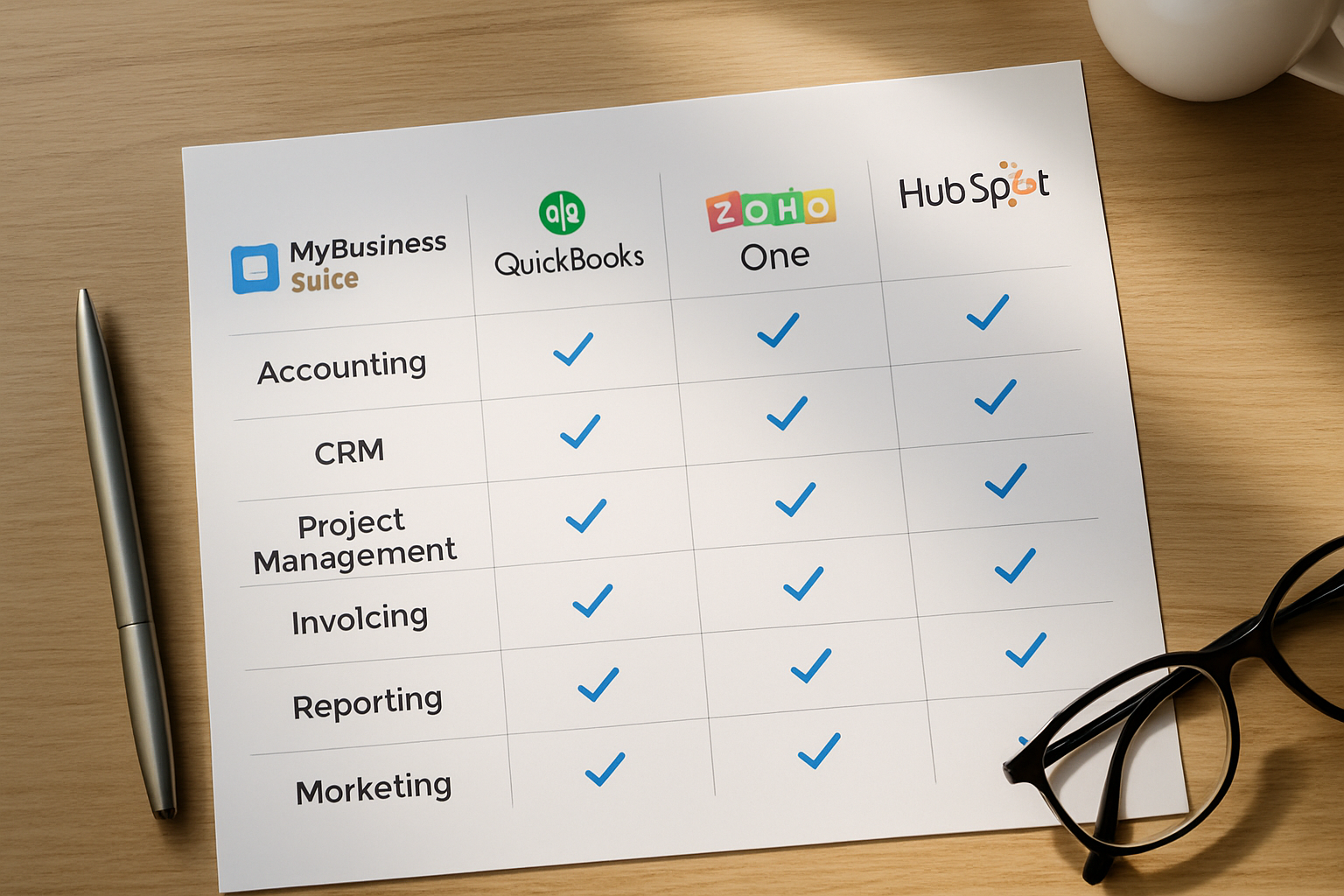
We break features into three practical buckets: client-facing tools, operational back-office, and growth automation. This lens helps us evaluate capability overlap and where a single suite brings the most value.
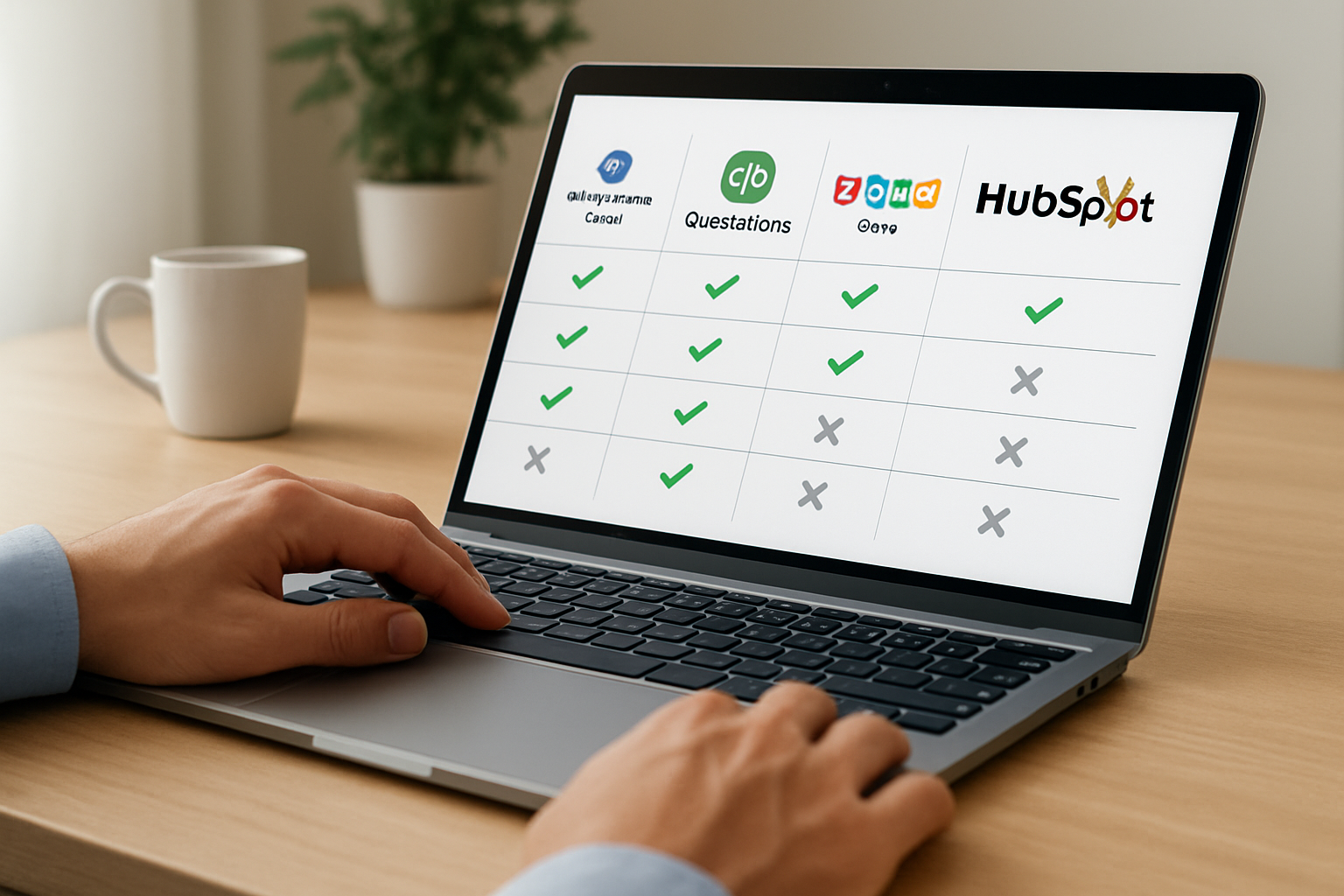
Below is a compact view of what matters for small teams and freelancers.
- Client-facing: CRM, client portals, quotes, and automated communications.
- Back-office: invoicing, expense tracking, accounting sync, bill pay.
- Growth automation: email sequences, lead scoring, reporting dashboards.
We then examine each bucket with practical examples and considerations.
Client-facing capabilities
Client relationships are the lifeblood for startups and small firms. A system that consolidates contact history, proposals and communication saves time and avoids embarrassing repeats.
- Centralized contact records let us see invoices, tickets and project status in one screen.
- Client portals reduce back-and-forth emails and accelerate approvals.
- Automated follow-ups keep leads warm and rescue stalled deals.
In practice, we recommend testing how each platform surfaces client context during a live call. If a lead calls, we want the dashboard to show recent invoices, open tasks and personal notes immediately,no hunting through separate tools.
We also watch for how platforms handle multi-contact companies. A client might have a procurement contact, a technical lead and a billing contact; the system should let us tag interactions to the right person. A useful practical test: simulate a multi-stakeholder sale and confirm the system lets us set role-based reminders and visibility for each contact.
Operational back-office
Accounting and billing workflows determine cash flow health. For many small businesses the painful part is reconciliation: matching payments to invoices and categorizing expenses.
- Automated bank feeds reduce manual entry and speed month-end close.
- Integrated invoicing with payment links shortens days sales outstanding.
- Clear audit trails simplify tax time and bookkeeping handoffs.
We encourage running a 30-day reconciliation test before committing to a platform. Import a representative month of bank transactions and see how much manual tagging remains.
Another practical check is refunds and credits. We simulate a partial refund and confirm the system handles credits, adjusts revenue recognition and keeps the audit trail visible. That small exercise often exposes gaps that only show up under real-world stress.
Growth automation and reporting
Growth tools are where a unified suite shows leverage: fewer integrations, one data model and consistent reporting. Dashboards that combine pipeline, revenue forecast and team capacity give operational clarity.
- Prebuilt dashboards save time but check whether metrics match your KPIs.
- Automation builders vary: drag-and-drop editors speed setup, but advanced scripting offers finer control.
- Reporting that blends finance and sales helps us tie marketing spend to cash flow.
When we evaluate automation, we measure time-to-value: how long until a new workflow meaningfully reduces manual steps? For many small firms, weeks,not months,determine ROI.
For teams that rely on mobile sales or field service, we check whether automations trigger reliably from the mobile app. In one hypothetical scenario, a field tech uploads a signed delivery note and the system automatically creates the invoice and emails the client. That single chain removes manual handoffs and speeds payment cycles.
For additional reading on how centralized platforms change small business operations, see industry coverage at BBC Technology and research search at Google Scholar.
Pricing, ROI and total cost of ownership
Pricing is less about list price and more about the full stack: subscription fees, integration costs, training hours and the hidden expense of disconnected tools. We always run a simple cost exercise before recommending a platform.
Here is a checklist we use to estimate real cost of ownership.
- Monthly subscription per user and per company module.
- Migration costs: data cleanup, import tools and hourly rates for consultants.
- Training and internal ramp-up time measured in lost hours.
- Integration or add-on licenses required to connect payment processors, banks and niche apps.
To make the comparison actionable, we outline three common business profiles and the cost factors that most affect them.
Freelancer and consultant profile
For freelancers the two biggest levers are invoicing simplicity and time regained from administrative tasks. A platform that automates invoices and reminders often pays for itself in the first two to three months through reduced unpaid invoices.
- Minimal users, lower subscription tiers are preferred.
- Automated recurring invoices and payment links are high priority.
- Simple project views help us keep client work billable and transparent.
As a practical example, imagine a consultant who sends 20 invoices per month and saves 15 minutes per invoice through automation. Over a year, that reclaimed time can equal several days of work, which we can convert into additional billable projects. That arithmetic helps make the payback case tangible.
Small business with a team
As teams grow, collaboration and role-based access become critical. We value clear audit logs and approval workflows so billing and project managers can coordinate without stepping on toes.
- Per-user pricing scales; look for tiered discounts beyond a threshold.
- Integration with payroll and bank feeds reduces manual reconciliation time.
- Reporting across departments unlocks insights that justify subscription spend.
We recommend modeling three-year costs rather than just annual fees. That exposes recurring charges like third-party add-ons and helps avoid surprises when the company scales beyond the initial plan.
Startup planning to scale
Startups prioritize flexibility: they need a platform that supports evolving processes without expensive custom development. In this profile, developer APIs and marketplace integrations matter more than built-in bells.
- APIs and extensibility reduce the long-term cost of switching or adding features.
- Sandbox and staging environments protect production data during tests.
- Built-in analytics that can be exported or connected to BI tools preserve institutional knowledge as the company grows.
To evaluate ROI, we recommend a simple payback model: estimate hours saved monthly by automation, multiply by average hourly wage and compare to subscription cost. This concrete approach keeps the discussion grounded.
We also propose sensitivity checks: what if adoption is 50% lower than expected? Running conservative scenarios lets us plan for training or incentive programs to accelerate uptake.
Implementation, migration and integrations
Migrations are where projects succeed or stall. We focus on three phases: discovery and cleanup, staged migration and post-launch optimization. Each phase has predictable pitfalls.
- Discovery reveals data quality issues that extend timelines.
- Staged migration reduces risk by moving core data first.
- Post-launch is where we measure adoption and iterate on training materials.
Discovery and data cleanup
We always audit existing customer records, chart of accounts and product lists. Duplicate contacts and inconsistent SKUs slow imports and skew reporting later.
- Export current systems and sample key datasets for validation.
- Define canonical fields and simple validation rules before importing.
- Decide what historical data matters,sometimes a rolling 12 months is sufficient.
Staged migration approach
A pragmatic rollout moves non-critical functions first. For example, start with CRM and quoting, then activate invoicing and bank sync once the team is comfortable.
- Start with a pilot team to validate core workflows.
- Schedule go-live during a quiet month if possible.
- Keep the old system in read-only mode for at least one billing cycle.
Integrations checklist
We map out must-have integrations early: payment processors, bank feeds, email and calendar sync, and any industry-specific tools. The right integrations turn a platform into a true unified hub.
- Confirm supported payment gateways and whether additional fees apply.
- Test bank reconciliation flows with sample transactions.
- Validate two-way sync for contacts and invoices to avoid duplicates.
For guidance on migration best practices and change management, we look to business resources such as the G1 Economia and technology reporting at Reuters Technology.
Security and compliance considerations
Security decisions often determine vendor fit as much as features. We ask vendors about encryption, access controls and data residency. Even small teams need to know where their financial records live and who can access them.
- Request documentation on encryption at rest and in transit.
- Confirm role-based access and administrative audit logs.
- Check backup cadence and retention policies for financial records.
Beyond technical controls, we review contractual obligations: how quickly can data be exported, and what happens to backups when a contract ends? Those terms affect our exit strategy and reduce long-term risk.
Use cases: which persona benefits most
We align three buyer personas to scenarios so decision-makers can map needs to outcomes quickly. Each persona has specific must-haves and deal-breakers.
- Maria, a startup founder with limited budget and a need to scale.
- Sarah, a small business owner juggling many tools and priorities.
- David, a freelancer who needs efficiency and reliable invoicing.
Maria , Startup Founder
Maria wants a platform that scales without forcing platform changes every quarter. She values predictable pricing, APIs and dashboards that show runway and client pipelines.
- We recommend testing flexibility: can workflows evolve without deep developer help?
- For Maria, the ability to export data in a structured format is essential.
- Sandbox environments and role-based access speed experimentation with minimal risk.
Hypothetical vignette: Maria runs a lean product team and needs to onboard a new channel partner quickly. We simulate partner-specific workflows and verify that partner users only see the relevant client projects and invoices. That hands-on test reveals permission gaps early.
Sarah — Small Business Owner
Sarah needs a single place to invoice, follow up with clients and see financial health. She benefits from automated reminders, built-in reporting and a straightforward mobile app.
- We advise focusing on time-to-value: how soon will invoicing automation reduce late payments?
- Training materials tailored to non-technical users ease adoption.
- Prebuilt templates for quotes and invoices speed daily operations.
In practice, we run a short pilot where Sarah uses the mobile app to send three quotes and convert one into an invoice. We then track how quickly payment arrives compared to the prior toolset. That micro-experiment gives immediate insight into cash flow impact.
David — Freelancer & Consultant
David is sensitive to cost and requires professional invoices, quick payment links and a central client history for repeat gigs. Automation that reduces administrative time increases billable hours.
- Automated recurring invoices and payment reminders help maintain steady cash flow.
- Project-level billing views keep multiple client engagements separate and clear.
- Simplicity of setup matters more than feature depth for David.
We recommend David runs a one-month "business hygiene" audit: import last quarter of client data, send invoices through the new system and compare reconciliation time. The resulting hours-saved estimate will guide a confident decision.
To validate platform fit for each persona, we recommend running a short pilot using real workflows and tracking time saved. That empirical approach beats feature lists every time.
Conclusion and recommended next steps
We have compared core capabilities, pricing considerations and migration realities so we can decide with confidence. The essential question is practical: which platform reduces our daily friction fastest while leaving room to grow?
- Run a 30-day pilot focused on the single pain point that costs the most time or money.
- Map integrations early and validate bank and payment flows before go-live.
- Measure outcomes: hours saved, faster invoice-to-cash cycle and adoption rates by team members.
Remember that a unified platform is not a magic bullet. We must pair good processes with the right technology. For broader trends on digital tools and small business technology adoption, consult reporting from Reuters Technology and resources at the BBC.
Finally, when we evaluate options, we include a real-world checklist: migration timeline, expected hours saved, and a break-even calculation. If we need a single recommendation to test first, begin with the platform that offers the best combination of unified modules, straightforward migration tools and predictable pricing—then measure weekly and iterate.
If we want to go further, we can draft a tailored 30-day pilot plan together: define objectives, select a pilot team, set success metrics and schedule weekly checkpoints. That ritual keeps momentum, surfaces issues quickly and turns evaluation into measurable progress. When we follow that cadence, the decision becomes not about guesswork but about data we gathered ourselves.
FAQ
How long should a pilot last before we decide?We typically recommend a 30- to 60-day pilot. That window lets us test invoicing, basic automations and one integration such as bank feeds or a payment processor. Shorter pilots risk missing adoption issues; longer pilots delay benefits.
What are the common hidden costs of switching to a unified platform?Hidden costs usually include data cleanup, training hours, and short-term productivity dips during migration. We track these costs upfront and include them in a simple payback calculation so the investment case is transparent.
Can we export all data if we decide to change platforms later?We insist on platforms that provide structured exports for contacts, invoices, and transaction histories. Before committing, we validate the export format and test an export-import cycle with sample data.
Which metrics should we track to measure success after switching?Track hours spent on administrative tasks, average days to get paid, number of manual reconciliation items per month, and user adoption rates. These metrics correlate directly with cost savings and operational clarity.
We hope this comparison gives us the practical clarity to evaluate MyBusiness Suite vs QuickBooks vs Zoho One vs HubSpot and pick the path that saves time, brings financial clarity and supports growth in 2026. If we want a next step, we can outline a 30-day pilot plan tailored to our business profile and measure the impact.