POS and Inventory Integration for Small Retailers
Discover practical steps to integrate POS and inventory in 2026, reduce stockouts fast and streamline operations for small retailers.
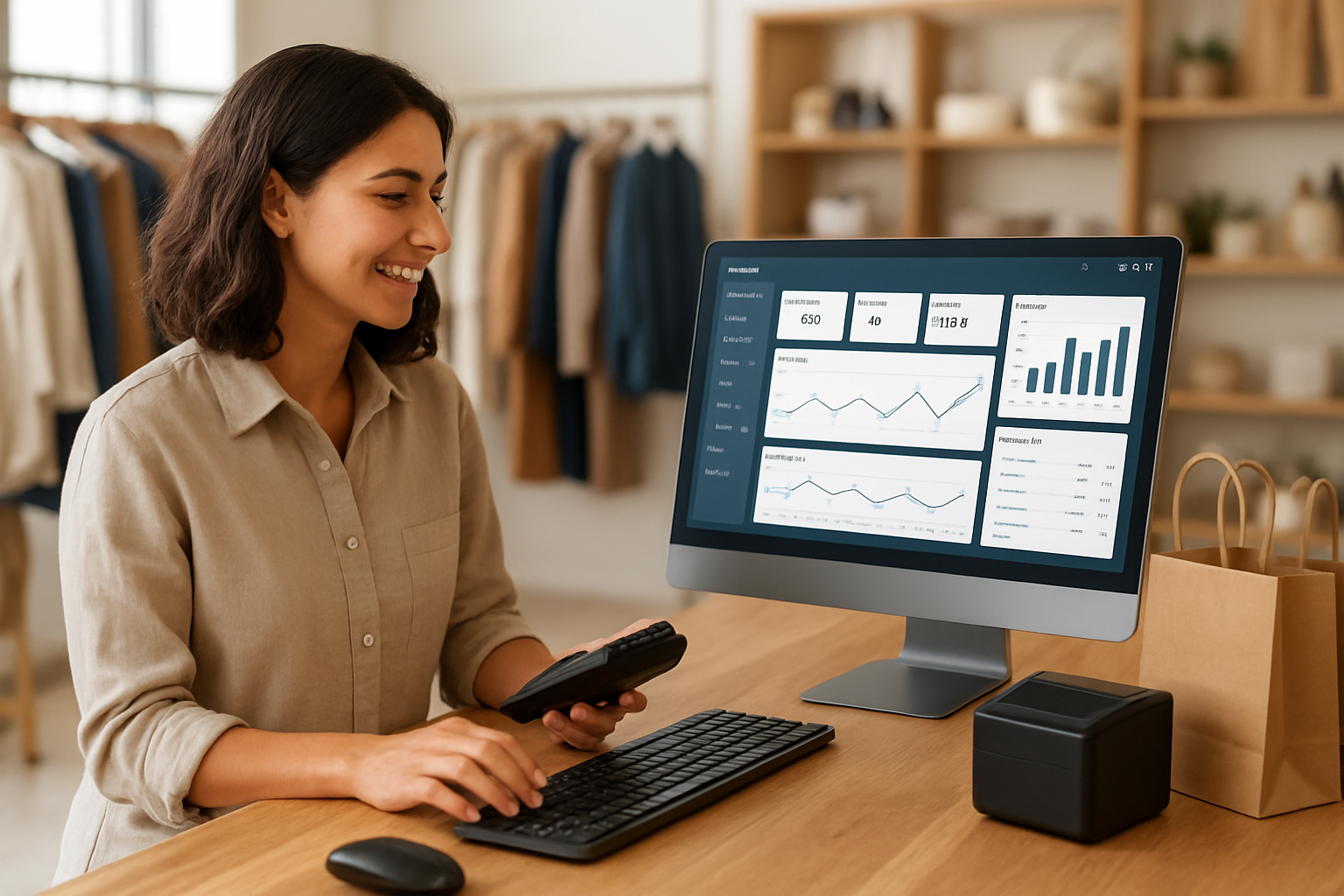
Neste artigo
- Why POS and inventory integration for small retailers matters
- How POS and inventory integration for small retailers works
- Practical steps to implement integration
- Measuring impact and ROI
- Common pitfalls and fixes
- Next steps and FAQ
POS and inventory integration for small retailers is the single system change that can dramatically reduce stockouts, speed up cash flow, and restore clarity to daily operations. We open with that claim because we see it repeatedly: when we connect point-of-sale data to real-time inventory, things stop breaking down, orders get fulfilled, margins improve, and teams stop firefighting in spreadsheets.
Why POS and inventory integration for small retailers matters
Small retailers often juggle multiple tools: a POS for sales, a spreadsheet for inventory, and a separate invoicing system for accounting. The result is friction. We know from working alongside shop owners and consultants that this friction shows up as stockouts, overordering, and missed revenue opportunities.
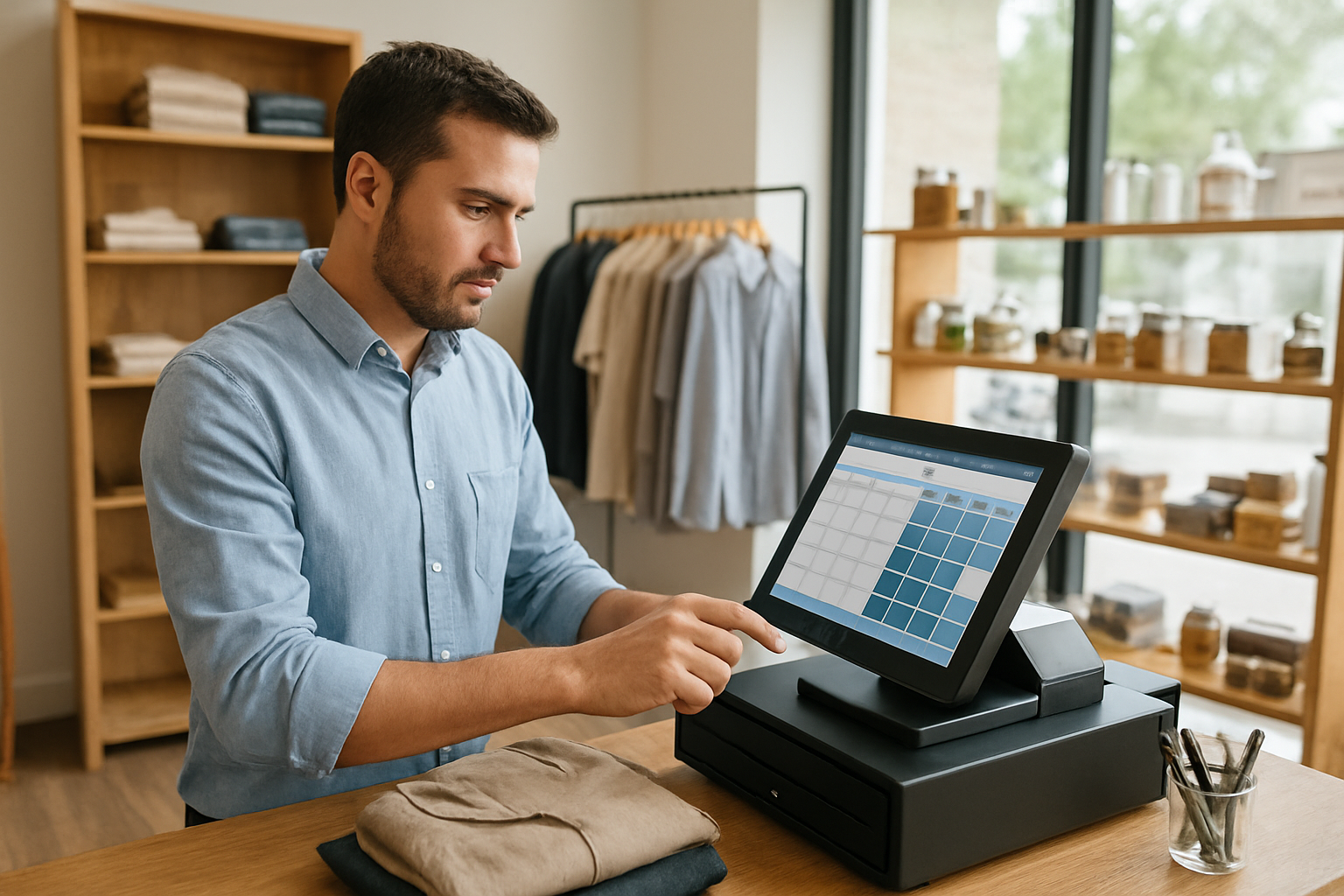
To be candid, the issue is not technology itself; the issue is fragmentation. When systems do not talk, data falls into gaps. Those gaps translate into empty shelves while customers wait, or into overstock that ties up capital. Integrating POS and inventory eliminates those gaps.
- Faster replenishment: real-time sales trigger reorder signals.
- Cleaner accounting: sales and cost of goods flow into one ledger.
- Better customer experience: accurate availability reduces disappointment.
In practical terms, we treat integration as a clarity project. It gives us a single source of truth for the retail operation: what we call a unified business hub. That clarity makes it easier to scale processes, delegate tasks and focus on growth signals rather than putting out fires.
When integration saves the day
Imagine a neighborhood apparel shop that runs a weekend promotion. Without integrated systems, a popular size can sell out while the website still advertises availability. With integration, the moment the last unit sells, the stock level updates across channels and a reorder alert appears. That’s operational clarity in action.
Now picture a specialty coffee shop that introduces seasonal beans. If inventory counts are manual, baristas or managers spend precious morning time reconciling what’s in bags, what’s reserved for subscriptions, and what’s on the shelf. With an integrated POS and inventory flow, subscription reservations automatically reduce available stock, and the manager receives an alert when bean inventory hits the reorder window. We have seen small changes like this free owners to focus on product and service improvements instead of paperwork.
How POS and inventory integration for small retailers works
At its core, integration aligns two streams: transactional data from the POS and inventory ledgers that track stock levels and locations. The technical plumbing can vary: direct API connections, middleware platforms, or built-in features inside an all-in-one system, but the business logic remains the same.

We can simplify the mechanics into four building blocks.
- Sales capture: POS records every sale, return, and exchange with timestamps and SKU details.
- Inventory adjustment: the sale triggers a subtraction in the inventory ledger in real time.
- Reorder logic: minimums, lead times, and safety stock set when the system flags replenishment.
- Analytics and alerts: dashboards and notifications help teams act before a stockout occurs.
For small retailers, the choice is usually between: (a) connecting best-of-breed systems via integration, or (b) adopting an all-in-one platform that natively handles POS and inventory. Both approaches work; the right choice depends on our existing stack, budget, and growth plans.
- Best-of-breed integrations: more flexibility, potentially steeper setup.
- All-in-one suites: faster deployment, less technical maintenance.
We often recommend mapping current workflows first. That helps identify whether a direct API integration will suffice, or whether we should migrate to a unified platform that acts as a task-to-cash flow engine for the business.
Core data fields that must sync for POS and inventory integration for small retailers
Every integration needs a clear contract about which fields sync and how conflicts resolve. At minimum, we expect these to flow consistently: SKU/UPC, available on-hand quantity, reserved quantity (for layaways or pending orders), sales returns, supplier lead times, and cost layers.
- SKU or UPC identifier
- Real-time on-hand quantity
- Reserved or pledged stock
- Purchase order status and expected delivery
- Unit cost and margin calculations
Without those, reports become guesses. We favor conservative rules that avoid negative inventory; it's better to prevent overselling than to correct mistakes later.
Edge cases: bundles, kitting and consignment
Retailers often carry products that are not simple single-SKU sales. Bundles, kitted products, and consignment items require special mapping so inventory adjusts correctly. For example, selling a “gift set” should decrement the component SKUs the same way it decrements the parent SKU. If consignment stock sits in the same store but belongs to another party, we must mark it as reserved or non-sellable until reconciliation.
Practically, we recommend creating explicit rules for how kits explode into parts at the time of sale, and tagging consignment inventory in the ledger so it is excluded from reorder calculations. These small modeling choices prevent phantom stock and protect margins.
Practical steps to implement integration
Implementing integration is part technical project, part change management. We suggest a stepwise approach so teams stay in control and the business never stops moving.
Below is a pragmatic rollout we use with small retailers.
- Audit current systems: list POS features, inventory processes, and data sources.
- Decide integration path: middleware vs native integration vs platform migration.
- Define rules: stock reservations, returns processing, and how channels sync.
- Run a pilot: select a category or a store to test the flow.
- Train staff: short sessions focused on exceptions and role changes.
- Scale up: roll out to all SKUs and channels, monitor KPIs closely.
We always encourage a pilot for two reasons. First, we uncover edge cases, like consignment products or bundled SKUs, that require special handling. Second, pilots keep the rest of the operation stable while teams adapt.
Choosing technology for POS and inventory integration for small retailers without getting overwhelmed
We recommend starting from outcomes, not features. Ask: do we want faster replenishment, fewer stockouts, improved margins, or better omnichannel fulfillment? The answer determines whether we prioritize a POS with native inventory control or a flexible inventory management solution that plugs into our current POS.
- Prioritize real-time syncing over batch updates when omnichannel sales are meaningful.
- Prefer automated reorder signals to manual stock-take triggers.
- Look for audit trails so we can reconcile discrepancies quickly.
For retailers that need an all-in-one starting point, platforms such as My Business Suite present the combined benefits: unified dashboards, client-centric workflows and simplified task-to-cash flow. We mention this because we have seen how a single platform reduces administrative overhead while improving team coordination.
Checklist before go-live
- SKUs mapped and standardized across systems
- Price and cost layers reconciled
- Inventory on-hand counts validated
- Return and exchange rules configured
- Team roles and notification paths set
We also recommend keeping a rollback plan: if a sync error appears, we need a safe way to pause updates without stopping sales.
Data migration and cleanup tips
Data migration is where projects stumble if we rush. Before we sync systems, we clean product titles, remove duplicate SKUs, and standardize vendor codes. A short data-validation checklist that includes sampling 5–10% of SKUs can surface mismatches early.
During migration, we export small batches first and reconcile counts. If we find mismatches, we document the root cause and adjust the mapping. That iterative approach takes longer up front but saves hours of troubleshooting later.
Training that sticks
Training must be concise and role-specific. We prefer 30–60 minute sessions focused on common exceptions: processing returns, handling exchanges, and managing layaways. Quick reference cards and a simple “what to do when a sync alert fires” cheat sheet help staff adopt new workflows faster.
Measuring impact and ROI
We measure success along two dimensions: operational health and financial impact. Operational signals tell us that processes are working; financial signals prove the project earned its keep.
Key performance indicators to track include:
- Stockout rate and backorder frequency
- Inventory turnover and days of inventory on hand
- Order accuracy and fulfillment time
- Sales lost to out-of-stock incidents
- Staff hours spent on manual reconciliation
When we quantify staff time reclaimed and revenue recovered from fewer stockouts, the ROI math often becomes straightforward. For instance, reducing stockouts by even a small percentage tends to yield immediate top-line gains because customers who find product in stock convert at a higher rate.
For benchmarking and broader context, we look to reputable sources about retail trends. The U.S. Census Bureau provides current retail trade data that helps us compare sales patterns and channel shifts. For insights into technology adoption and retail consumer behavior, we consult industry reporting such as the retail coverage on reuters.com/markets/retail-consumer. For small business guidance, the U.S. Small Business Administration is an essential resource for planning and financing decisions. We also reference the National Retail Federation for aggregate retail insights and seasonal planning.
We avoid overpromising. Integration reduces risk and manual work, but it does not automatically solve poor merchandising decisions or supplier reliability issues. It gives us the data to act, faster.
Practical ROI scenario (hypothetical)
We can construct a clear, hypothetical scenario to illustrate impact without pretending real numbers from a particular shop. Imagine a small retailer whose average weekly revenue is steady but who loses 3% of potential sales to stockouts. If integration reduces that loss to 1%, the recovered sales and lower emergency shipping costs can cover the integration cost in months rather than years. That scenario is illustrative; we encourage teams to run the same model with their actual figures before deciding.
For more macro-level retail economic context, the Census Bureau’s retail pages help validate assumptions about channel shifts and sales seasonality: U.S. Census retail trade statistics.
Common pitfalls and fixes
Integration projects can stumble. We list the most frequent issues and how we mitigate them.
- Pitfall: Poor SKU hygiene. If SKUs are duplicated or mislabeled, syncs will create chaos. Fix: perform a SKU cleanup and enforce a naming convention.
- Pitfall: Delayed sync frequency. Batch updates overnight are tempting but risky for omnichannel sales. Fix: enable real-time or near-real-time sync where possible.
- Pitfall: Ignoring returns and adjustments. Returns that bypass inventory adjustments create phantom stock. Fix: require return processing through the POS so inventory adjusts automatically.
- Pitfall: Not training staff. The best tech fails without adoption. Fix: invest in short, role-specific training and quick reference guides.
We also must acknowledge supplier variability. Even the tightest integration cannot compress a supplier lead time below what is physically possible. So we build safety stock rules into reorder logic and review supplier performance regularly.
Hardware, scanning and data capture issues
Sometimes integration problems originate from physical hardware: poor barcode printing, low-quality scanners, or inconsistent barcode placement. Those lead to misreads at the POS that then cascade into inventory mismatches. Our fix is practical: verify barcode legibility, standardize label placement, and run a short hardware test during the pilot to ensure reliable scans under real conditions.
When to call in outside help
We recommend bringing in technical support when integrations require custom middleware, or when the POS vendor does not provide robust APIs. A short consulting engagement can avoid months of headaches and mistaken inventory counts. If finance is tight, focus external help on the pilot phase to ensure the rollout is smooth.
For free or low-cost mentoring, organizations and resources such as SCORE chapters and regional small business centers can offer guidance on planning: SBA local assistance links to mentoring options.
When we hire a consultant, we bring a clear brief: desired outcomes, current tech stack, and three prioritized constraints (budget, timeline, downtime tolerance). That clarity helps consultants scope work and propose realistic deliverables.
Next steps and FAQ
We suggest a three-week plan to move from idea to pilot:
- Week 1 — Audit tools and decide a pilot category.
- Week 2 — Configure integration rules and train staff involved in the pilot.
- Week 3 — Run the pilot, monitor alerts, and iterate.
If the pilot stabilizes inventory flows and reduces manual reconciliation, we expand to the rest of the assortment. If it uncovers edge cases, we refine rules and repeat.
Below we answer common questions we hear from founders, store owners and freelancers who manage retail operations.
How much does a POS and inventory integration project typically cost?Costs vary widely depending on the chosen path. A native all-in-one solution can have predictable subscription fees, while custom integrations may require one-time engineering costs plus middleware subscriptions. We recommend budgeting for initial setup, small contingency for data cleanup, and modest training time. For financing and planning support, the U.S. Small Business Administration has resources to help estimate and access funds: U.S. Small Business Administration.
Can integration work for omnichannel retailers with both online and in-store sales?Yes. Integration is particularly valuable when sales cross channels. We ensure the POS and e-commerce platform share the same inventory ledger so stock reservations for online orders reduce store availability in real time. That coordination reduces oversells and supports accurate customer communication.
How long does it take to see benefits from integration?We often see operational improvements within weeks of a successful pilot — fewer discrepancies, faster reconciliations, and clearer reorder signals. Financial benefits such as recovered sales and lower emergency shipping may appear within one to three months, depending on sales velocity and the scope of the rollout.
What if our supplier lead times are highly variable?Integration helps by surfacing the problem quickly. We recommend combining integration with supplier performance tracking so reorder points adapt to variability. In practice, that means configuring safety stock and using order windows instead of single-threshold triggers.
We close with a practical reminder: integration is not a silver bullet, but it is the single most effective operational change a small retailer can make to stop stockouts fast and free up time for growth activities. When we align sales, inventory and reorder logic, we create a system that supports consistent customer experiences and healthier cash flow.
If we are ready to reduce manual work and restore operational clarity, a small pilot is the least risky first step. And if we want a unified platform that combines POS, inventory and client communication in one place, solutions like My Business Suite can speed implementation while keeping teams focused on growth and customer care.