Best Invoice Software for Small Business 2026
Practical guide to the best invoice software for small business 2026: choose, implement and get paid faster with measurable ROI and clear workflows.
Neste artigo
- Why invoice software matters for small businesses
- How to choose the best invoice software for small business 2026
- Top features in the best invoice software for small business 2026
- Pricing, ROI and value considerations
- Implementation, migration and workflows
- Conclusion and FAQs
best invoice software for small business 2026 is the phrase we keep hearing from founders, freelancers and shop owners who want invoices that get paid fast and don’t suck up time. We know that choosing the right tool changes cash flow, client experience and how much mental space we free up for growth. In this guide we cut through the noise, share practical criteria, and walk through steps we can take to pick and implement the right invoicing software in 2026.
Why invoice software matters for small businesses
We start with a simple observation: invoicing is where task meets cash flow. A slow or error-prone invoicing process creates delays, disputes and stress. Conversely, a reliable invoicing system speeds payments and gives us operational clarity.
Why best invoice software for small business 2026 is different now
We are seeing three practical shifts in 2026. First, automation has matured: rules, templates and smart reminders reduce manual work. Second, integration expectations have risen: invoicing is no longer standalone; it must connect to CRM, accounting and payment rails. Third, security and compliance are nonnegotiable for tax season and client trust.
- Automation reduces time-to-invoice and late payments.
- APIs and integrations create a single source of truth for customer and financial data.
- Built-in compliance reduces risk at tax time.
For references on small business priorities and payment timelines, we look to reliable sources that track the landscape and offer practical guidance. The U.S. Small Business Administration provides clear advice on managing finances for small firms, which helps shape our prioritization of invoicing tools: Small Business Administration. For entrepreneurs in Brazil, Sebrae offers localized guidance on starting and managing small businesses: Sebrae.
Beyond those three shifts, we notice two subtler changes that affect day-to-day choices. First, client expectations about speed and clarity have hardened: clients prefer invoices they can pay in two clicks and that reflect the agreed contract line items. Second, teams expect a central place to check status, no one wants to hunt across email threads. In our experience, when invoicing lives in a unified platform tied to client records and project history, disputes drop and relationships improve. This is why a tool that connects invoicing to customer management and project workflows often delivers outsized value compared with standalone solutions.
To illustrate, consider a hypothetical freelance designer who used email PDFs for a year. When we consolidated their billing into a simple platform with one-click payments and reminders, the designer reported fewer follow-ups and a calmer billing cycle. This is a hypothetical example meant to show direction rather than promise exact results: your mileage will vary depending on client mix and payment terms.
How to choose the best invoice software for small business 2026
We recommend a decision path that balances needs, budget and future growth. If we approach the choice methodically, we avoid feature-overload and lock-in.
Decision checklist for best invoice software for small business 2026
To be practical, we break the selection into bite-size checks. Each check helps us eliminate poor fits fast.
- Core functionality: invoicing, estimates, recurring billing and payment reconciliation.
- Integrations: accounting, CRM, bank connectors and payment processors.
- User experience: clean templates, mobile access and client views.
- Scalability: support for more clients, additional users and advanced billing models.
- Security and compliance: data protection and tax reporting support.
We pair these checks with at least one hands-on test. Nothing substitutes for creating a real invoice, sending it to a test client and tracking the payment lifecycle.
To understand regulatory context for recordkeeping and invoicing, we reference the IRS guidance on documentation and business record-keeping: IRS recordkeeping guidance. The Brazilian Institute of Geography and Statistics publishes business and economic data that can inform scale assumptions: IBGE.
Compare pricing models and total cost
We look beyond sticker price. Pricing can hide transaction fees, user seat costs and integration add-ons. To estimate real cost, we map expected monthly invoices, payment fees and the time saved by automation.
- Flat monthly plans, predictable but may lack volume discounts.
- Per-invoice fees, affordable at low volume; bite at scale.
- Tiered plans with added features, useful if we plan to grow.
We also calculate time saved. If automation cuts invoicing time by several hours per month, the software can pay for itself quickly. For industry trends and adoption dynamics, trusted reporting such as from Reuters offers useful context on how small businesses are shifting to integrated tools in 2026.
To make the pricing comparison concrete, we recommend creating a simple total cost of ownership (TCO) table. List monthly subscription, estimated transaction fees, estimated add-on costs for integrations and a conservative estimate of time savings. Use your internal blended hourly rate to convert time saved into dollars. We find that teams who do this exercise stop negotiating on headline price and start negotiating on outcomes and SLAs instead.
Must-have integrations checklist
Integrations are often the deciding factor. We prefer software that connects to:
- Our primary accounting ledger for reconciliations.
- The CRM where client records live so billing histories are attached to contacts.
- Payment processors and bank feeds to reduce manual reconciliations.
- Project management tools if billing is project-based.
Before signing up, we run a quick integration test: can the system export a properly formatted CSV or sync a paid invoice to our ledger? If the answer is no, the perceived savings may evaporate during month-end close.
Top features in the best invoice software for small business 2026
We have a short list of features that change daily operations. Prioritizing these prevents us from buying shiny-but-useless extras.
- Customizable invoice templates and brand consistency.
- Automated recurring invoices and scheduled reminders.
- Multiple payment methods and one-click payment links.
- Two-way integration with accounting software for reconciliations.
- Client portal with invoice history and dispute tools.
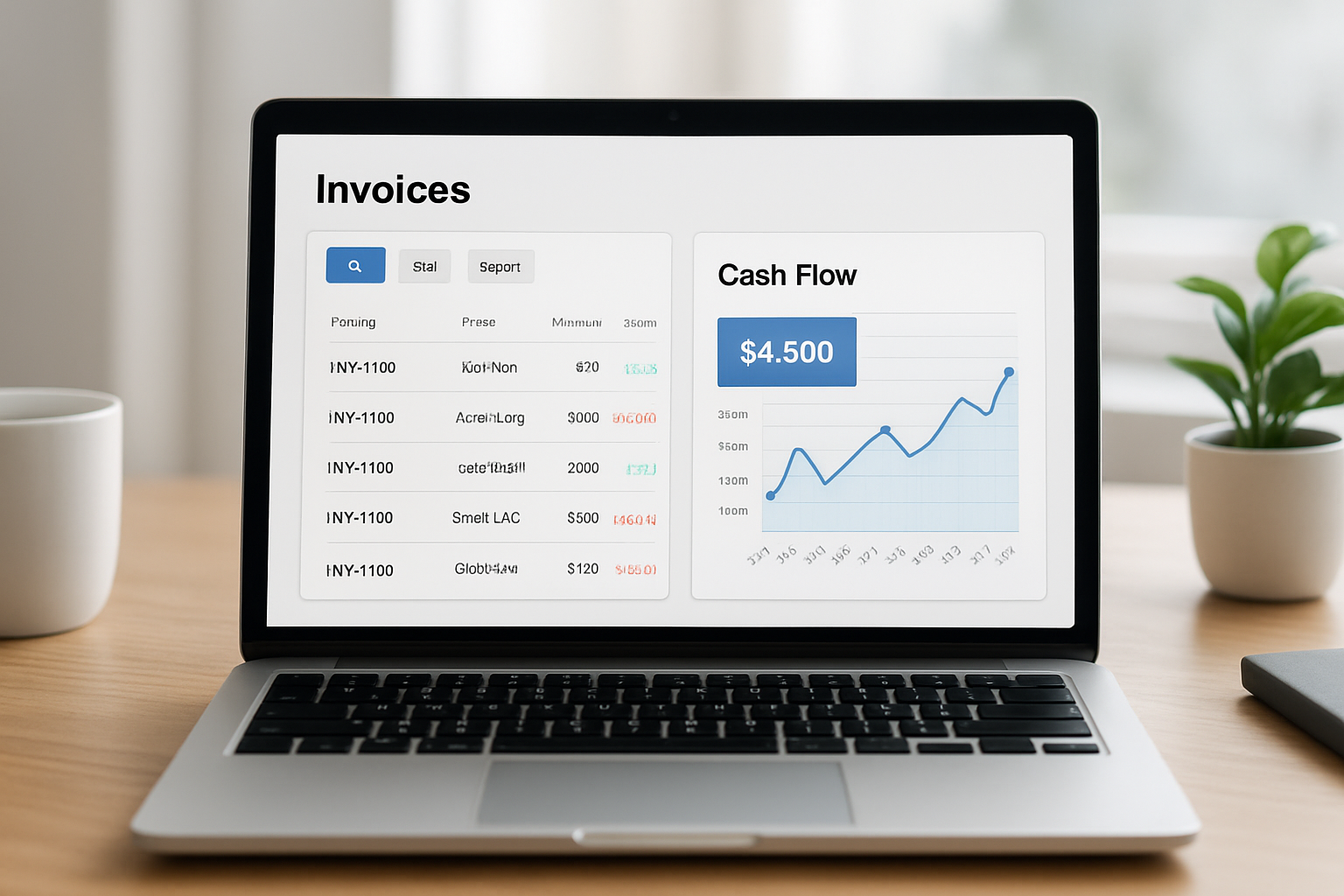
- Analytics and dashboards for aging receivables and cash forecast.
Below we expand on three features that often determine whether software becomes a growth catalyst or shelfware.
Automated reminders and smart workflows
We prefer systems that treat reminders like a conversation, not spam. Smart workflows send a first polite reminder, escalate only when needed, and log communications in the client record. That reduces friction and preserves relationships.
Practical tip: design reminder sequences with tone variations and timing tied to contract terms. For retainers or subscription invoices, we set a pre-due reminder three days before the due date and a gentle follow-up two days after. For project invoices with clear deliverables, we include a short line item referencing the milestone to reduce questions.
Integration with accounting and bank feeds
We insist on two-way sync with our accounting ledger. When invoices and payments reconcile automatically, bookkeeping becomes an afterthought rather than a monthly fire drill.
For practical integration requirements, the Bureau of Labor Statistics provides macroeconomic context for small business trends that inform our scale projections: BLS small business data. For additional business reporting and trend coverage, see Valor: Valor.
Client portal best practices
Client portals are not just about convenience; they reduce disputes. We design portals to show invoice status, payment history, attached receipts and a clear contact point for questions. When clients can view line-item history and payment confirmations, they ask fewer questions and accept automated statements as authoritative.
- Provide a single link to the portal in all invoices.
- Include downloadable receipts and tax documents.
- Keep contact info and next steps visible to reduce back-and-forth.
We also recommend testing the portal from a client perspective: sign up as a test user, run through a payment, and try to find a specific invoice in under 60 seconds. If it takes longer, streamline the navigation.
Payment methods: ACH, card and alternatives
Offering multiple payment options removes friction. ACH is typically lower cost for the receiver, while cards are faster for clients who prefer them. We link to authoritative information about payment rails to understand settlement timing and typical costs; the Federal Reserve offers resources on U.S. payment systems that help explain how ACH and card settlements differ: Federal Reserve payments overview.
Hypothetical example: suppose we invoice $10,000 monthly and our average card fee is 2.9% + $0.30, while ACH costs 0.5%. Choosing to incentivize ACH for recurring invoices could save several hundred dollars per month—this is an illustrative calculation rather than a guaranteed outcome.
Pricing, ROI and value considerations
When we evaluate price, we measure cost against predictable benefits: faster payments, fewer errors and more billable time. A rigorous ROI model helps defend the spend to stakeholders or justify switching.
- Estimate reduction in days sales outstanding (DSO) after automation.
- Calculate staff hours saved monthly and convert to dollar value.
- Factor in payment processor fees versus faster settlement benefits.
- Consider indirect gains: better customer experience and lower dispute rates.
We craft a conservative scenario and an optimistic scenario to set expectations. For example, reducing DSO by five days on recurring revenue can materially improve working capital in a tight month.
To keep the analysis grounded, we also review guidance on small business cash flow from trusted institutions like the U.S. Small Business Administration, which offers practical cash management resources: SBA cash flow guidance. Brazilian federal resources are available at the official government portal: gov.br.
ROI workbook: here is a compact approach we use internally. Create a simple spreadsheet with the following rows: monthly subscription cost, average monthly transaction fees, estimated monthly time saved (hours), blended hourly rate, and estimated reduction in DSO. Convert time saved into dollars, calculate monthly benefit from faster cash (using a conservative finance cost or opportunity cost per dollar), and compare benefits to total monthly costs. Run the spreadsheet under conservative and optimistic assumptions to see the payback period.
We also recommend tracking soft metrics for three months after implementation: customer satisfaction with billing, number of billing-related support tickets, and team sentiment about month-end close. These qualitative measures often reveal hidden value that raw dollars miss.
Implementation, migration and workflows
We know migration is where projects stall. To avoid that, we follow a phased approach that keeps our operations running and prevents data loss.
- Audit current invoicing and payment workflows — capture formats, client terms and exceptions.
- Export and clean legacy data — names, emails, invoice numbers and payment history.
- Run a pilot with a subset of clients to validate templates, taxes and payment links.
- Train team members and document standard operating procedures.
- Switch over and monitor the first full billing cycle closely.
We keep the pilot small but representative. For example, we select three clients: a recurring monthly payer, a project-based client and a client that often disputes invoices. That mixture surfaces common edge cases.
During migration we track issues on a simple spreadsheet or task board so nothing slips. We also set a rollback plan: if critical errors emerge, we can pause the new system while fixing root causes.
Security and compliance checklist
We make sure the chosen vendor offers encryption, role-based access and exportable audit logs. Those items matter when we prepare records for tax reporting or answer client questions.
- Data encryption in transit and at rest.
- Two-factor authentication for admin users.
- Exportable logs for audits and tax preparation.
For tax-specific rules and record-retention timelines, we consult authoritative guidance such as the IRS pages on documentation to align retention policies with legal expectations: IRS recordkeeping guidance.
Common migration pitfalls and how we avoid them
We see the same issues derail projects: incomplete data cleanup, overlooked tax settings for specific states, and insufficient training. To mitigate:
- Allocate time for data cleansing and deduplication before import.
- Test tax and billing rules for each state where we do business; state tax agencies often have clarifications, and when in doubt we consult their guidance or our tax advisor.
- Document a simple billing SOP that includes who approves invoices, who sends reminders and who handles disputes.
Example SOP snippet we use internally: assign one billing owner per client, set standard payment terms (e.g., Net 30), schedule reminders at T-3, T+3, T+10 days and escalate to account manager at T+15. We keep this short so people follow it.
Conclusion: pick a tool that frees us to grow
We can summarize: the right invoicing software becomes an engine for cash flow and customer experience when it combines automation, integrations and clear workflows. We want a tool that reduces administrative drag and improves predictability.
We built My Business Suite around that exact idea: a unified business hub that connects invoicing to client management and finances so we can see the path from task to cash flow without toggling ten tabs. If we prioritize the features above, run a short pilot, and measure ROI, we will choose a tool that supports growth rather than complicates it.
Below are common questions we get and practical answers based on our experience and trusted public guidance.
How do we choose the best invoice software for small business 2026 if we have irregular cash flow?We recommend prioritizing automated reminders, flexible payment options and cash forecasting. Set up recurring invoices for retainers, offer payment links on one-off invoices and monitor aging receivables weekly. For cash forecasting templates and planning tips, the SBA provides practical resources: SBA cash flow guidance.
What features actually speed up payments?Three features move the needle: clear invoice design with payment links, automated reminder sequences that escalate politely, and multiple payment methods including ACH and card. We also find that client portal access reduces disputes because clients can review history before asking for clarifications.
Can invoicing software handle sales tax and compliance for multiple U.S. states?Many invoicing systems include tax automation, but we should verify the vendor supports the specific states where we operate. For complex multi-state sales tax questions, we consult authoritative resources; the IRS provides baseline tax rules, and state tax authorities have details for nexus and filing requirements. When in doubt, we recommend confirming the software’s documentation and testing several transactions during a pilot.
How do we measure ROI after switching to new invoicing software?We track three metrics: change in days sales outstanding (DSO), time spent on invoicing tasks per month, and number of invoice disputes. We convert time saved into dollars using our blended hourly rate and compare that to the monthly subscription plus transaction fees. That gives a clear payback window.