What is CRM? Definition, Benefits & Features
Discover CRM in 2026: what it is, core features and how a unified platform improves sales, retention and operations for small businesses.
Neste artigo
- What is CRM? An introduction
- Core CRM features and how they work
- Business benefits: what a unified platform delivers
- How to choose and implement CRM for small businesses
- Measuring success: KPIs and ROI
- Conclusion and FAQ
CRM is one of those acronyms every small business owner hears about, and yet it often feels vague until we see it in action. In this introduction we will explain what it is, why it changes how teams work, and how a unified platform can turn everyday tasks into predictable revenue.
To make that promise practical, we want to give context. We have worked with founders, shop owners and freelancers who initially treated CRM as an optional add-on. After organizing their contacts, automating follow-ups and trusting dashboards for decisions, they stopped reacting and started planning. That shift, from firefighting to scheduled growth, is what separates hobby from business. We will unpack how to get there step by step.
What is CRM? An introduction
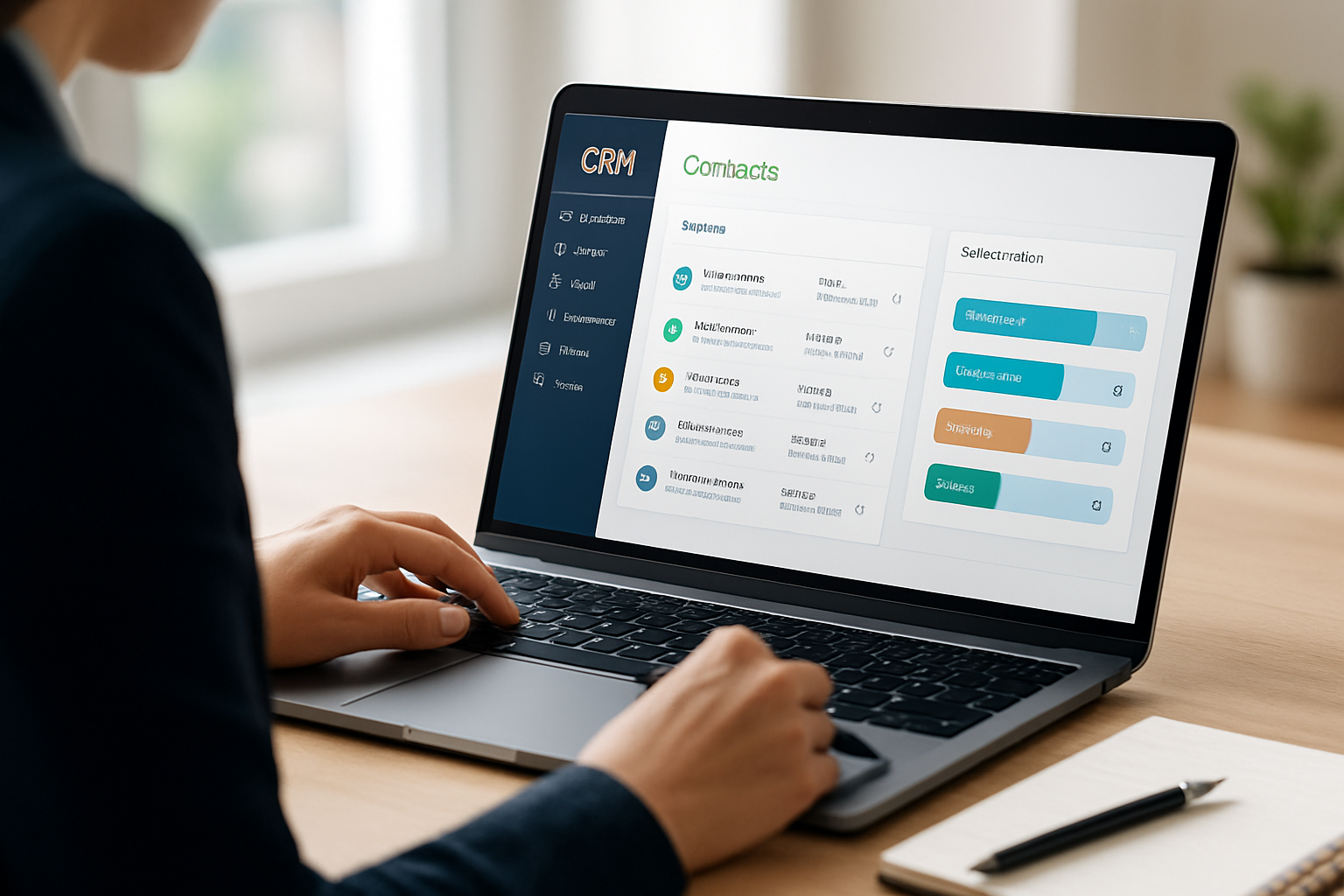
When we talk about CRM, we mean a system that centralizes customer information, interactions and business processes so teams spend less time hunting for details and more time building relationships. Think of it as the single place where sales, service and operations meet, a dashboard that tells the story of every client.

Here’s a quick way to picture it: imagine a Rolodex, a notebook, an invoicing tool and a team chat all condensed into one screen that updates in real time. That simplification is what separates businesses that struggle with fragmented tools from those that run with clarity.
- Centralized customer database: a single source of truth for contacts and history.
- Interaction tracking: emails, calls and notes logged automatically or manually.
- Sales pipeline visibility: deal stages and next actions in one view.
For small businesses, a system like this does more than store data. It reduces friction in the customer journey and lets teams act quickly when opportunities appear.
To ground the idea, imagine Maria, a startup founder juggling product development and customer calls. With a CRM she can tag leads that came from a recent webinar, assign follow-ups to a teammate and see outstanding invoices tied to each account. Or picture David, a freelance consultant who used to hunt email threads for contract details; after centralizing client histories he reclaimed hours every week for billable work. Those are simple changes, but they compound. The next section digs into the parts that make those gains possible.
Core CRM features and how they work
We often get asked which features are truly essential. The short answer: the ones that save time and convert attention into revenue. Below we break down the components most small businesses rely on.

Contact management in CRM
Contact management is the foundation. Instead of keeping client details in spreadsheets, a contact record stores every email, phone note, document and purchase history in one profile.
- Profiles with custom fields to reflect your business needs.
- Activity timeline so anyone on the team can pick up a conversation without losing context.
- Searchable tags and filters for quick segmentation.
Scenario: imagine Sarah, a salon owner, searching for clients who booked color services in the last six months. With a contact-based filter she builds an outreach segment in minutes, not hours.
Another practical move: create standard contact templates for recurring client types. If we run a studio with corporate clients and walk-ins, two templates save us from recreating fields every time and make reporting consistent.
Automation, workflows and task management
Automation takes repetitive tasks off our plates. When the intake form is submitted, workflows can assign follow-ups, create invoices, and update the pipeline without a human push every step of the way.
- Automated reminders and follow-ups to reduce missed opportunities.
- Task assignments with due dates to maintain accountability.
- Templates for emails and proposals that keep messaging consistent.
The point is simple: automation standardizes quality while freeing time for the human work that actually builds relationships.
Practical checklist for starting automation:
- Pick one repeatable task (e.g., welcome email) and automate it first.
- Define the trigger clearly (form submission, payment received, lead stage change).
- Test with a small sample before turning rules on for everyone.
- Monitor the first 30 days and adjust messaging or timing based on results.
We learned that teams who automate one high-frequency task often find hours back in the first month. Automations are not about removing humans; they are about reserving human time for the moments that matter most.
Reporting, dashboards and analytics
Dashboards translate activity into decisions. Instead of guessing which services are profitable, we look at clear metrics and adjust.
- Custom dashboards showing deals, revenue forecasts and team performance.
- Exportable reports for accounting and planning.
- Visualization of pipeline velocity and conversion rates.
For evidence-based planning, dashboards are non-negotiable. They turn scattered data into a plan we can act on.
Real-world dashboard examples we recommend building early:
- Daily activity board: calls, emails sent, follow-ups due.
- Pipeline snapshot: deals by stage and expected close date.
- Cash flow view: open invoices, upcoming payments, and aging receivables.
When we couple dashboards with scheduled reviews, weekly for operations, monthly for finance, decisions shift from reactive to proactive. For broader trends in cloud adoption and how small businesses leverage SaaS tools, reputable reporting from sources like Reuters gives a useful backdrop.
Integrations and APIs for CRM
A CRM that plays well with other tools multiplies value. Integrations connect your payment provider, calendar, email platform and accounting system so data moves without re-entry.
- Prebuilt integrations for common apps reduce setup time.
- APIs enable custom workflows when off-the-shelf connectors fall short.
- Two-way sync prevents data drift between systems.
Example: connecting invoicing to your CRM means a paid invoice updates a customer’s status automatically and triggers a thank-you sequence. That single connection closes loops and reduces admin work dramatically.
If we don’t have developer resources, prioritize native integrations for finance and email first, then evaluate API work as the business scales.
Business benefits: what a unified platform delivers
A unified approach changes outcomes across sales, service and finance. When we remove silos, the business behaves like a single organism rather than disconnected parts.
How CRM improves sales and customer retention
Better visibility means faster responses and more consistent follow-up. That’s where revenue and loyalty come from. When sellers have clear next actions and service teams see the full customer history, handoffs stop being leak points.
- Shorter sales cycles due to predictable next steps.
- Higher repeat purchases because service is consistent and personalized.
- Fewer lost customers from miscommunication or missed follow-ups.
Example scenario: a consultant who centralizes proposals and payment reminders in the platform reduces late invoices by creating automated reminders tied to contract milestones. That change improves cash flow practically overnight.
Additionally, the improved customer experience is a business advantage. For broader context on the value customers place on experience, see reporting on consumer expectations and service from reliable media sources such as BBC.
- Operational clarity: dashboards remove guesswork.
- Consistent communication: templates and sequences keep messaging on-brand.
- Scalable processes: what works for one customer can be replicated across accounts.
Financial improvements and cash flow
One of the most tangible benefits we see is improved cash flow. When invoicing is tied to customer records and reminders are automated, days sales outstanding tends to fall because the system nudges customers on schedule.
We recommend pairing CRM workflows with basic cash management routines. For practical guidance on cash flow and small-business finance, the U.S. Small Business Administration offers step-by-step resources we often use when advising clients.
Hypothetical example: imagine an independent service provider who previously tracked invoices in email. By issuing invoices from the CRM and automating reminders at set intervals, we might expect fewer missed payments and clearer aging reports, making planning and borrowing decisions easier when necessary.
How to choose and implement CRM for small businesses
Selection and implementation are where many small teams stumble. We recommend a pragmatic approach that balances capability with simplicity.
- List the core problems you want the system to solve (lead capture, invoicing, scheduling).
- Prioritize features that remove manual steps first.
- Pick a vendor that offers a clear path from trial to onboarding without hidden complexity.
In practice, implementation succeeds when we start small and expand features after early wins. For example, begin with contact management and a single workflow, then add invoices and integrations once the team is comfortable.
- Map current processes before buying anything.
- Run a 30-day pilot with a limited team to validate assumptions.
- Train people using real examples from daily work, not theoretical demos.
We also advise checking resources that support small businesses. For practical, localized guidance, particularly on operations and planning, institutions like Sebrae provide frameworks that can inspire our rollout approach even if we operate in the United States.
Change management and training
Technology rarely fails; adoption does. To avoid that trap, build a simple training plan focused on daily routines rather than exhaustive feature lists.
- Create short, role-specific playbooks (sales, service, finance).
- Run live sessions using real contacts and current tasks.
- Identify champions within the team who can support peers after the initial rollout.
We prefer bite-sized training: a 30-minute practical session, a 15-minute Q&A and a feedback loop at 14 days. That rhythm keeps momentum without overwhelming people who already have full schedules.
Data migration and hygiene
We cannot overstate the value of clean data. Before migrating, spend time de-duplicating, standardizing fields and deciding what to archive. The migration step is easier and less error-prone when the source data is tidy.
Quick migration checklist:
- Export existing contacts to CSV and preview how fields map to the CRM.
- Remove or flag records older than a chosen cutoff (e.g., inactive for three years).
- Run a small import, validate results, then import the full dataset.
Measuring success: KPIs and ROI
Measuring the impact of a CRM purchase is straightforward when we pick the right KPIs from the start. We want to know whether time saved translates to revenue or improved retention.
Core KPIs to track:
- Lead-to-customer conversion rate.
- Average time to close a deal.
- Customer retention rate and repeat purchase frequency.
- Days sales outstanding (for invoicing workflows).
To make these numbers meaningful, compare them before and after implementation. If we see conversion improving and the sales cycle shortening, the tool is working. If not, we iterate on processes, not the software.
For organizations that must demonstrate compliance or clinical outcomes, research repositories such as PubMed can surface studies about information systems and outcomes in regulated environments. Those studies help when we need to justify process changes to stakeholders.
Measuring ROI is more than tallying license fees versus revenue. Include staff time saved, fewer missed opportunities, and the value of faster cash collection. When we add those elements, investment in a unified business platform often pays back faster than expected.
Sample ROI framework (hypothetical)
We like a simple three-line approach to estimate ROI in early stages:
- Estimate hours saved per week from automation and centralization.
- Multiply hours saved by average hourly cost (or billable rate) for the team.
- Add estimated reduction in late invoices and increased conversions as conservative revenue uplifts.
Example (hypothetical): if we save 10 hours per week across the team and value that time at $30/hour, we capture $300/week in recovered productivity. Over a year, that alone offsets many subscription costs. When combined with better collections and conversion gains, ROI becomes easier to demonstrate. Always label such scenarios as hypothetical unless you have tracked baseline data.
For deeper reading on system impacts and industry trends, reputable outlets such as Reuters provide reports that help us understand where the market is heading.
Conclusion and FAQ
Adopting a centralized system transforms how small teams run their day. From cleaner handoffs to clearer financials, the benefits stack fast when we align people and process. Tools that unify contact management, automation and reporting provide the clarity we need to scale deliberately — and they free founders and managers to focus on growth, not busywork.
My Business Suite is an example of an all-in-one approach that brings these capabilities together for small businesses, helping teams move from task to cash flow with fewer tools and more visibility.
Key takeaways
- Centralization reduces friction across sales, service and finance.
- Automation saves time and enforces consistency.
- Dashboards convert activity into decisions.
- Start small with a pilot, measure the right KPIs, then scale features.
Further reading
- cloud software trends and business adoption
- consumer expectations and service quality
- research on information systems and outcomes
- small business operational guidance
- U.S. Small Business Administration: finance and cash flow resources
- Official Brazilian government portal (gov.br)
- IBGE: demographic and economic statistics (ibge.gov.br)
- Exame: business and market coverage
- Valor Econômico: financial news and analysis
FAQ
How much does a CRM cost for a small business?Costs vary by features and number of users. Instead of quoting prices, we recommend listing the problems you expect the system to solve and then comparing plans that cover those needs. Run a 30-day pilot to see real impact on workflows before committing to a larger plan.
Can we migrate existing customer data into a CRM?Yes. Import tools typically accept CSV files and common formats from email platforms. Our advice: clean the data first — remove duplicates, standardize fields and map columns to the CRM schema. That upfront work saves hours during and after migration.
How long does it take to see results?We usually see meaningful improvements within 30 to 90 days when teams use the CRM consistently. Early wins come from automating follow-ups and consolidating contact histories, which immediately reduce missed opportunities.