All-in-One vs ERP for Small Businesses
See which system fits your small business best in 2026, with a clear comparison of cost, adoption, and operational clarity.
Neste artigo
- All-in-One vs ERP Overview
- All-in-One vs ERP Key Differences
- All-in-One vs ERP for Small Business Fit
- Cost Control and Operational Clarity
- Implementation, Adoption, and Scale
- FAQ
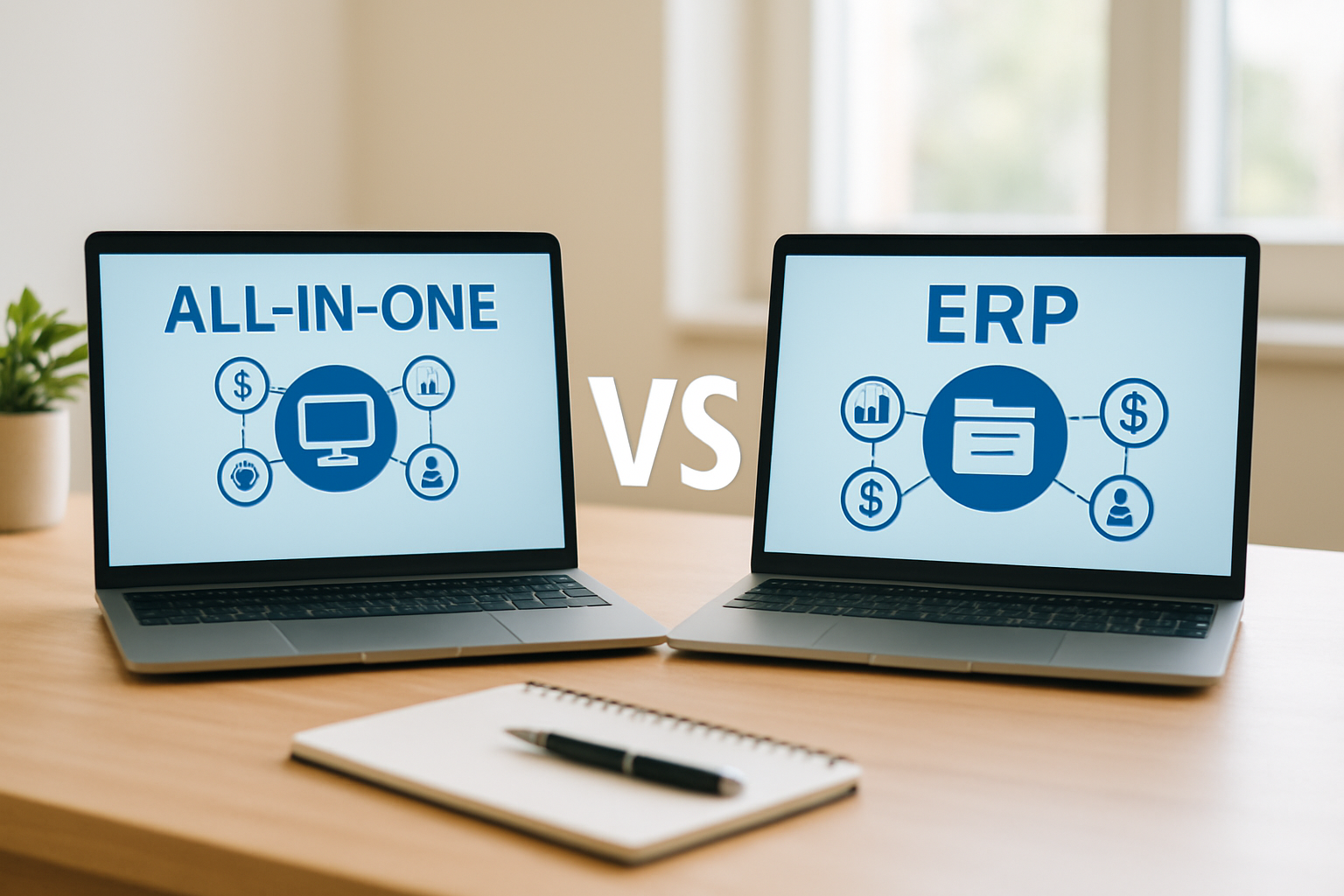
When we compare all-in-one vs ERP, we are really asking a practical question: which system helps a small business run with less friction, fewer tabs open, and a clearer path from task to cash flow? For startups, consultants, and lean teams, the answer is rarely about technology prestige. It is about whether the platform brings operations, customer management, finance, and communication into one place without turning daily work into a maze.
That is where the conversation gets interesting. A true business hub should reduce scattered processes, improve visibility, and help owners move faster with confidence. In that sense, My Business Suite represents the kind of unified environment many small businesses are looking for, especially when they need simplicity first and scale second.
For a small business, clarity usually beats complexity before complexity starts paying rent.
All-in-One vs ERP Overview
At a high level, an all-in-one platform tries to gather the everyday tools a small business uses most often, such as customer management, invoicing, task tracking, team communication, and reporting. An ERP, or enterprise resource planning system, usually goes deeper into core business operations and is often built for more structured processes, heavier customization, and larger organizations.

The difference sounds simple, but the practical impact is huge. One platform is often designed to help a business move quickly with minimal setup. The other is typically designed to support more complex operations, more departments, and more formal process control.
What an all-in-one platform usually does well
An all-in-one tool tends to shine when a business wants one login, one dashboard, and fewer handoffs between systems. That matters a lot for owners who are still doing sales, service, finance, and admin all in the same week, sometimes all in the same morning.
- Customer tracking in one central place
- Invoicing and payment follow-up without extra software
- Task and project visibility for small teams
- Communication tools tied to client activity
For many teams, this is enough. Actually, it is more than enough. The goal is not to build a digital control tower if what we need is a reliable cockpit.
We also like this model because it lowers the mental tax of switching between systems. Every extra login, export, or duplicate note steals a bit of attention. Small businesses feel that cost immediately, often before they can even name it.
What an ERP usually emphasizes
An ERP usually focuses on structured back-office coordination. That can include inventory, accounting workflows, procurement, production planning, and multi-department process alignment. For a growing company with layered operations, that depth can be useful.
Still, depth comes with trade-offs. Setup can take longer, training can be heavier, and the system can feel oversized if the business mainly needs client management, billing, and operational visibility in one place.
There is a reason many ERP conversations sound impressive on paper but get messy in practice. If a platform asks a five-person team to operate like a 500-person department, the promise starts to wobble. And wobble is expensive.
All-in-One vs ERP Key Differences
When we look at all-in-one vs ERP, the most useful comparison is not feature count. It is fit. A feature-rich system that nobody uses well is still a bad operational bet.

The clearest way to compare them is by the kind of work they are built to support. The wrong choice usually shows up as duplicated data, missed follow-ups, and owners spending evenings fixing workflows instead of growing the business.
all-in-one vs ERP: speed versus structure
All-in-one software generally favors speed. We can often connect sales, service, and finance faster because the product is designed for immediate usability. That is especially valuable for small businesses that need operational clarity without a long implementation project.
ERP software usually favors structure. That structure can be excellent when the business has multiple departments, more formal approvals, or high process complexity. But for a lean team, it may feel like bringing a freight train to deliver groceries.
all-in-one vs ERP: unified daily work versus enterprise process depth
An all-in-one platform is often the better match when the day-to-day challenge is moving smoothly from lead to proposal, proposal to invoice, invoice to payment, and payment to follow-up. That single flow is where many small businesses win or lose time.
- Sales teams want fast access to customer history
- Owners want instant financial visibility
- Freelancers want clean project and billing tracking
- Small teams want fewer communication gaps
ERP systems can support those areas too, but the architecture often assumes more complexity than a small business actually needs right now. In practice, that can mean longer onboarding and more dependence on specialists or internal admins.
A simple example makes this plain. If a consultant closes a new client on Monday, starts the project on Tuesday, invoices on Friday, and follows up on payment the next week, an all-in-one system keeps that whole chain visible in one place. An ERP can do the job, sure, but it may ask for more setup than the situation deserves.
all-in-one vs ERP: customization and maintenance
An ERP usually offers deeper configuration, which sounds great until the business realizes that every new workflow may need careful setup. That is not a flaw. It is just the nature of a heavier system.
All-in-one software tends to trade some of that deep customization for agility. For small businesses, that trade often makes sense because the real bottleneck is not a lack of enterprise-grade configuration. It is the lack of time.
There is also the maintenance side, which people often underestimate. More custom layers usually mean more chance for misalignment later, especially when team members change, services evolve, or reporting needs shift.
all-in-one vs ERP: data consistency and team memory
One underrated difference is how each system handles team memory. A fragmented setup relies on people remembering where things live. A unified setup stores context beside the work itself.
That matters when a customer asks, “Did we already send that revised estimate?” or “Who last spoke with this account?” The answer should not depend on one person being online and alert. It should live inside the system.
All-in-One vs ERP for Small Business Fit
For small businesses, the better question is not which system is more advanced. It is which one helps the business run with fewer bottlenecks. That is why the all-in-one vs ERP decision usually leans toward the platform that supports the team’s current size, budget, and operating rhythm.
The gov.br portal reúne informações e serviços públicos que mostram como soluções práticas e acessíveis costumam facilitar a rotina de quem precisa de agilidade. When a business is still building repeatable routines, simplicity can create more value than an oversized stack.
all-in-one vs ERP: when an all-in-one platform is usually the better call
An all-in-one platform often fits businesses that want centralized control without building a custom systems project around it. That includes startups, small service firms, consultants, agencies, and owner-led teams that need to keep customer work and back-office work connected.
- We need a central place for client information.
- We want invoicing and payments tied to the same workflow.
- We need team visibility without extra admin overhead.
- We want faster adoption from a small team.
If those points sound familiar, an all-in-one setup may be the stronger move. It gives the business a cleaner operating rhythm, which is usually where efficiency starts to compound.
Think about a small agency with three people wearing seven hats. If one person can update a task, a client note, and an invoice without jumping between tools, the whole team feels lighter. That is not glamour. That is survival with style.
all-in-one vs ERP: when an ERP starts making more sense
An ERP tends to become more attractive when the business has more formal operations, more internal dependencies, or reporting needs that stretch across departments. For example, a company with inventory, purchasing, production, and accounting all moving at once may benefit from that broader process backbone.
In other words, ERP can be a strong fit when the business has already grown past lightweight coordination. Until then, it may be more machine than the team really needs.
We can also borrow a useful signal from operations reality: if one missed handoff can stall several departments, the business is probably entering ERP territory. If the main headache is still “we keep losing track of clients and invoices,” the simpler path usually wins.
Why My Business Suite fits the small-business reality
My Business Suite was built for the kind of business that needs a Unified Business Hub more than a sprawling technical project. That matters because small teams do not usually want software for software’s sake. They want clear oversight, smoother communication, and a path that helps work move from first contact to payment without chaos.
That is especially useful for owners like Maria, Sarah, and David. A startup founder needs flexibility without enterprise bloat. A small business owner needs less app switching. A freelancer needs a central system that keeps project history, invoicing, and client communication from drifting apart.
The appeal is practical, not theoretical. When the system supports customer follow-up, financial tracking, and task visibility in the same place, the team stops patching together a workflow with sticky notes and memory. And honestly, memory is a terrible operating system.
Cost Control and Operational Clarity
Budget is not just a line item. It is a decision filter. That is why cost is one of the sharpest ways to evaluate all-in-one vs ERP for a small business.
The g1 and other major news outlets regularly report on the opening and movement of new companies in Brazil, which reinforces a simple truth: many teams are building while they are still learning what their real software needs are.
Cost is more than subscription price
The sticker price is only part of the story. We also need to account for onboarding time, training, process redesign, integration work, and the hidden cost of people not using the system properly.
- Lower upfront complexity can reduce setup time
- Fewer tools can reduce training overhead
- Better visibility can reduce missed revenue
- Connected workflows can reduce duplicate data entry
A less expensive system that creates confusion can become very costly. On the flip side, a platform that consolidates operations can free up hours every week. That time often turns into sales, better service, or simply a more bearable workday.
The Brasil.gov.br portal also reúne conteúdos úteis sobre gestão e serviços públicos, reforçando esse olhar para ferramentas que apoiam decisão sem acrescentar complexidade desnecessária.
Operational clarity is a revenue tool
When information lives in separate places, teams start guessing. Guessing leads to late follow-ups, inconsistent client communication, and awkward moments when nobody knows whether an invoice was sent, approved, or paid.
A cleaner system creates Operational Clarity. We can see the status of tasks, customer conversations, and money movement without playing detective. And honestly, that alone can save a business from a surprising amount of stress.
For example, imagine a consultancy handling 18 active clients. If each client update lives in a different tool, the owner may lose an hour a day just searching for context. Multiply that over a month, and the cost becomes obvious even without fancy math.
This is also where consistent reporting starts to matter. A clean dashboard can turn a vague feeling of “we are busy” into a real answer about where time and cash are actually going. That shift is small on paper and huge in real life.
Implementation, Adoption, and Scale
A software decision only matters if the team actually uses the software. That is why adoption should sit near the top of the decision list. A simpler platform often wins here because small teams can learn it faster and use it more consistently.
The Terra reúne conteúdos sobre negócios, tecnologia e produtividade que ajudam a acompanhar como empresas buscam eficiência digital. For practical business guidance, the point is not to turn software selection into a bureaucracy exercise. The point is to choose tools that help teams work with confidence.
all-in-one vs ERP: adoption depends on friction
If a system asks too much from users on day one, adoption drops. People improvise, spreadsheets reappear, and the new platform slowly becomes expensive wallpaper. We have all seen that story before.
That is one reason all-in-one platforms often perform well for small businesses. They reduce friction. When customer management, finances, task tracking, and communication live together, the team spends less energy switching contexts and more energy doing the actual work.
There is a human side to this too. People support what they understand quickly and what helps them immediately. A platform that delivers a visible win in the first week has a real advantage over one that promises greatness after three rounds of setup.
all-in-one vs ERP: scale should feel progressive, not painful
Growing a small business should feel like widening a road, not rebuilding the entire highway every quarter. A good system grows with the business by adding structure where it is needed without forcing enterprise complexity from the start.
- Start with core visibility
- Add workflow consistency
- Improve reporting
- Expand only when the business truly needs it
That is the kind of scale many founders want. Not dramatic. Just steady. A platform like My Business Suite supports that path because it keeps the business grounded in everyday execution while leaving room for growth.
If the business later needs more complexity, it can evaluate that move from a position of strength instead of panic. That is a much better place to negotiate software, budgets, and team bandwidth.
Practical adoption tip for small teams
We like to think rollout should begin with the highest-friction workflow first, usually the one causing the most missed follow-ups or manual re-entry. Once that piece is stable, the rest of the system gets easier to trust.
That sequence matters. Small teams do not need a perfect launch. They need early proof that the platform makes work smoother instead of heavier.
FAQ
Here are the questions we hear most often when businesses compare all-in-one vs ERP.
Is all-in-one software enough for a growing small business?Yes, in many cases it is. If the business mainly needs customer management, invoicing, task tracking, communication, and basic reporting, an all-in-one platform can cover a lot of ground without adding unnecessary complexity.
When should a business consider an ERP instead?An ERP usually becomes more relevant when operations become highly structured, with multiple departments, inventory, procurement, production, or advanced reporting needs. At that point, the deeper process control can justify the heavier setup.
Does an all-in-one platform replace separate tools completely?Often, yes for daily operations, but not always for every specialist use case. The best all-in-one systems replace the most fragmented parts of the stack first, which is where small businesses usually lose the most time.
Why do small teams struggle with ERP adoption?Because ERP systems can be heavier to implement, train, and maintain. If the team does not have the time or internal support to manage that complexity, adoption tends to slow down fast.
How does My Business Suite help in this decision?My Business Suite gives small businesses a unified environment for customers, finance, tasks, and communication, which helps teams move from task to cash flow with less friction and more visibility.
In the end, the smartest choice is the one that helps us work with less noise and better control. For most small businesses, that means choosing a system that keeps the business connected, the team aligned, and the customer experience consistent. And if the goal is practical growth with real operational clarity, an all-in-one platform usually deserves a very serious look.
One last detail we should not ignore is resilience. When a tool supports the full daily rhythm, from first inquiry to paid invoice, the business becomes less vulnerable to process gaps. That is the quiet advantage of a unified system, and it often shows up exactly when things get busy.