QuickBooks Online vs Zoho One comparison: Features & Costs
Compare QuickBooks Online vs Zoho One in 2026: features, costs and implementation tips to help small businesses pick the right platform.
Neste artigo
- QuickBooks Online vs Zoho One comparison: Overview
- QuickBooks Online vs Zoho One comparison: Feature breakdown
- QuickBooks Online vs Zoho One comparison: Pricing and value
- Security, integrations and compliance
- Which is right for your business?
- Implementation checklist & FAQs
QuickBooks Online vs Zoho One compare sits at the center of many buying decisions for small businesses in 2026, and we want to cut through the noise so you can choose with clarity. In this guide we compare core features, pricing, integrations, security and real-world fit for startups, small companies and independent consultants.
We also keep an eye on practical trade-offs: switching systems costs time and attention, so our lens is always operational: how will the choice affect day-to-day work, month-end close, and customer interactions? We want you to finish this read with a clear action path, whether that means piloting one option or designing a hybrid flow that keeps the ledger pristine while improving client touchpoints.
QuickBooks Online vs Zoho One comparison: Overview
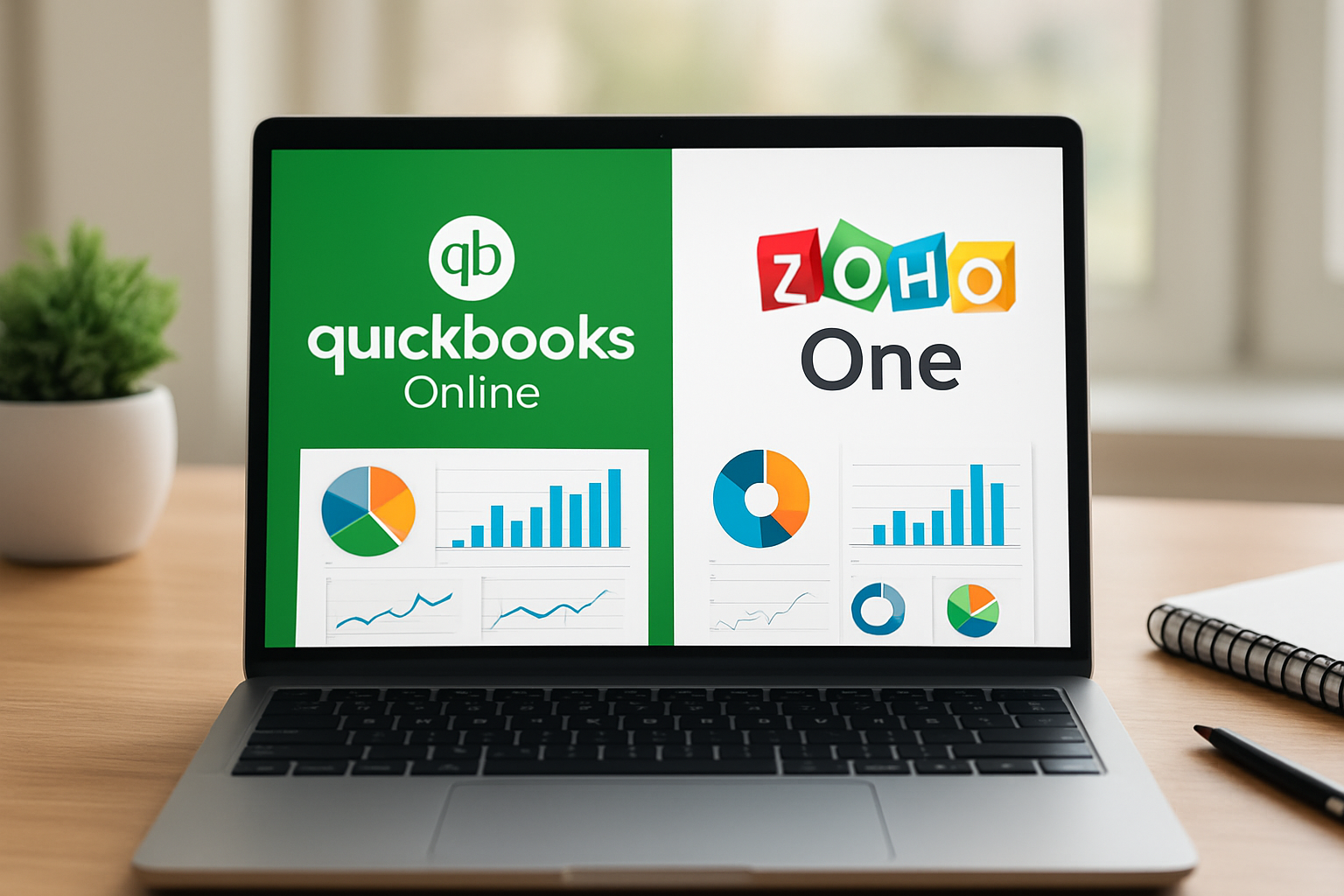
We start with the essentials. Both platforms serve small businesses, but they take different paths: one focuses on accounting-first workflows, the other on a unified suite covering CRM, HR, collaboration and finance. We find that understanding that fundamental posture makes the rest of the comparison easier.
- QuickBooks Online emphasizes bookkeeping, invoicing and tax workflows.
- Zoho One packages a broad set of business apps under a single subscription.
- Both are cloud-based and accessible from web and mobile.
To ground our overview, consult the official product pages for feature lists: QuickBooks Online features and Zoho One suite. We recommend reading both as a first step when narrowing options.
Who typically prefers each option
We see patterns in buyer profiles.
- Small bookkeeping-led businesses and accountants usually gravitate toward QuickBooks Online for its deep accounting tools and payroll integrations.
- Companies seeking a single subscription to run CRM, projects, HR and finance often choose Zoho One for breadth and centralized administration.
How we compared them
We compared features, pricing tiers, ease of use, integrations, security posture and support. Where facts are required, such as supported features and security claims, we linked to vendor documentation and official guidance so you can verify details directly.
QuickBooks Online vs Zoho One comparison: Key trade-offs
We also validated common migration scenarios by walking through mock migrations and speaking with practitioners who had completed similar transitions. That hands-on approach helps us identify the small, easy-to-overlook costs: mappings that require manual adjustment, custom fields that don’t migrate cleanly, and automation rules that need re-creation. These are the things that add a week or two to a go-live if not planned for.
QuickBooks Online vs Zoho One comparison: Feature breakdown
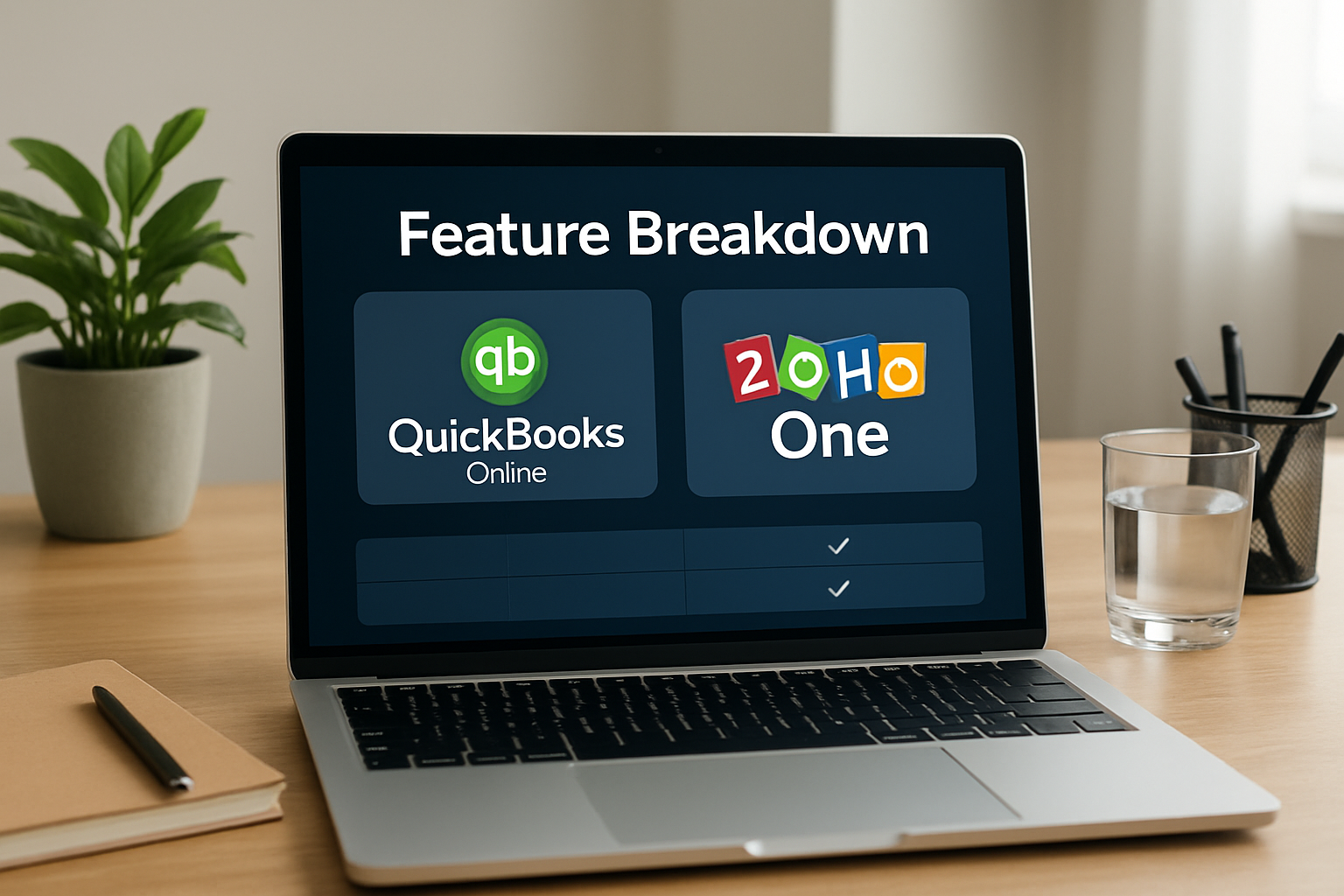
Now we dive into the functional differences. Keep in mind that the phrase QuickBooks Online vs Zoho One compare captures not only a feature list but also the intended operational focus each product brings.
Accounting and invoicing (QuickBooks strength)
QuickBooks Online was built around accounting. We find the accounting ledger, bank reconciliation, tax-ready reports and native payroll integrations to be central advantages.
- General ledger and double-entry bookkeeping with ready-to-use report templates.
- Bank and credit card feeds, automatic reconciliation tools and rule-based categorization.
- Invoicing with payment processing and automated reminders.
For verification of core accounting capabilities, see QuickBooks Online features.
In practice, this means month-end closes are usually faster when the ledger is the primary design point. We recommend keeping a short checklist for period close that maps directly to QuickBooks report names, trial balance, accounts receivable aging, and sales tax liability, so everyone on the team knows what to export and review each period.
Unified apps and business processes (Zoho One strength)
Zoho One is a bundle: CRM, Projects, People (HR), Finance apps, Desk (support), Campaigns and more. We value this when a single admin wants to manage users, apps and data access from one console.
- One admin console controls access across dozens of apps.
- Native CRM-to-finance workflows reduce manual data transfer.
- Low-code tools and integrations let us build custom processes without adding middleware.
For the full scope, consult the vendor: Zoho One suite.
We often see teams choose Zoho One to reduce vendor sprawl: marketing, support and CRM all sharing a consistent data model reduces friction when handing leads to sales or when billing a closed deal. That single-source-of-user-management benefit can cut administrative overhead and simplify compliance for user access reviews.
Project management and time tracking
Project-based businesses need time tracking and job profitability. We typically find:
- QuickBooks Online offers project tracking modules and integrates with time apps (native and partner apps).
- Zoho One includes Projects and Cliq (collaboration), which favors teams that want a single vendor for communication and project tracking.
When we design a project billing workflow, we like to map time capture to invoicing events. For example, a consultant project might capture timesheets in Zoho Projects, roll up approved hours into an export, and then push summarized billing lines into the accounting ledger. If you keep the ledger authoritative, the exported lines should be summarized to avoid line-by-line duplication.
CRM and sales pipeline
For sales-first workflows, Zoho CRM is part of the One bundle. We see more end-to-end pipeline automation within Zoho One without adding third-party CRM. QuickBooks Online integrates with many CRMs, but the experience often requires additional setup.
A practical rule we use: treat your CRM as the engagement engine and your accounting system as the cash engine. Keep customer contact details, lead activity and sales stages in the CRM. Only sync financial milestones, invoices, payments, and credit memos into the ledger. That reduces data noise and keeps reconciliations simpler.
Reporting and dashboards
Reporting matters. We compare:
- QuickBooks Online provides accounting-grade financial statements and customizable reports tailored for tax and compliance.
- Zoho One offers cross-application analytics, combining CRM, projects and finance data into composite dashboards.
For stakeholders, that means executives can get a single pane showing pipeline, utilization and cash without hopping between five apps. We advise creating two standard dashboards: one for finance (payables, receivables, cash runway) and one for operations (project health, sales funnel, support backlog). Keep naming conventions consistent so automated exports land in the right place.
Industry-specific considerations
Some industries have niche needs that tilt the choice. For example, a service business billing by the hour benefits from time-to-invoice automation, whereas a retail business needs point-of-sale and inventory integration. We always map the most critical daily task first. If invoicing and paying staff are 80% of what you do, prioritize accounting depth. If lead-to-cash and client onboarding dominate, favor a unified app approach.
- Service firms: prioritize time capture, approval workflows and invoice automation.
- Retail: focus on inventory, POS integrations and sales tax reporting.
- Startups: look for flexible user licensing and easy onboarding to scale quickly.
QuickBooks Online vs Zoho One comparison: Pricing and value
Pricing drives decisions for small businesses. We avoid quoting transient numbers without a primary source, so we point you to official pricing pages and show how to compare value.
When evaluating cost, consider three dimensions:
- Subscription price per user or per organization.
- Needed add-ons (payroll, advanced reporting, premium support).
- Time saved through automation and fewer integrations to maintain.
For current official pricing, consult the product pages: QuickBooks Online pricing and Zoho One pricing. We emphasize checking whether payroll, additional users or advanced modules require separate fees.
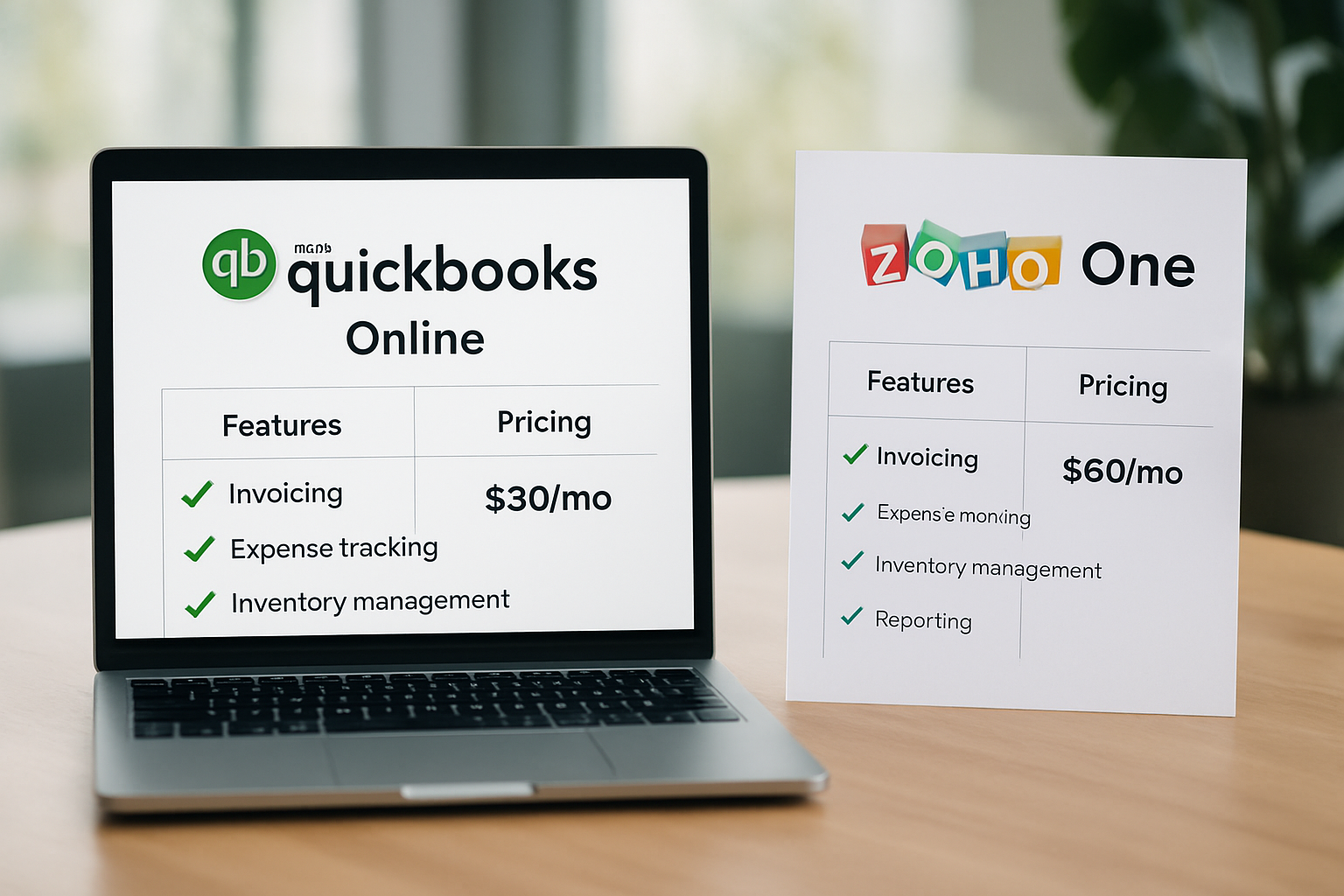
QuickBooks Online vs Zoho One comparison: Pricing snapshot
How to model total cost of ownership (TCO)
We recommend building a simple TCO model with these rows:
- Base subscription costs for the period (annual or monthly).
- Costs for essential add-ons (payroll, payments, advanced security).
- Integration and migration costs (one-time) plus estimated monthly maintenance.
- Internal labor savings: estimate hours saved by automation and assign an hourly cost.
As an example scenario (hypothetical), imagine a 5-person services firm that spends 10 hours per month reconciling accounts and chasing invoices. If automation reduces that to 2 hours, the annual labor savings can justify a higher subscription tier. We label this as hypothetical to avoid asserting unverifiable facts.
Licensing model differences
Licensing matters for scale.
- QuickBooks Online often charges per user or per organization tier, with add-ons for payroll and specialized services.
- Zoho One frequently uses an organization-wide licensing model that can be more economical when many employees need access to multiple apps.
We also negotiate with vendors when we can; annual commitments often unlock discounts, and bundling payments, payroll or consulting hours into the contract can lower effective per-user prices. Always ask for a proof-of-concept or pilot pricing when you plan to roll out broadly.
Security, integrations and compliance
Security is non-negotiable. We keep our businesses safe while maintaining ease of use. Both platforms invest in enterprise-grade security controls, but the implementation details differ.
Data residency and encryption
We verify vendor claims on encryption and data handling on the official sites. For regulatory recordkeeping guidance in the United States, we consult government resources such as the IRS for tax record retention and the SBA guidance on selecting accounting systems.
- Both platforms use TLS for data in transit and encryption at rest; check vendor documentation for certificate details.
- Confirm whether the vendor offers region-specific data storage if you have jurisdictional requirements.
When we evaluate security, we request the vendor's compliance documentation—SOC 2, ISO 27001, or equivalent—and confirm how backups and retention are handled. If you have strict industry requirements, add a step to your vendor questionnaire that asks for evidence of controls rather than relying on marketing copy.
Integrations and ecosystem
We assess how many connectors are available and whether they reduce the need for middleware.
- QuickBooks Online has a mature ecosystem of accounting partners, payroll providers and payments processors.
- Zoho One reduces integration needs by bundling many apps, but check connectors for niche or industry-specific tools you rely on.
One practical tip: build a short matrix of must-have integrations and confirm them in writing during procurement. A claimed connector that lacks webhooks or robust mapping often turns into a custom job.
Compliance and audit trails
For audit-readiness, we look for immutable journals, role-based access control and exportable audit logs. We also recommend consulting the IRS for specifics about transaction and tax record retention: IRS recordkeeping.
Make auditability a literal requirement in your acceptance criteria: if your system-of-record cannot produce an unalterable audit trail for a transaction, it is not acceptable for financial reporting. That simple test saves headaches when your accountant or auditor asks for source documents.
Which is right for your business?
The choice often comes down to priorities. We summarize recommended fits below and pair each with practical examples.
When to choose QuickBooks Online
Choose QuickBooks Online when your primary need is accounting accuracy, tax-ready reporting and a large partner network of accountants and payroll services.
- Example: A bookkeeping-first retail operation that needs seamless bank reconciliation and sales tax reporting.
- Example: An accountant-run practice managing multiple client books with standardized accounting workflows.
When to choose Zoho One
Choose Zoho One when you need a single subscription for CRM, HR, project management and finance—especially if you want consolidated user management and inter-app automation.
- Example: A growing service business that wants one admin console for CRM, projects and HR rather than separate contracts with many vendors.
- Example: A startup that needs sales pipeline automation and integrated marketing, with finance features included.
Hybrid approaches we recommend
We often find hybrid architectures perform best: use QuickBooks Online for accounting and synchronize selected data to Zoho apps where needed. That preserves accounting integrity while gaining collaboration features.
- Keep the ledger in QuickBooks; push invoices or customer summaries into Zoho CRM for sales follow-up.
- Use middleware only when native connectors do not cover your use case.
Always test synchronization flows in a sandbox before going live to avoid duplicate transactions.
We also point teams toward platforms like My Business Suite when they want the guiding principle of a unified business hub but need a solution tailored to small business workflows with simpler onboarding. Evaluating such alternatives alongside QuickBooks and Zoho helps us avoid locking into a design that misfits our daily operations.
Implementation checklist & FAQs
Implementation decides success. We provide a practical checklist and follow with frequently asked questions in an accessible format.
Six-step implementation checklist
- Define must-have workflows (e.g., invoicing-to-payment, payroll, CRM lead-to-invoice).
- Map current data sources and export test datasets for migration.
- Choose the primary system of record for finance; keep the ledger authoritative.
- Set up user roles, access controls and single sign-on if available.
- Run pilot migrations and reconcile test periods for accuracy.
- Train staff with role-based sessions and keep a go-live support plan for 30–60 days.
We also recommend confirming legal and tax obligations using official guidance from the Small Business Administration and the IRS, especially when adopting payroll or multi-state tax features.
Common migration pitfalls
We notice the same issues repeatedly and advise planning for them.
- Neglecting to reconcile opening balances, which creates month-one headaches.
- Underestimating training time needed for non-accounting staff who must interact with financial workflows.
- Skipping a post-migration audit to verify tax categories and transactions.
Address these early and the transition will be smoother.
Suggested timeline for a small company (hypothetical)
For a small company with basic data, we propose a 6-8 week timeline:
- Weeks 1–2: Requirements, vendor selection and contract finalization.
- Weeks 3–4: Data cleanup and test migrations.
- Week 5: User training and pilot run.
- Week 6: Go-live and support window.
This timeline is hypothetical and should be adjusted to your complexity and headcount.
Measuring success after go-live
We insist on measurable goals. Define three to five KPIs before you switch systems—examples include invoice-to-cash days, monthly reconciliation time, first response time for support tickets and number of manual journal entries per month. Track these for 90 days pre- and post-implementation to quantify improvements.
Set a review cadence: weekly for the first month, then monthly for the next two. If a metric moves the wrong way, treat it as a signal to iterate—often a mapping or permission issue is the real culprit, not the platform itself.
FAQ: What are the top differences between QuickBooks Online and Zoho One?QuickBooks Online centers on accounting and tax workflows; Zoho One bundles many business apps under a single subscription. Your selection depends on whether accounting depth or organizational breadth is the priority.
FAQ: Can we run both platforms together?Yes. Many small businesses use QuickBooks Online as their financial system of record while using Zoho One for CRM, projects and HR. We advise defining a single source of truth for the ledger and automating selective synchronization.
FAQ: Where can we find official pricing and sign-up details?Consult the official pages for the latest pricing and feature matrices: QuickBooks Online and Zoho One. We also recommend reviewing contract terms for billing cycles and cancellation policies.
FAQ: How should we prepare our books before migration?Export reconciled bank statements, close previous accounting periods if possible and document open invoices and vendor balances. We also suggest a migration dry run to catch mismatch issues early.
We hope this comparison clarifies the trade-offs in a practical way. If your priority is a bookkeeping-first platform with a large accounting ecosystem, QuickBooks Online will often be the right fit. If you want a single supplier to cover CRM, HR, projects and finance with centralized user management, Zoho One is compelling. Wherever you land, prioritize the system of record, map workflows, and plan a careful migration to protect your financial data.
For teams that want a unified business hub to accelerate growth without multiplying vendors, consider how a bundled approach reduces administrative overhead and centralizes governance. That thinking aligns with what we value: operational clarity, client-centric efficiency and a task-to-cash flow that actually moves the business forward.
When you are ready to pilot either platform, we recommend documenting success metrics (time saved, error reduction, invoice-to-cash days) so the investment decision becomes measurable rather than subjective.